Как отключить Блум
GHub Platform · Гайд · 0 ответов · 15 просмотров
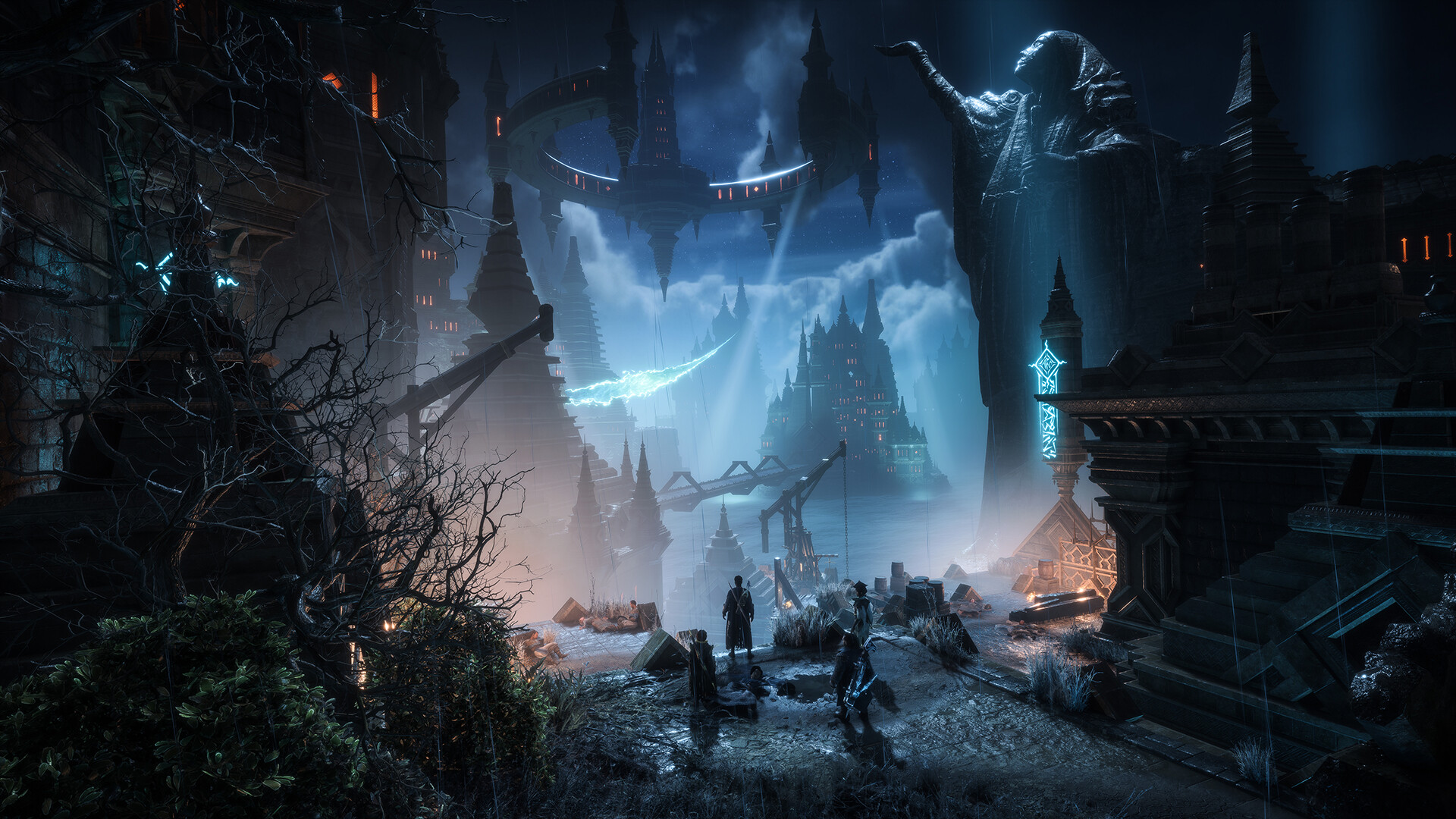
1. Перейдите в Documents\BioWare\Dragon Age The Veilguard\settings 2. Откройте ProfileOptions_profile с помощью блокнота или notepad++ 3. Найдите GstRender.UI_Bloom 1 и замените на GstRender.UI_Bloom 0 4. Сохраните файл Готово --- Источник: https://steamcommunity.com/sharedfiles/filedetails/?id=3358282565
ИсточникGHub Platform · автор02.08.2026, 14:17:09
1. Перейдите в Documents\BioWare\Dragon Age The Veilguard\settings 2. Откройте ProfileOptions_profile с помощью блокнота или notepad++ 3. Найдите GstRender.UI_Bloom 1 и замените на GstRender.UI_Bloom 0 4. Сохраните файл Готово --- Источник: https://steamcommunity.com/sharedfiles…
Войдите, чтобы писать в группе