How to Open Developer Console
GHub Platform · Гайд · 0 ответов · 7 просмотров
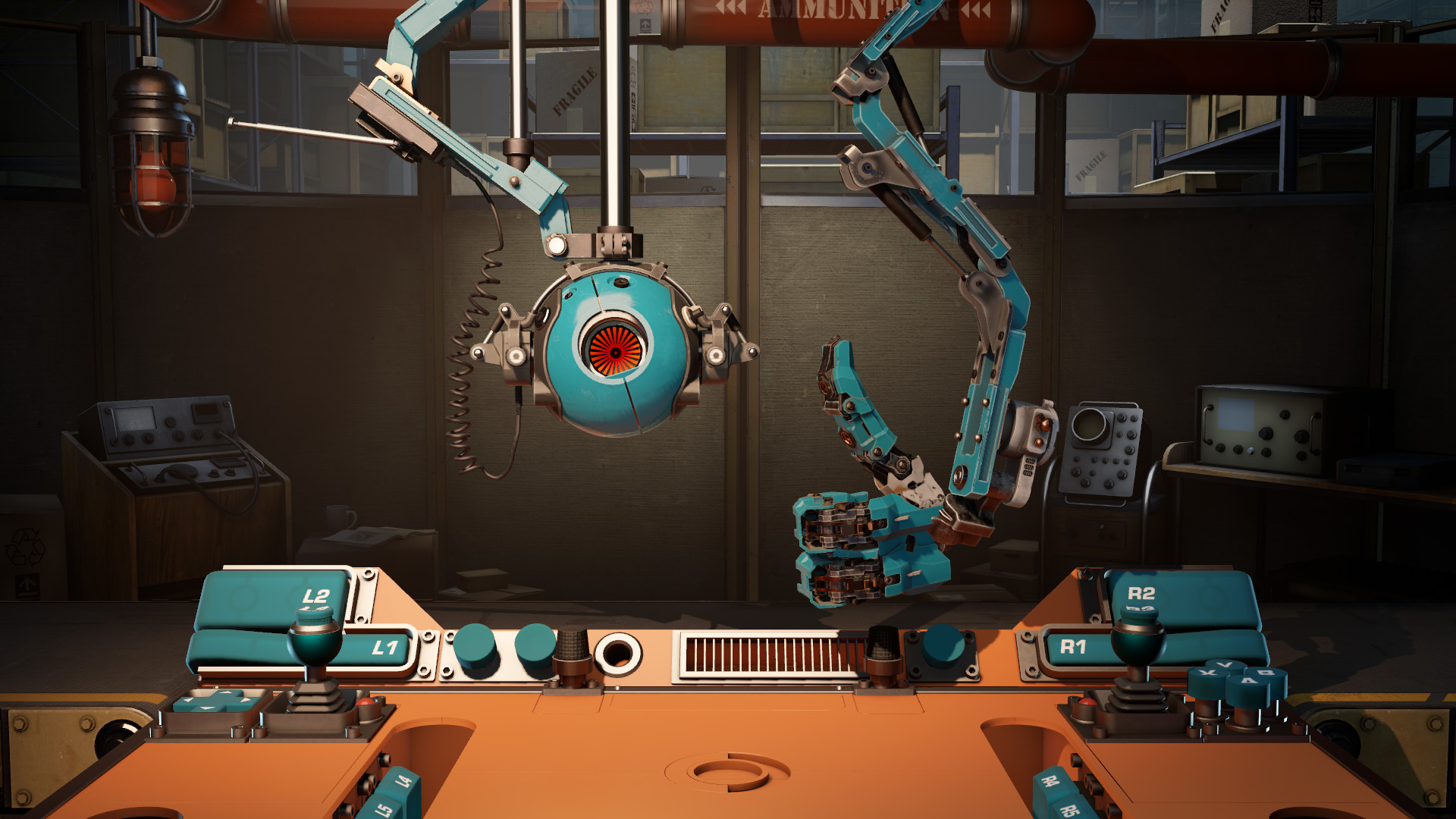
Right click on the game in your library and click "Properties". Type "-console" into the launch options box. Open up the game and press the squiggly line key "~" to open the developer console. To enable cheats, type in "sv_cheats 1". From here you can play around with cheats. The game's standard FOV is pretty zoomed in so I'd recommend using the command "fov_desired 90". You can fly around with the command "noclip" and take screenshots if you want to make wallpapers out of this game or for whatever reason you would actually want to toggle cheats in the first place. I just made this guide because I was surprised there aren't any guides for this game that aren't just gags. Anyways enjoy some of the screenshots I took while using noclip: CONGRATULATIONS!!!!!!! YOU MADE IT TO THE END OF THE GUIDE!!!!!!!!! SHARE THIS GUIDE WITH ALL YOUR FRIENDS TO SHOW THEM HOW TO ENABLE THE DEVELOPER CONSOLE IN A TECH DEMO!!!!!!! --- Источник: https://steamcommunity.com/sharedfiles/filedetails/?id=2852294998
ИсточникGHub Platform · автор22.08.2026, 23:43:45
Right click on the game in your library and click "Properties". Type "-console" into the launch options box. Open up the game and press the squiggly line key "~" to open the developer console. To enable cheats, type in "sv_cheats 1". Fro…
Войдите, чтобы писать в группе