Obtain "Show Off", "Owned!" and "The Collector" achievements using the mobile game
GHub Platform · Гайд · 0 ответов · 17 просмотров
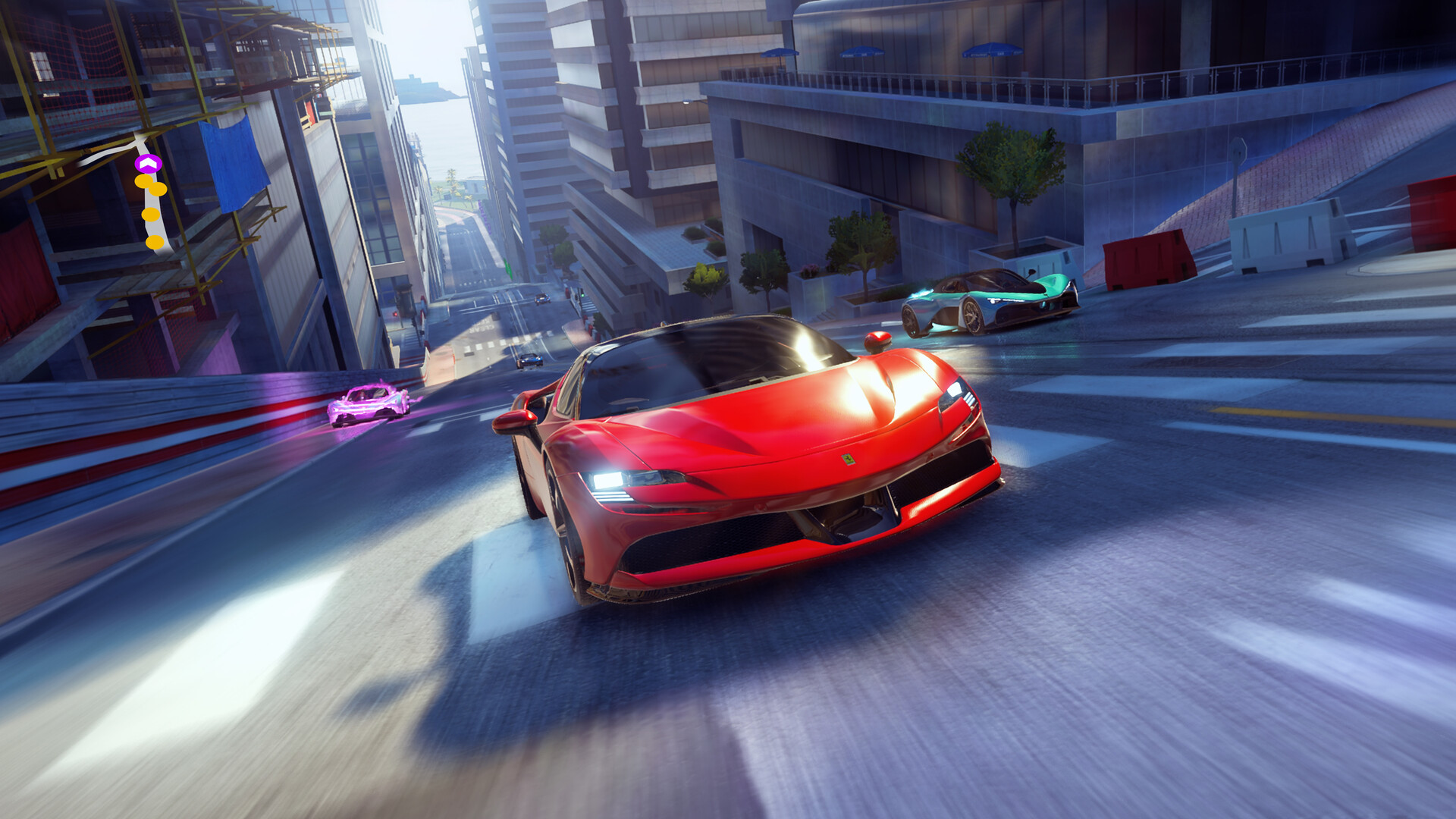
After downloading the app, open the settings, click 'CONNECT' and select the Gameloft tab to link your account. This will sync with your Steam account if you set up your PC game/Gameloft account correctly Once you are all linked up you can begin collecting your free items each day! Once you are all set up, head into the mobile app shop and scroll down to the 'RECOMMENDED' section. There should be a few options to watch ads for free items. It is important to note that should you obtain a star up or unlock a car on the mobile app DO NOT SELECT STAR UP/UNLOCK on the app, instead save it for later and do this on the PC version for it to count towards your steam achievements!!! ----------------------- Select 'WATCH AD' on any one and select the first available option to watch the ad. TIP: put your volume down completely and let the ad run whilst doing something else - they can range between 5 seconds to 25 seconds Do not exit during the ad, this will invalidate it and cause you to need to re watch. Once the ad finishes, an 'X' or arrow appears to continue back to the home page to redeem your reward. Sometimes there will be 3 stages of 'x'/arrows to click to exit - be patient :) When you select the final 'X' it will take you back to the rewards page, don't select anything until it says 'synchronising' and your rewards will appear. Once you have exhausted all the watchable ads under 'RECOMMENDED' head to 'CARD PACKS' - there will be one option to watch a few ads. This option will become exhausted after 5 or 6 ads. These options will refresh every 12 hours or so where you can obtain another round of items for free You can easily set up the notification for the card pack that is received every 4 hours in the game, granting additional free items on top of the ones received watching ads. Again, It is important to note that should you obtain a star up or unlock a car on the mobile app DO NOT SELECT STAR UP/UNLOCK on the app, instead save it for later and do this on the PC version for it to count towards your steam achievements!!! In the mobile app settings - select notifications and turn on 'NOTIFICATIONS ' and 'FREE PACK READY TO CLAIM' Having access to a linked mobile app allows you to also check in daily for your sponsorship reward instead of your PC if you are out and about for the day. Third times a charm - It is important to note that should you obtain a star up or unlock a car on the mobile app DO NOT SELECT STAR UP/UNLOCK on the app, instead save it for later and do this on the PC version for it to count towards your steam achievements!!! Hopefully the above information helps to obtain these two achievements! Nothing stopping you from playing the game on mobile as well, i just personally hate playing racing games on mobile so I just stick to the easy free stuff and i'm uncertain if the flags will be picked up on steam achievements so i avoid it altogether. Feel free to comment if you get stuck! --- Источник: https://steamcommunity.com/sharedfiles/filedetails/?id=3376430763
ИсточникGHub Platform · автор23.08.2026, 00:13:15
After downloading the app, open the settings, click 'CONNECT' and select the Gameloft tab to link your account. This will sync with your Steam account if you set up your PC game/Gameloft account correctly Once you are all linked up you can begin collecting your free items each da…
Войдите, чтобы писать в группе