How to setup Gorilla Tag PCVR
GHub Platform · Гайд · 0 ответов · 17 просмотров
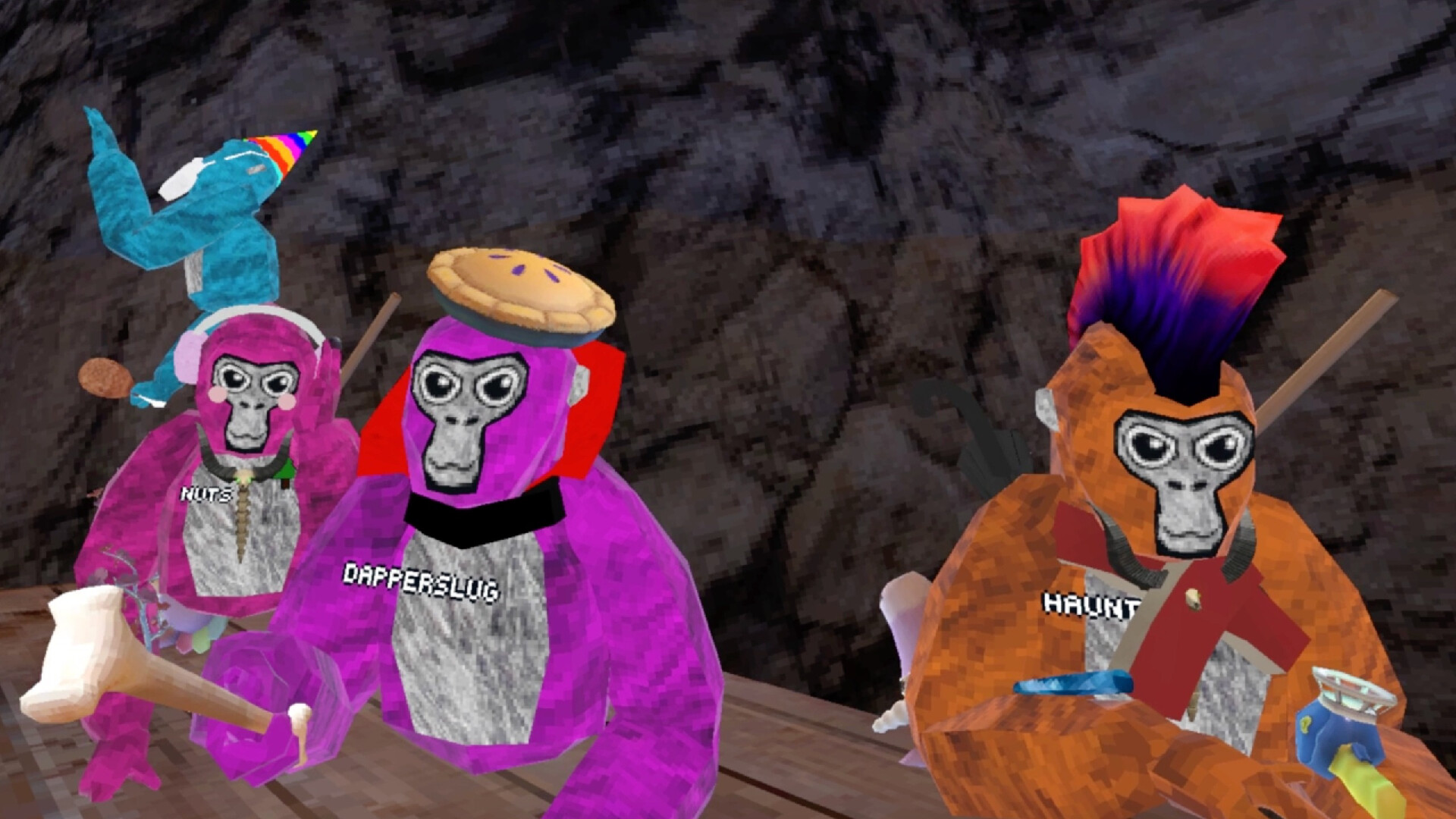
First you have to get the PC Oculus app (if you have a quest) by going to Oculus.com/setup . Then scroll down to type of Quest you have and press download and open the file and follow the instructions. Then in the app go to devices and press add headset and choose your Quest and press continue. Then choose either Quest link (You would need a cable) or Air Link. When you press follow the directions on the app. Now you have Oculus Setup! Then go into Steam and search, "SteamVR" and press the first one and download it. Then make sure you have Gorilla Tag installed. Then go onto your Oculus and go to where it shows the time and press it and press Quest Link. Then select your computer, it might have your name on it, and press it and press at the bottom "Pair". Then go back to your Computer and if the code in your Quest is same to the one on the computer app press Confirm. Then press Launch, then press the Oculus Button to open the menu and go to your apps and open SteamVR. Once in SteamVR press the Menu Button on the controller and open Gorilla Tag. Finally have Fun! --- Источник: https://steamcommunity.com/sharedfiles/filedetails/?id=3011940660
ИсточникGHub Platform · автор23.08.2026, 00:23:17
First you have to get the PC Oculus app (if you have a quest) by going to Oculus.com/setup . Then scroll down to type of Quest you have and press download and open the file and follow the instructions. Then in the app go to devices and press add headset and choose your Quest and…
Войдите, чтобы писать в группе