The Ultimate Alien Swarm Guide
GHub Platform · Гайд · 0 ответов · 13 просмотров
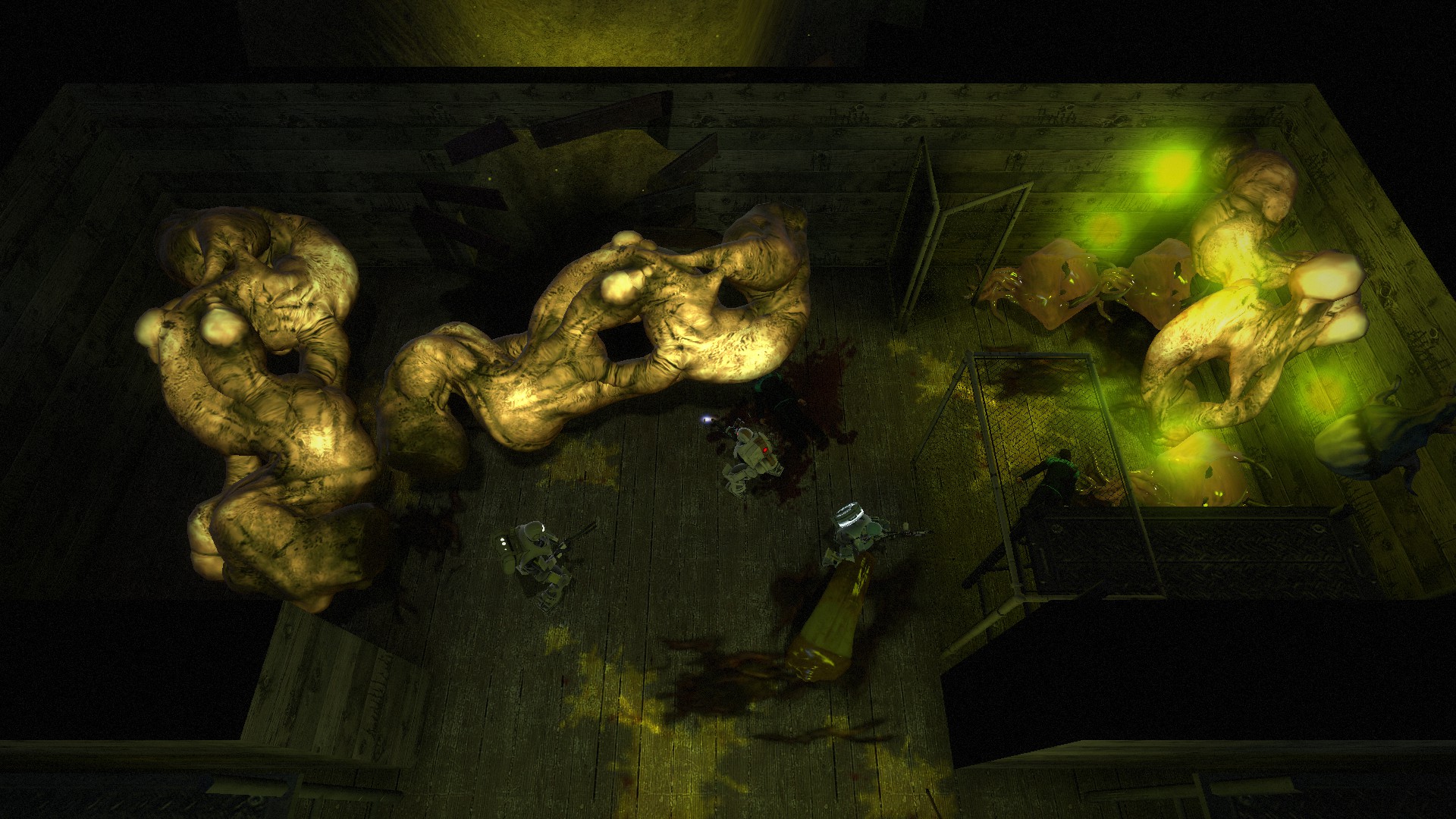
Welcome to the guide! I will try to cover all possible things about Alien Swarm to help you understand the game, so that we can have fun. Alien Swarm Alien Swarm: Reactive Drop (2017) is a remake/upgrade of the original Alien Swarm game (2010), which is also available on Steam for free. In this game, you control a selected marine from a bird's eye viewpoint and try to navigate him through handcrafted maps filled with aliens, switches, doors, items, lifts/elevators, barrels, bottomless pits and many more things. This game is very action-packed, it emphasizes positioning, keeping track of your surroundings and strategical use of selected equipment. It can be played SOLO, SOLO with BOTS, or up to 8-player LOCAL and ONLINE CO-OP MULTIPLAYER mode, and also up to 32-player MULTIPLAYER DEATHMATCH mode. Also this game is integrated into Steam. If you ever played Counter-Strike or other Steam integrated game, you probably know the benefits of that: Integrated Text and Voice Chat! User-made maps on Steam Workshop! Invite your friends through Steam and see them ingame when they are playing. Get a handy server list with your favorites: A question often asked on the forums - what's new compared to the 2010 version? Increased player count to 8 (previously was only 4) New campaigns (previously just one) New Challenge modes (even higher difficulty) New bot AI (bots are still bots, but they are definitely better now) New Weapons and equipment New Achievements Ingame Leaderboards - when loading a up a map, a list of best completion times for all your Steam Friends will show up, so you can compete who is better on a given map! Better Spectating - if you die, you can watch other people's mouse positioning, not just their character. Also you can spectate hacking. (previously you couldn't) Steam Workshop support (previously you had to install everything manually, workshop needs a single click) And probably more stuff that we have to discover yet... So far I've encountered these issues, if you find more, feel free to post them in the comments, I'll look into it. Game Launches in a weird resolution / too big, and you can't see the menu Solution: 1) Right click ASRD in Steam library -> Properties. 2) Switch tab to Local Files, select Browse Local Files. 3) Go to \Alien Swarm Reactive Drop\reactivedrop\cfg\ 4) Open video.txt and edit it. Enabling Fullscreen or Windowed Borderless should fix it, therefore change "setting.nowindowborder" "1" or "setting.fullscreen" "1" Switching from 2 Speakers in the Audio settings doesn't work This is only a display bug, it actually remembers what you select, so if you changed into "Headphones" for example, the game will display "2 Speakers" in the Audio settings, but it is actually set for "Headphones". You can verify this by looking in the \Alien Swarm Reactive Drop\reactivedrop\cfg\config.cfg file before and after you change the option. There are multiple ways to join a multiplayer game. Find Public Games These are games created by other people, who simply press Create New Game. Depending on the host's internet and PC, the game might be laggy. Also, if the host doesn't like you, he can kick you out of the game with a single click, which is why I don't recommend joining public games. Use these if you to play with friends only. Browse Dedicated Servers These are online hosted servers, where anyone can freely join. These are usually much more stable and other players expect random players, therefore you won't get instantly kicked out. A majority vote is needed for changing the map, kicking other players or selecting a lobby leader, but otherwise the game is identical to a Public game. I recommend playing on dedicated servers. Sometimes, these servers can also run custom modifications (ASBI ?), which might or might not make the game better for you. Game Lobby When you first join a game, you are greeted with this screen. You can press Z to chat with other players at any time. Voice chat also starts working here in the Game Lobby. Your selected Marine Your primary equipment slot Your switch equipment slot Your utility equipment slot Your level and Promote button Current Mission, Difficulty and Game settings Ready button / Start Game button Mission Details window Start off by clicking the Marine selection window (1). Each Marine comes with a default preset of equipment, for example: You can change the equipment, and it will stay changed until you exit the game. Now you can click the equipment slots (2, 3) and change the weapon and equipment you will use in the game. Scroll through equipment by moving your mouse to the sides of the equipment bar, or use the scrollbar. Some equipment is Class-specific and other classes cannot equip it (see RED squares). Some weapons and equipment will be locked and will unlock when your player level rises (see YELLOW square). However, unlocked equipment is not always better than the previous ones, each comes with its pros and cons. The Utility equipment selection (4) works similarly to weapon selection. You have only a limited supply of anything that you choose, so pick wisely. After you select your weapons and equipment, you should know what are you going to do in a given Mission. Missions can range from simple "open the door and run through" to clearing massive swarms of aliens. There's a mission where you need to walk through a complex and activate buttons as a nuclear warhead moves along a rail, and there's a mission where you need to hold position in a moving elevator. The Mission Details button (8) opens up an overview of the map and objectives: Clicking on the objectives on the left side will show different places on the map. You can also draw on the map: If you're not sure what to do after checking the Mission Details, you should ask in the chat before the game and the others will help you. Controls Before you go shooting aliens, you need to know how to play. Let me write default keybindings for you: WASD keys move you around Mouse aims where your character looks and shoots Left Mouse Button shoots your weapon Right Mouse Button performs a close range melee attack Middle Mouse Button (Mousewheel) uses Secondary ability (shoot a grenade from the Assault Rifle, for example) Q swaps between your primary weapon and your secondary equipment E opens doors, activates data terminals, levers, etc. Some terminals require Tech class! R reloads your current weapon. WARNING! If you manually reload, you lose any ammo that was left in the clip. Your character will reload automatically once you run out of ammo. 1 (+) key uses your utility item Space performs a roll. Use it to evade ranged attacks and/or friendly fire Z is the default chat hotkey Apart from that, there are many different hotkeys for dropping items, using emotes, controlling bots, etc. but you don't really need them for now. Consult Options -> Keyboard settings if you want more. The game will also give you hints about keys you should press (which can be turned off in the Options). Mission When everyones presses the READY button (7), the game host can Start the game. The game screen looks like this: During the game, you can press TAB at any time to review the objectives and draw on the map. Be careful, this does not pause the game, so you can die while checking the objectives. Be quick or tell your team to cover you. Gameplay This is how it looks, when your character uses a melee attack. You can break crates and barrels on the map with it, but you can also kill aliens when needed. This is what you will be doing most of the game - killing aliens: But as you play, the game will highlight other actions you can do on the map. For example, using a terminal to open doors: The game will also highlight some items that you can use. In this case, I could swap my Freezing Grenades for this Hand Welder to open sealed doors. Note that you need to come close to the item on the groun
ИсточникGHub Platform · автор23.08.2026, 00:43:29
Welcome to the guide! I will try to cover all possible things about Alien Swarm to help you understand the game, so that we can have fun. Alien Swarm Alien Swarm: Reactive Drop (2017) is a remake/upgrade of the original Alien Swarm game (2010), which is also available on Steam fo…
Войдите, чтобы писать в группе