The Survival Guide to Redout
GHub Platform · Гайд · 0 ответов · 9 просмотров
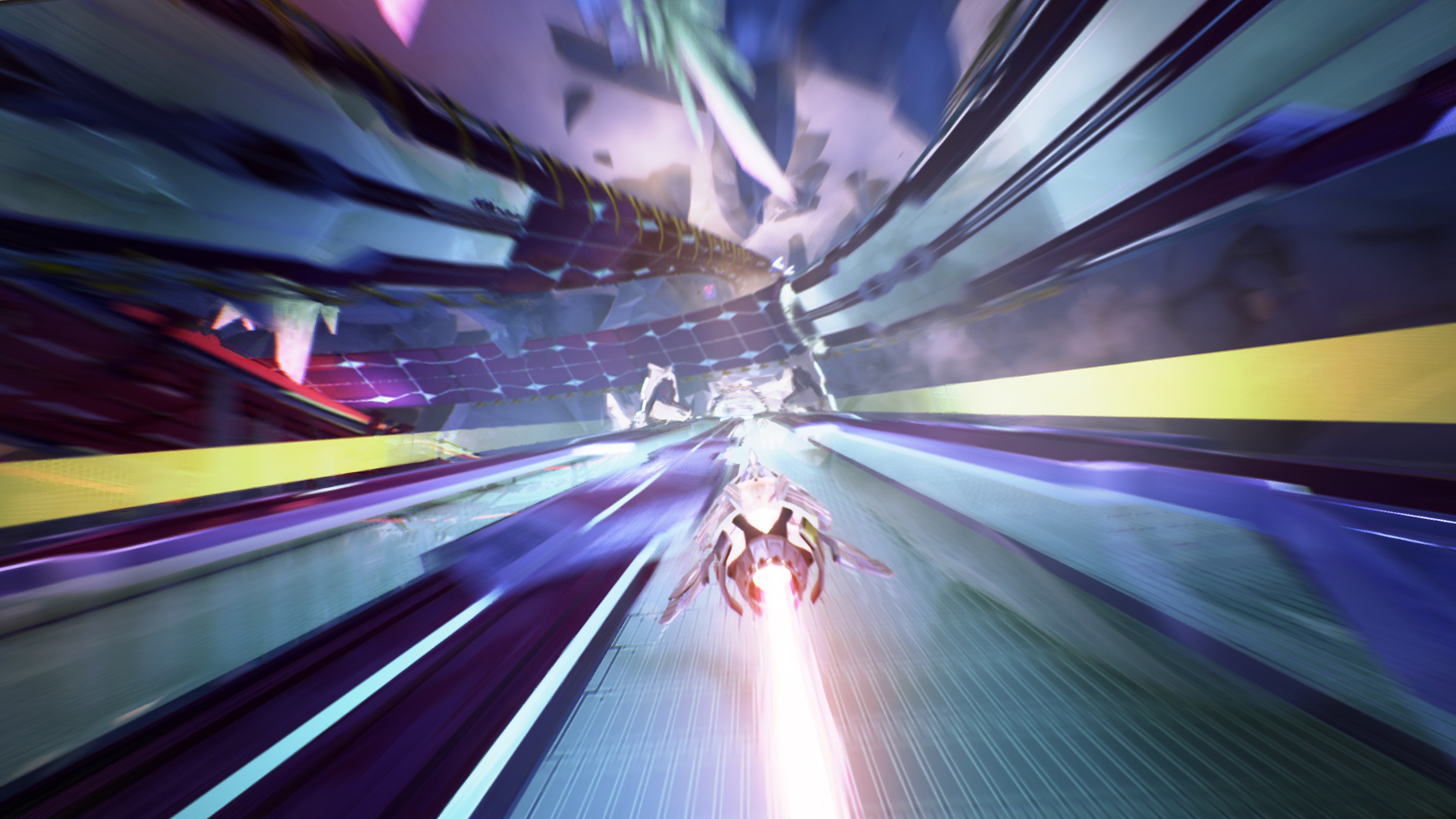
You can upgrade your ships and powerups Powerups can be upgraded to a maximum of level 4. Ships can be upgraded in the ship selection screen (look in the bottom left corner for the key command - it is easy to overlook). You will need to be fully upgraded to compete on equal footing. You can play Class 4 ships in online mode without unlocking them first You can use any class in online races. Any powerups that you've already bought can be equipped, but you won't have the ship upgrades if you are "borrowing" a prototype ship, so you'll still be at a disadvantage. Join us on Discord! [discord.gg] Can't find anyone to play with? Want some guidance from the experts? Redout has a friendly userbase on Discord. The Weekly Wall-Grind is open to all and takes place on Saturdays at 8pm UTC+1. We also organise lobbies at other times and give guidance to new members. What is strafing and how do I do it? Strafing is moving the ship sideways without changing the direction it's facing. It can be imagined like riding a motorcycle - as well as steering into a corner, you must also lean into it. The majority of corners are taken by strafing in the same direction as you steer. So, if you're steering right, you also strafe right (this guide points out any unusual corners and traps that are taken differently). You can replay old Career missions to complete new Contracts It doesn't matter if you've already completed the mission once. Do any compatible mission to achieve your Contract requirements. What's the best ship? There's no team that's absolutely dominant over the others. However, Lunare ships are recommended for beginners because of their excellent handling (though beware their fragility). Sulha is usually the fastest team, especially on Pure. What's the best powerups? Though there's pretty much a single best active powerup in the form of Turbo Boost, as a new player you may find yourself benefiting from using Repair Drone especially in Survival events. For passive powerups, there's mainly three different used powerups in the forms of Augmented Propeller (aP), Overloaded Energy Turbine (OeT) and Magnetic Stabilizer (mS). Which of these is best is predominantly depending on a track by track basis, but aP is the best all around of these. Magnetic Stabilizer should be used with care for new players, as it significantly changes ship handling and could put you in a position where it acts as a crutch. You unlock tracks for Online and Quick Race modes by playing the Career You do not have to win the events. You only have to complete an event in Career to unlock the track. You're then free to practice it as much as you want in Quick Race! You can play any track that the host of the online lobby has unlocked You do not have to own the DLC tracks to play them online. You do need the DLC to play them in Career though. Why am I getting hammered by everyone online? I beat the Career easily! Many of the online players are well experienced veterans with tens or in some cases even hundreds of hours. We're an intensely competitve crowd, but we're always happy to mentor newcomers - don't be shy and ask questions in the chat! How do I rebind my controller? Steam allows you rebind a compatible controller - Steam Controllers and XBox controllers should definitely work. Make sure you have the controller actually plugged in, or the configure option won't appear! If you want to rebind a keyboard instead, AutoHotKey is commonly used. Check out the Unofficial Companion App! This application contains a useful guide that shows you Turbo Boost patterns and shortcuts for the tracks. You can find it here: https://steamcommunity.com/app/517710/discussions/0/1291816569122971831/ Cornering and Strafing Cornering well in Redout requires effective use of strafing. There are two ways to strafe - strafing into a corner and away from it. Consider this left hand turn: Holding the left strafe button while steering left is the conventional way to take this corner. Holding the right strafe button and strafing away from the apex produces a drift turn. This swings the rear end of the craft out. Drifting is generally slower and is not your technique of choice. Learn it anyway however, because it does have some rare uses. One suggested move for tight corners is the "hairpin turn", also known as "pre-strafe" or "counterstrafing". This is when you initially drift (strafe opposite) then strafe into the corner. Bouncing off a wall to align yourself faster also works well. The majority of corners in Redout are taken by strafing in the same direction as the turn. This guide concerns itself mainly with unusual corners that are not taken this way. Unless otherwise stated - strafe in the same direction as the turn. Different craft will have slightly different preferred approaches to the same corner. Turning early is the general rule. You're driving a hovercraft, so the ship will feel slow and cumbersome in the corners. There are times when you want to use your strafe only - without the accompanying steering. Corkscrews and pipes are often tackled this way. Pitch Redout also requires you to pitch the nose of your craft appropriately. If you're going up a hill, you will need to pitch back so you don't scrape your nose on the track. If you're going down a hill, you need to pitch forward to counteract the redout effect and maintain control. You will also need to pitch back to get extra air time on your jumps. This is a crucial technique if you're playing Class 1 ships on more challenging levels. The terminology can get a little confusing, so to reiterate: Pitch back (down on the control stick) = Nose up Pitch forward (up on the control stick) = Nose down (this assumes you are playing with a typical control scheme, of course) There are some corners in Redout that I call "pitchy" corners. These are corners that are not tackled by strafing, but rather by pitch alone. Hell has one of these early on; Magmatic Chamber is full of them. Wallbouncing Newcomers are often flustered by how often they are hitting the walls. Wallbouncing is not a crime! Indeed, bouncing off the wall at the end of a corner is usually the efficient way to take it. The very first corner in Calima is one such example. There's a difference between a controlled wallbounce and a ship pinballing all over the place. You usually want to strike the wall gently with the rear of your craft. Some corners are so tight at speed you can't bounce them, but just have to grind them. Don't think you're doing it wrong. Get familiar with the corners. Keep your ship's health in mind when devising your racing strategy - there will be some points where a bit of damage is inevitable. Your ship does have brakes. Generally speaking, you will not be using them. Hit the brakes if you don't have the hull to survive an upcoming wallbounce. Don't let go of the accelerator though. Health Your ship regenerates health if you go a sufficient period without hitting any walls. If you hit a wall, you will interrupt the regen. This is a crucial point on some tracks, like Khamsin, Vertigo and Revolving. Knowing where your health regen opportunities are, and where it is vital not to accidentally interrupt it, is important on these tracks. Boost Your boost is powered from the blue energy meter. The blue meter recharges as long as you have the accelerator pressed. Active powerups are also powered from this. A common point of confusion - there is an active powerup called the Turbo Boost which takes the entire energy pool, but you also have a weaker, regular boost you may use at any time. The mini boost is useful for getting back up to speed from a bad corner. It can also rescue you if you're flying short on a jump. Jumps The vast majority of jumps are straight and should be flown straight. If you're flying off to the right or left, you're oversteering the section beforehand. Slow down a bit and observe the lie of the land. Look out for white circles
ИсточникGHub Platform · автор23.08.2026, 02:00:01
You can upgrade your ships and powerups Powerups can be upgraded to a maximum of level 4. Ships can be upgraded in the ship selection screen (look in the bottom left corner for the key command - it is easy to overlook). You will need to be fully upgraded to compete on equal footi…
Войдите, чтобы писать в группе