How to get RollerCoaster Tycoon 2 to run on Windows 10
GHub Platform · Гайд · 0 ответов · 13 просмотров
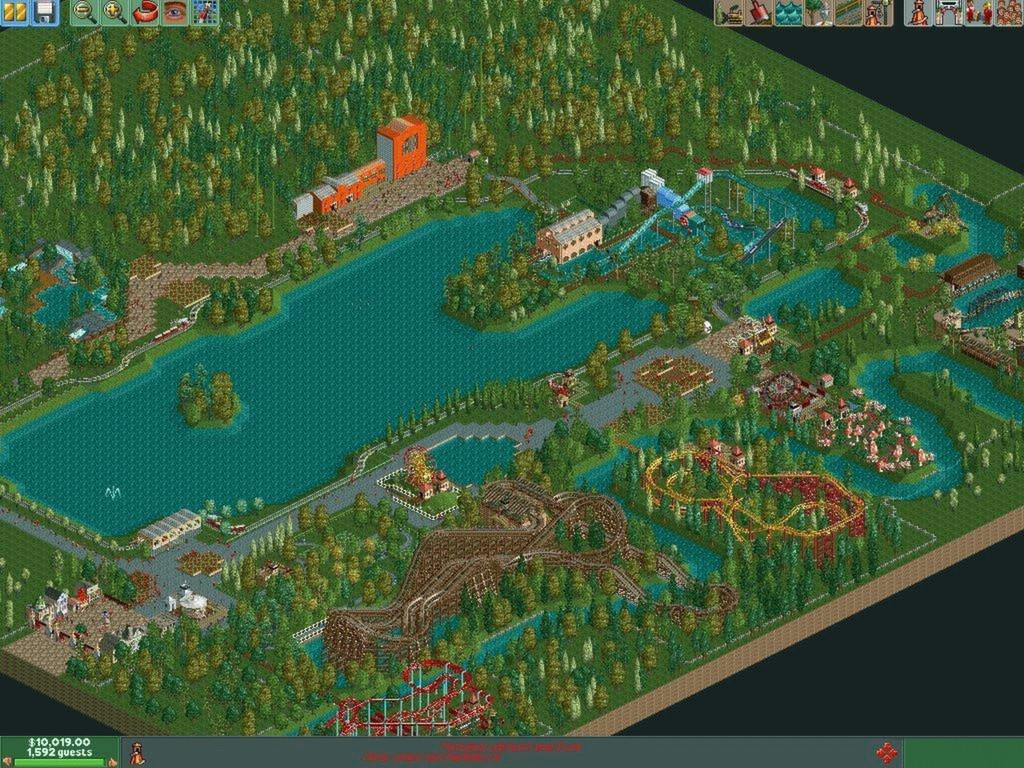
1. Go to your search bar in the bottom left 2. In the search bar enter "Run programs" 3. Select "Run programs made for previous versions of windows" 4. Select "Next". It will then be starting to detect issues. 5. It will give you a list of programs. Select "Rollercoaster Tycoon 2 Triple Thrill Pack" it will begin to detect issues with the program. If RCT2 is not listed then click "Not Listed". Go to your Steam files and find it that way. Program Filed (x86) > Steam > steamapps > common > Rollercoaster Tycoon 2 After you get there, click on the RCT2 Application. 6. Select "Troubleshoot Program" 7. It will give you a list of boxes. Select "The program worked in earlier versions of windows." Then select "Next." 8. It will give you a list of previous versions of windows. Select "Windows XP service pack 2." Then select "Next." 9. Test the program. DO NOT CONTINUE PLAYING. Exit the program if it does work. 10. After you exit select "Next." 11. Select "Yes, save these changes." 12. Select "Close Troubleshooter." 13. Your game should work now. Enjoy! --- Источник: https://steamcommunity.com/sharedfiles/filedetails/?id=2080724496
ИсточникGHub Platform · автор23.08.2026, 04:55:58
1. Go to your search bar in the bottom left 2. In the search bar enter "Run programs" 3. Select "Run programs made for previous versions of windows" 4. Select "Next". It will then be starting to detect issues. 5. It will give you a list of programs.…
Войдите, чтобы писать в группе