Let's build trains!
GHub Platform · Гайд · 0 ответов · 7 просмотров
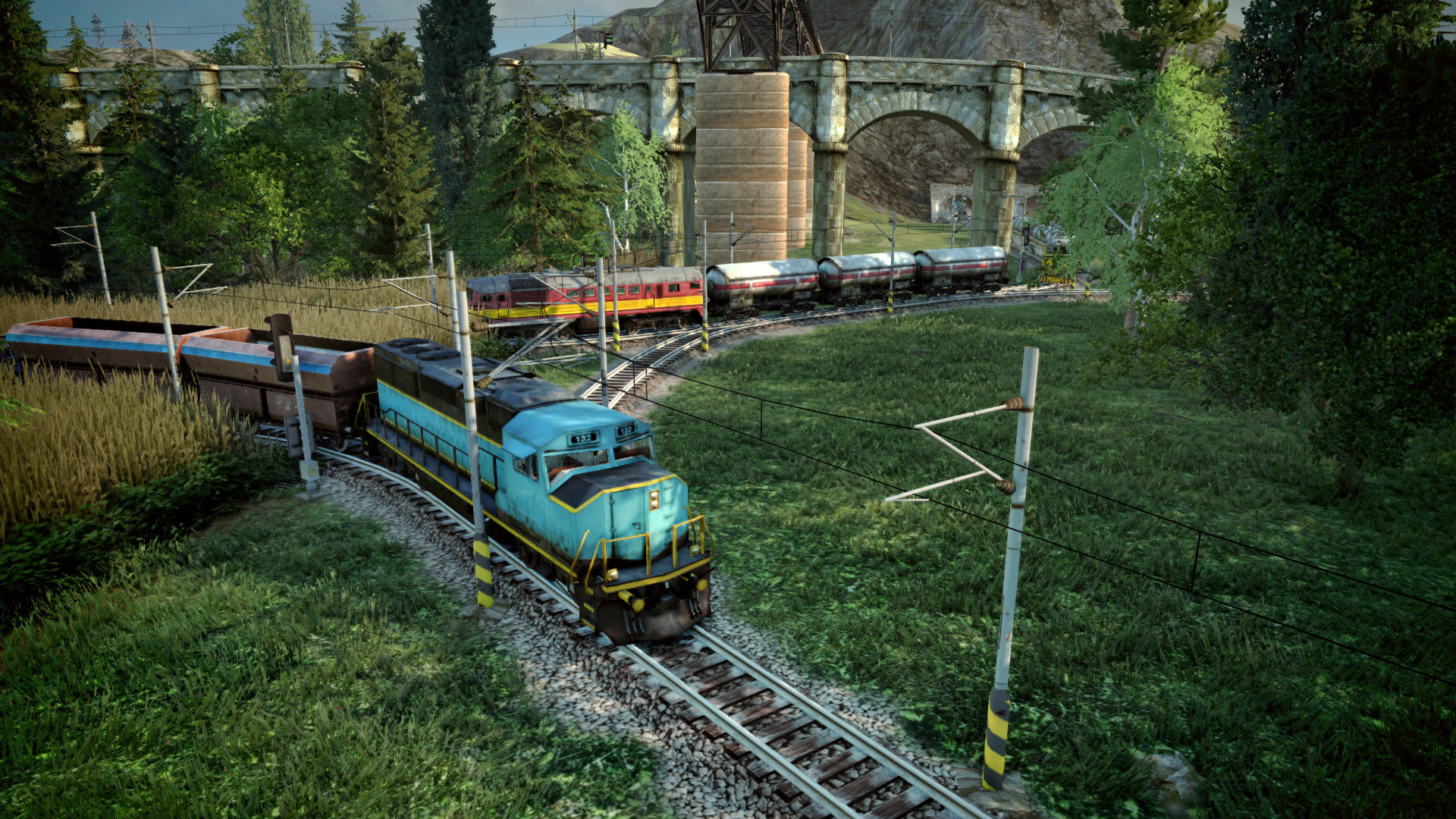
A simple guide about scaling the crossing for multitrack Terminus, which seems to be very popular among many players. Build a big station with 3 track tiles at the entrance. Add crossings like this. These will serve as entrances and exits. Now add 3 track tiles in the middle. These will be our main line entrance and exit. Connect your middle crossings to the main lines. Now connect the outer crossings to the main lines too. Time to add signals. If your rail is right-handed, place entrance on the right, as shown in the pictures below. If your rail is left-handed, you can switch the sides, it doesn't matter. First place signals on the straight lines, to see which lines are which. Next we place signals into the crossings. First, place all entrance signals: Then place all the exit signals: And it's done. You can watch this station in action here: (if the video doesn't work click here to watch on youtube) The station's efficiency can be improved with several upgrades, which require more vertical space. Let's build a simple RoRo station. Since we don't want to lose our Extensions, we are limited to 7 platforms in this scenario. First, place your station like this so your trains can exit the other side. On the entrance side, choose which tracks will be your main track and build a 6-long track. I choose two tracks, because one track would be a bottleneck and cause too much waiting. Now simply connect all the entrances into your main tracks. After that, you can mirror your creation on the exit side of the Station. When both sides of the station have tracks, add signals on both sides to separate different platforms. And it's done. I'll post some inspiration screenshots. I'm sure many people can figure out how to build simple Stations like this one: But have you ever tried building your station on a slope? Personally, I really like the idea of having a station with free tracks in the middle I just wish there were no graphical issues with these :) Due to the graphical glitches with the Stations above, we can use this build to simulate the free tracks in the middle. However the tunnel too long, and having multiple trains pass through can cause waiting times. Start your Station like this: Now create the holes for your tunnel, you need at least 2 tiles of free space between the tunnel and the Station. Build the tunnels, then you can complete your Station. On the entrance side, reach your platform lines out to the level of your tunnel: Then reach out with the main line, you want at least 6 tiles long, not including the tunnel connection. Connect it all to the main line: Now mirror it on the exit side. The rest is identical to the Simple RoRo station described above, add signals at the connection to the main line. Due to long rails before and after the station, there is one extra step - place signals at the Station entrances and exits: When placing signals near the Station, you might have issues placing this signal, you need to move your mouse to the bottom end of the tile, there are only a few pixels of space where it registers the signal on the proper side. And here's a video of the Station in action. In this video, I also show the rest of the track layout, a quick ride on a train, and placing orders on new trains. ( link to youtube) Signals every 2 tiles are placed to maximize speed. I deliberately placed a crossing at the entrance and exit of the Station, to demonstrate how trains get clogged at the crossing. It is the big reason why you should avoid track crossings whenever possible. Do you have a specific rail and need help? Tell me in the comments what to build next! --- Источник: https://steamcommunity.com/sharedfiles/filedetails/?id=1168832566
ИсточникGHub Platform · автор23.08.2026, 05:06:05
A simple guide about scaling the crossing for multitrack Terminus, which seems to be very popular among many players. Build a big station with 3 track tiles at the entrance. Add crossings like this. These will serve as entrances and exits. Now add 3 track tiles in the middle. The…
Войдите, чтобы писать в группе