It's year 2026+ and you just bought the game?
GHub Platform · Гайд · 0 ответов · 5 просмотров
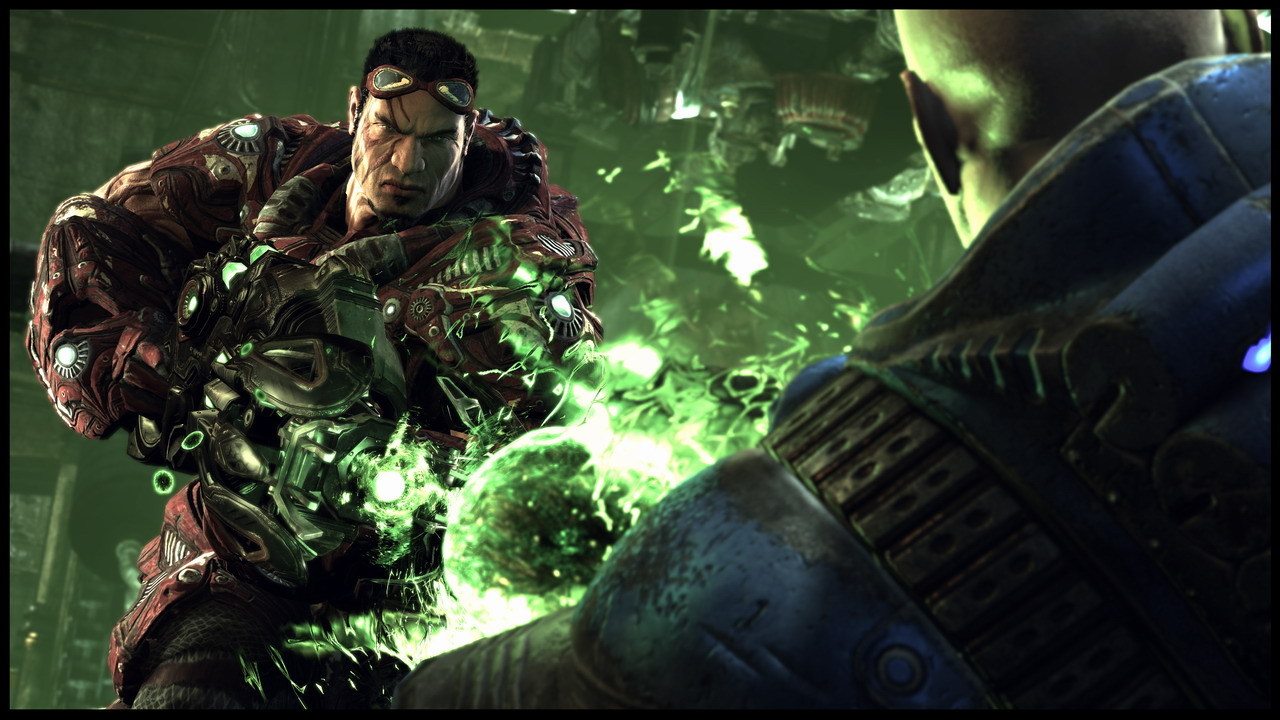
Let's suppose that you just bought the game (steam version). It doesn't really matter that you're new to this one or you have had non-steam version before. The only thing that matters is that you want to play this game. The question arises: What do I need to do to run this game properly (Play Multiplayer/Run the game/Solutions to some of the most common problems) ? I made the steps in weird order but the ones marked with "~" are not required, important/might not appear for some of you. Presenting my personal experience. FIRST STEP IS OBLIGATORY! #1 Personally I play this game for multiplayer like most of people, I guess. So you need to actually download only one patch to be happy. UT3 GS patch FOR STEAM! (it's important that you have to download the right one, the one for steam) UT3 Steam Update [archive.org] <-- You can also read about this here. Ad. 1 Steam automatically downloads updated version of UT3 for you (Version 2.1 - it's after 5th patch) so you don't have to worry about looking for previous patches. But there is one extra patch or should I say pack that you may want to have. You can download it here --> UT3 Titan pack which contains new maps/modes/mutators and things that will improve the range of fun. #UPDATE As one of the commenting steam members have noticed - what's above might be out of date. Here comes update: Link to original post on steam you can find here: https://steamcommunity.com/app/13210/discussions/0/3770110614220691143/ Making it as short as possible: - Download https://en.webshare.cz/#/file/TITfgEQnjS - Extract the downloaded file to D:\Game(s) 2.0\Steam\steamapps\common\Unreal Tournament 3\Binaries That's it. Note that if you cannot log in after creating a new login, try this dll which should solve this problem. - Download https://en.webshare.cz/#/file/zrOrMIPWVg/dinput8-dll - Extract the downloaded file to D:\Game(s) 2.0\Steam\steamapps\common\Unreal Tournament 3\Binaries Enjoy. ~#2 CD Key - where to find? Open Steam -> Library -> Right click on Unreal Tournament 3 -> Manage -> CD Key There you go. #3 Pop-up window in the login menu that says "The online service is currently unavailable. Please wait and try reconnecting again." whenever i tried to login it just forced me to go offline mode. How did I fix this? Simply, adding an exception for UT3.exe in my antivirus. #update - you actually need to install UT3 OpenSpy Patch to login. You can find it here: UT3 OpenSpy Patch [en.webshare.cz] ~#4 How do I instantly unlock all the characters without passing a singleplayer game? Go to settings -> Player -> Press F10 to open console -> Write down "unlockallchars" -> Move to Customize Character and then Create New -> Type in "phayder" and "jihan" to unlock 2 additional characters. https://steamcommunity.com/app/13210/discussions/0/846957366852721905/ Here you can ask one of the developers of this game about any case you have. Thank you for spending your time reading this guide. Hope that I was able to help you somehow. Please leave a comment with your opinion and don't bother to chat me if there are any other problems/questions. Have a nice day! I'll keep my guide updated. --- Источник: https://steamcommunity.com/sharedfiles/filedetails/?id=742421264
ИсточникGHub Platform · автор23.08.2026, 05:17:03
Let's suppose that you just bought the game (steam version). It doesn't really matter that you're new to this one or you have had non-steam version before. The only thing that matters is that you want to play this game. The question arises: What do I need to do to run this game p…
Войдите, чтобы писать в группе