Essential Fixes and Troubleshooting
GHub Platform · Гайд · 0 ответов · 17 просмотров
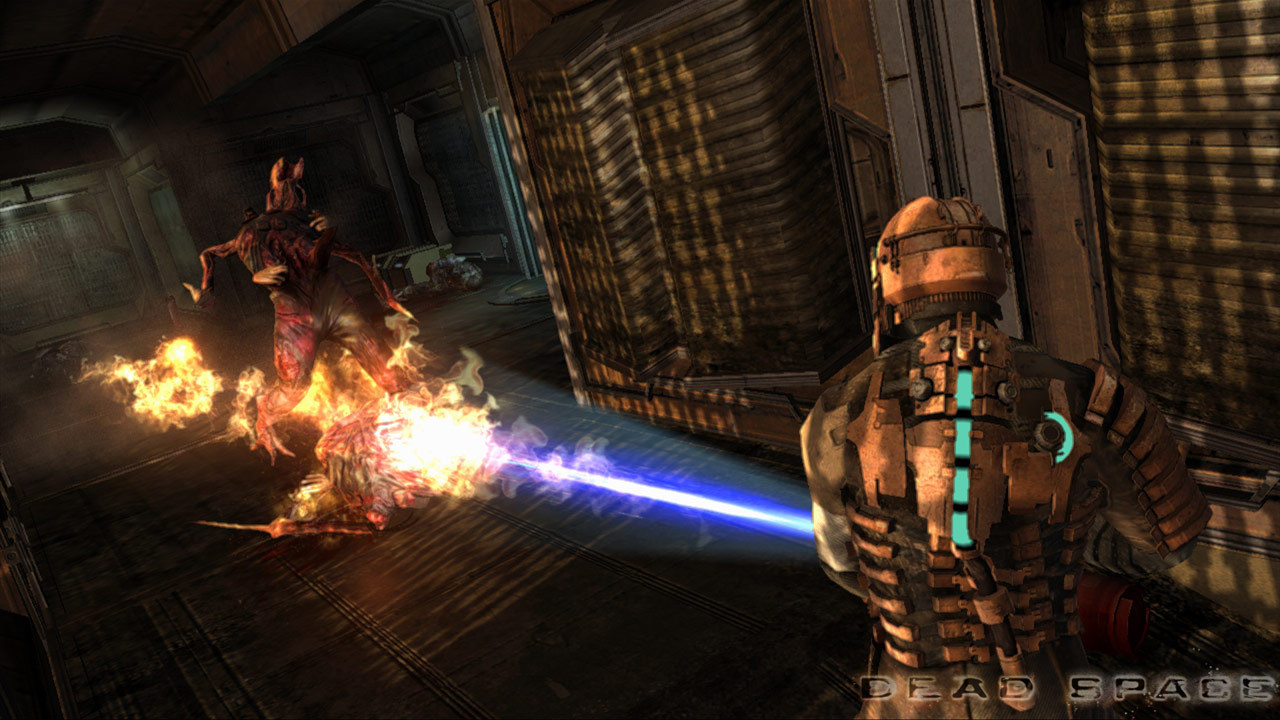
The game is meant to be played at 60 fps . Playing at a higher framerate is known to cause severe glitches such as the invisible wall issue that will halt your progress. You can cap your framerate by simply choosing the 60Hz version of your resolution in the game's options. E.g. I have a 75Hz display and can choose between 1920 x 1080, 60Hz and 1920 x 1080, 75Hz . Choosing 60Hz will cap the framerate at 60 fps. If this option is not available to you for some reason then you can manually cap the framerate at 60 fps in your GPU control panel. The mouse input is terrible out of the box. Here's how can you can improve it: Disable vsync in the game's options, then force vsync through your GPU control panel. The built-in version of vsync caps your mouse polling rate resulting in extreme mouse lag. Install the raw mouse input patch [community.pcgamingwiki.com] . The mouse sensitivity setting in the game is too low, even when maxed out. Open File Explorer, copy and paste the following address string: %LOCALAPPDATA%\Electronic Arts\Dead Space\ . Inside the folder will be a file named settings.txt . Open that file with Notepad and change Control.MouseSensitivity = 1.00000000 to Control.MouseSensitivity = 2.00000000 (or your desired value). The built-in anti-aliasing is bad and makes everything blurry. Download Nvidia Profile Inspector [github.com] , run it, choose the Dead Space profile, then set the following options: Antialiasing compatibility: 0x004010C0 (just copy and paste this) Antialiasing - Behavior Flags: None Antialiasing - Mode: Override any application setting Antialiasing - Setting: 4x OR 8x Multisampling Antialiasing - Transparency Supersampling: 4x OR 8x Sparse Grid Supersampling Make sure to click Apply changes before closing the app. The game is intentionally using a very narrow FOV to create tension but this can be very disorienting for some players and might even cause nausea. You can use Widescreen Fixer [github.com] to increase the game's FOV. Download the program, run it together with the game, find the Dead Space profile, set your preferred FOV bonus (I recommend 0.3 ), set a hotkey combination to enable it in-game (e.g. I use Alt+F1 ). Then just press the hotkey combination to enable or disable the FOV hack in-game. It generally works very well, however the mouse cursor will be slightly off in the save/load menu. --- Источник: https://steamcommunity.com/sharedfiles/filedetails/?id=1605464967
ИсточникGHub Platform · автор23.08.2026, 05:41:54
The game is meant to be played at 60 fps . Playing at a higher framerate is known to cause severe glitches such as the invisible wall issue that will halt your progress. You can cap your framerate by simply choosing the 60Hz version of your resolution in the game's options. E.g.…
Войдите, чтобы писать в группе