Running Geneforge in 2024
GHub Platform · Гайд · 0 ответов · 19 просмотров
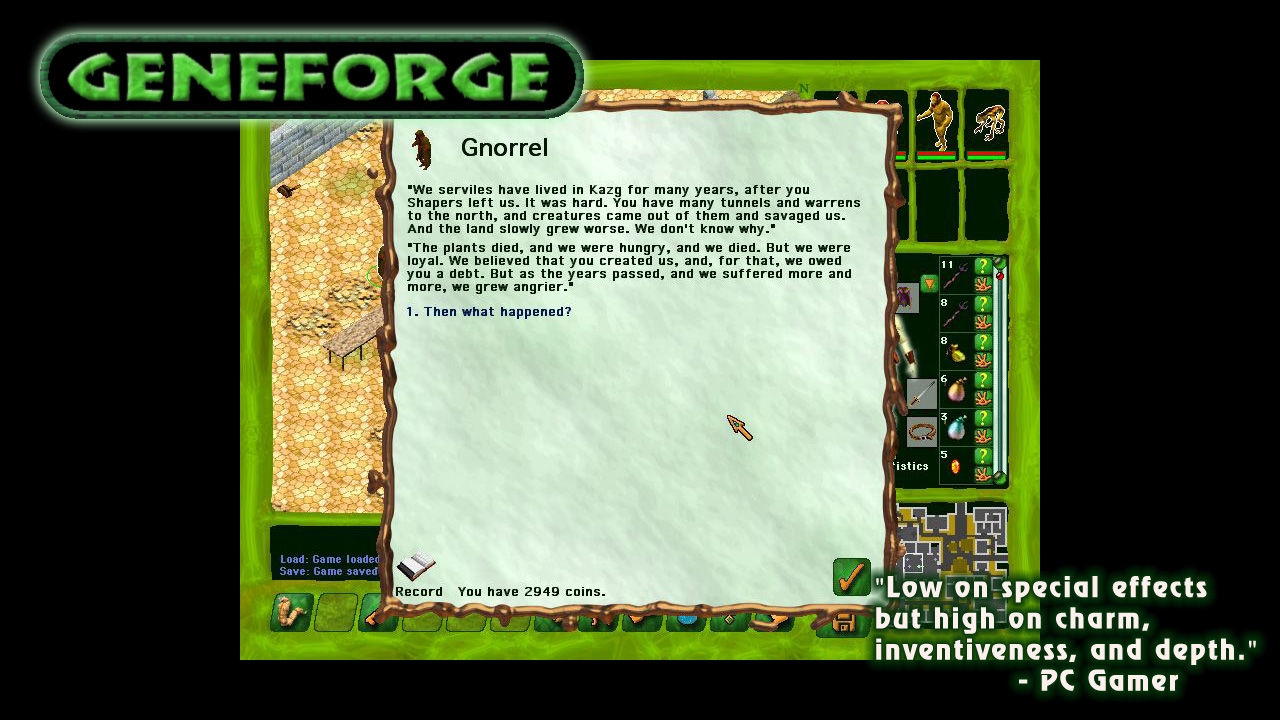
You can run the game vanilla if you REALLY love color green. Personally, I recommend this mod for the graphical enchantment that it brings. Simply paste the archive contents into the game's directory and overwrite the files. Original Geneforge wasn't meant for modern systems at all, the engine uses DirectDraw calls to display the game but DirectDraw is obsolete since DirectX 7.0 came out. There are 2 ways to fix the lag. Method #1 - the easiest Download the DirectDraw wrapper from here [bitpatch.com] . Paste it into the Geneforge folder. Edit the .cfg file. In the line with "ForceDirectDrawEmulation" change 0 to a 1. Launch the game. Method #2 - using Assessment and Deployment Kit Download Assessment and Deployment Kit [msdn.microsoft.com] You only need "Application Compability Tools". Open the "Compability Administrator (32bit)". It's important to choose 32-bit otherwise, it will not work. In the window, right-click on the "Custom Databases" in the tree and choose "New". New database will be created. Select that database and choose "Fix" on the top. In the field "Name of the program to be fixed" type in Geneforge 1. Choose the Geneforge executable file in the "Program file location". Click "Next". In "Compability Modes" don't select anything, unless you know what you're doing. Click "Next". In "Compability Fixes" tick "ForceDirectDrawEmulation". Click "Next". Click "Finish". Click on "Save", the program will prompt you for the database name - you can name it "Geneforge 1" for example. Next the program will prompt you where to save the database and how to name the file itself. I recommend naming it the same as before and saving it next to the Geneforge 1 executable. Right-click on the database in the program and choose "Install". You can close the program and try running Geneforge now! The changes should be applied. Secret Method #3 Just buy the remake: https://store.steampowered.com/app/1424710/Geneforge_1__Mutagen/ or on GOG (no drm): HERE [www.gog.com] If you want to capture the gameplay, you'll run into some problems. It's a similar song and dance as with the lag, the program is using DirectDraw, not many capture options exist to take advantage of that. Latest OBS (30.1.1 at the time of writing) does work but you have to capture in Display Mode. The capture will display a small window 800x600 on your main monitor. You can crop this in the Transform Settings by using the "Crop to Bounding Box" setting. For you have to subtract the window size from your resolution. So for 1920x1080: 1920 - 800 = 1120 1080 - 600 = 480 Type in the values in Right - the width (1120 in the example) and in Bottom - the height (480). https://steamcommunity.com/app/200960/discussions/0/412446890561091874/ https://www.gog.com/forum/geneforge_series/easy_lag_fix_for_original_geneforge_windows_710 https://spiderwebforums.ipbhost.com/topic/18333-geneforge-slowdown-and-lag-solved/ --- Источник: https://steamcommunity.com/sharedfiles/filedetails/?id=3200634494
ИсточникGHub Platform · автор23.08.2026, 05:50:33
You can run the game vanilla if you REALLY love color green. Personally, I recommend this mod for the graphical enchantment that it brings. Simply paste the archive contents into the game's directory and overwrite the files. Original Geneforge wasn't meant for modern systems at…
Войдите, чтобы писать в группе