16x9 aspect ratio fix
GHub Platform · Гайд · 0 ответов · 15 просмотров
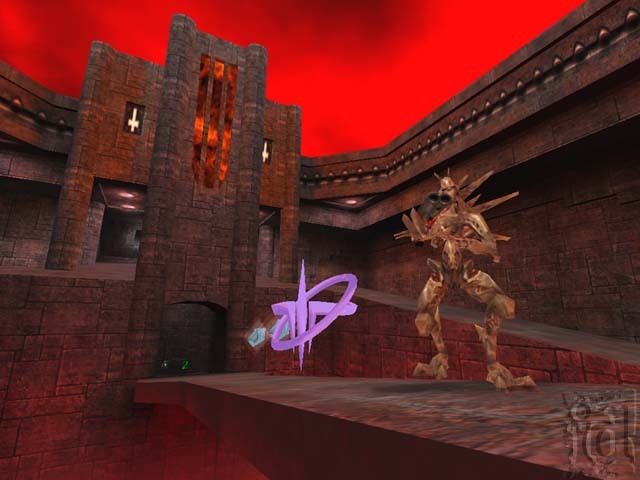
1) Right click quake 3 arena. 2) Click Properties 3) press local files 4) Click browse local files 5) open folder baseq3 6) open q3config 7) change seta r_customheight to ''1080'' 8) change seta r_customwidth to ''1920'' 9) change seta r_mode to ''-1'' (<-- minus 1 not underscore) 10) save and exit Now quake 3 arena will be played in 16x9 in 1920x1080 Known problems so far... 1) fmv and cut scenes no longer play 2) menu and character select models are slightly deformed Thank you for reading and enjoy quake 3 arena in full HD --- Источник: https://steamcommunity.com/sharedfiles/filedetails/?id=2997477693
ИсточникGHub Platform · автор23.08.2026, 06:23:20
1) Right click quake 3 arena. 2) Click Properties 3) press local files 4) Click browse local files 5) open folder baseq3 6) open q3config 7) change seta r_customheight to ''1080'' 8) change seta r_customwidth to ''1920'' 9) change seta r_mode to ''-1'' (<-- minus 1 not undersc…
Войдите, чтобы писать в группе