Spawn unreleased content using ingame console
GHub Platform · Гайд · 0 ответов · 5 просмотров
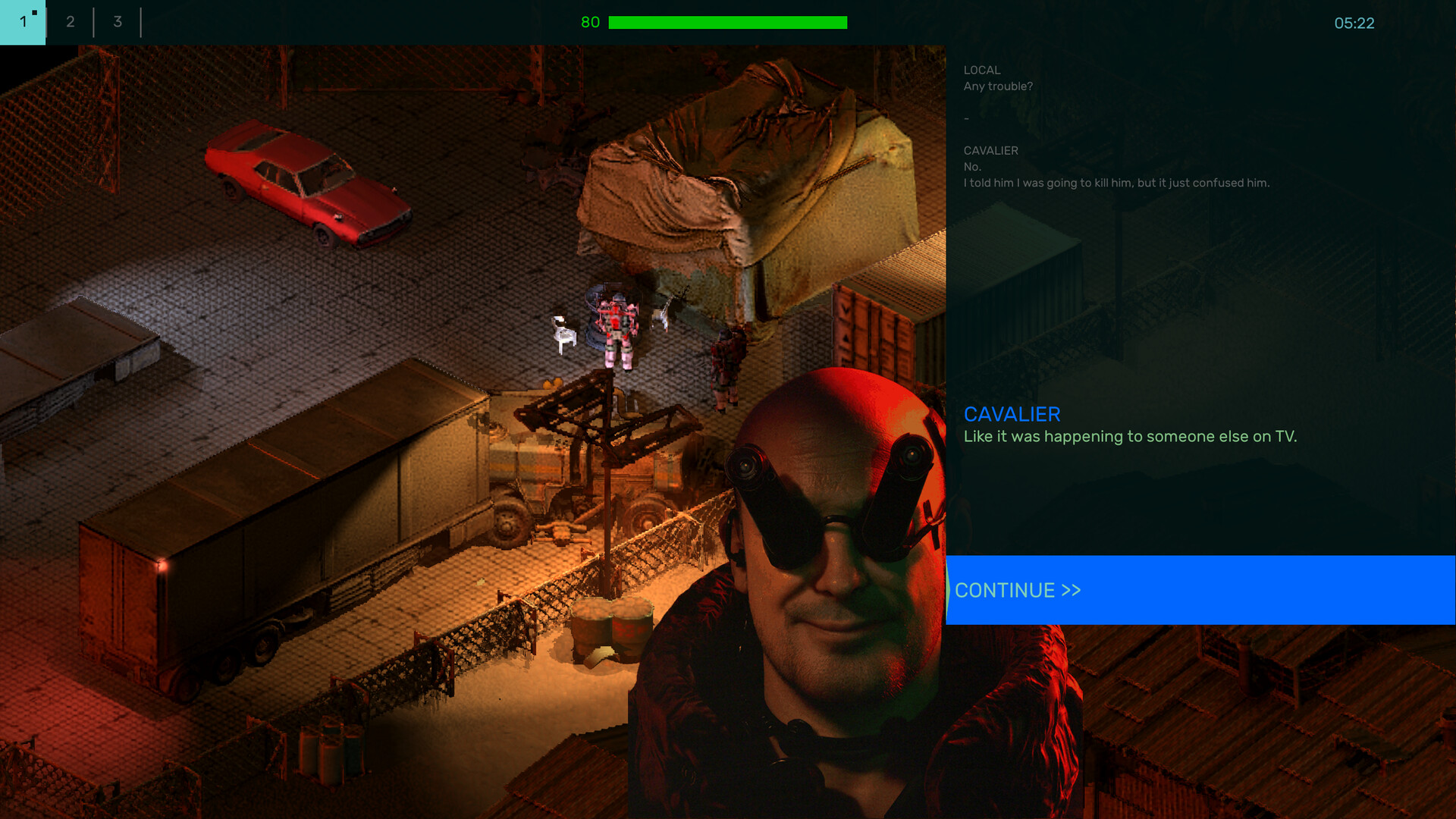
While a lot of us might not agree with their choice, the developers clearly intended more advanced content to not be accessible in current state for a reason. This includes potentially broken scripts, Overpowered equipment, and all sorts of issues that might or will ruin your experience in future updates. I therefore advice to open the game's folder by right-clicking the game on steam, and select "open local files". Then, go to assets\scripts\data\campaign_saves and backup the file "save_campaign.json" You have been warned, and I am not resposible for you not backing up your save file, potentially damaging it by messing around with the game's console command. :) Now that your original save is no longer threatened, open the game and go to your garage. You will be met with this: Expand the window and go all the way to the right, select Fabricator Recipes, and tick the "I promise to F4 reload between changes!" For what I've seen, our little operation doesn't need to press such button, as we will only use it to spawn entities without permanently rewriting ingame data. Now, expand the line "assets/scripts/data/recipes/recipe_base_garage_01" if you're in the second base of the game. Supposedly, the small base in the beginning is Angel_big_01, but I never tried. For convenience, expand "recipes" under "TRUCKS". Supposedly any category is fine, I'm just using that one. From here, you can edit any recipe ingame, including adding new ones. You will notice at first changes that text will turn yellow. That means the game detected unsaved changes from the ingame files. DO NOT SAVE SUCH CHANGES. You do not need them to keep the spawned entities in the garage in your savefile (that you backed up before this, right?). By the way, until somebody figures out where the security truck spawns in the Early access, you can edit the recipe so that it doesn't need the chassis to be spawned. Just delete "pkp_comp_body_sectruck.json" from the list of components in its recipe. This already gives you an idea of how it works. At the bottom of the category, click "add new": Click on product "*NONE*" A list of all assets will appear, including a search bar. Let's try with a Betka. You will want to select "tank_loy_betka_01.json". Double click to confirm selection. The tank will spawn empty like this. But there's some basic loadouts to use. Click on "loadout *NONE*" and select either 01 (only HMG) or 02 (HMG + 57mm rocket launcher). USE THE NON-"MERCHANT" FILE. If you want, you can add components to build it. Although at this stage, feels a little redundand, yes? Either way, open "components" and select what you want. I will add 1 simple component to build it. You can use other recipes to figure out names, if you need. Your recipe should look something like this: Press F1 to close the debug. Check your fabricator. One fully equipped Betka ready for use. You can now press escape, save the game and do what you wish with it. Since we didn't save ingame files, once you'll close the game, the recipes will be restored to before the edits. But you will keep the vehicle. The mech in the intro image is called "lmech_loy_fork_upgun". the loadout is "ldt_fork_brigadorheroes". The unit in the fabricator will be under the name "Vorwerkhuhn (upgunned)" Feel free to experiment and mess around. Be aware tho: Some loadouts include AI pilots that will start driving around. They're not hostile, but they will prevent you from accessing the vehicle. There is a way to force them out. In the debug interface, select "Mech debug". Set it to select mech, click on the base of the mech. Open "mech state" and bring its health down to 20 or so. The pilot will bail out. Bring it back to max, and you should be able to drive it. I can't get to work some vehicles like the Rounder. It's just not accessible. Even when the pilot bails out and it's supposedly drivable, it just says "CANNOT ENTER". There's probably a flag to change somewhere that I cannot find. Sorry. Some vehicles will appear as the fork mech but have different names. I assume this is just placeholder data and do not exist. Try to avoid selecting crazy stuff that clearly isn't meant to work at the moment. This is why we backed up the savefile (That you did back-up, right?!) ROUNDER NOT ACCESSIBLE SOLVED! Go to "main" of the debug menu, and activate "g_ignoreflags" on the right. Thank you "swag gaming" for the suggestion! Notice that if you exit the game while being inside the rounder, it will prevent you from entering the garage next time you start the game. To fix this, open the debug console from the main menu (F1, like always) and activate the same function as above (g_ignoreflags). It will allow you into the garage again aboard the rounder. Wanna try some of those crazy guns that are ingame but we can't normally access? Here's how: Go to "Pack file", and select "RESOURCE_MECH_LOADOUT" in the category. Search for your intended vehicle (in my case, the Betka) Click on the loadout of your choice. In my case, "ldt_tank_loy_betka_02.josn". The selected file now appears in "Data Editor" tab. In Data Editor, on the right, you will see "weapon_groups". Open it, and select a weapon of your choice. The game will offer you a list of all available weapons. In my case, I shall replace the 57mm rocket launcher with a comically-large 105mm abbot cannon. Fabricate your vehicle. Yes. It looks stupid. Yes, it's overpowered and completely trivializes the game just like that mod that allowed any gun to be mounted on any vehicle in the first Brigador. Yes, it's stupidly funny to use. Note for devs: I underline this is not to disrespect your work. The game has stellar potential and I look forward for new content. Just show new players WHY we love the first game so much and why we loved the demo of Brigador Killers so much! Just let them have these for now, and delete them from everybody's save next update! --- Источник: https://steamcommunity.com/sharedfiles/filedetails/?id=3788648047
ИсточникGHub Platform · автор25.08.2026, 20:08:10
While a lot of us might not agree with their choice, the developers clearly intended more advanced content to not be accessible in current state for a reason. This includes potentially broken scripts, Overpowered equipment, and all sorts of issues that might or will ruin your exp…
Войдите, чтобы писать в группе