How to install VP Modpack in 15 minute ( 2024 updated, vp 1.2)
GHub Platform · Гайд · 0 ответов · 17 просмотров
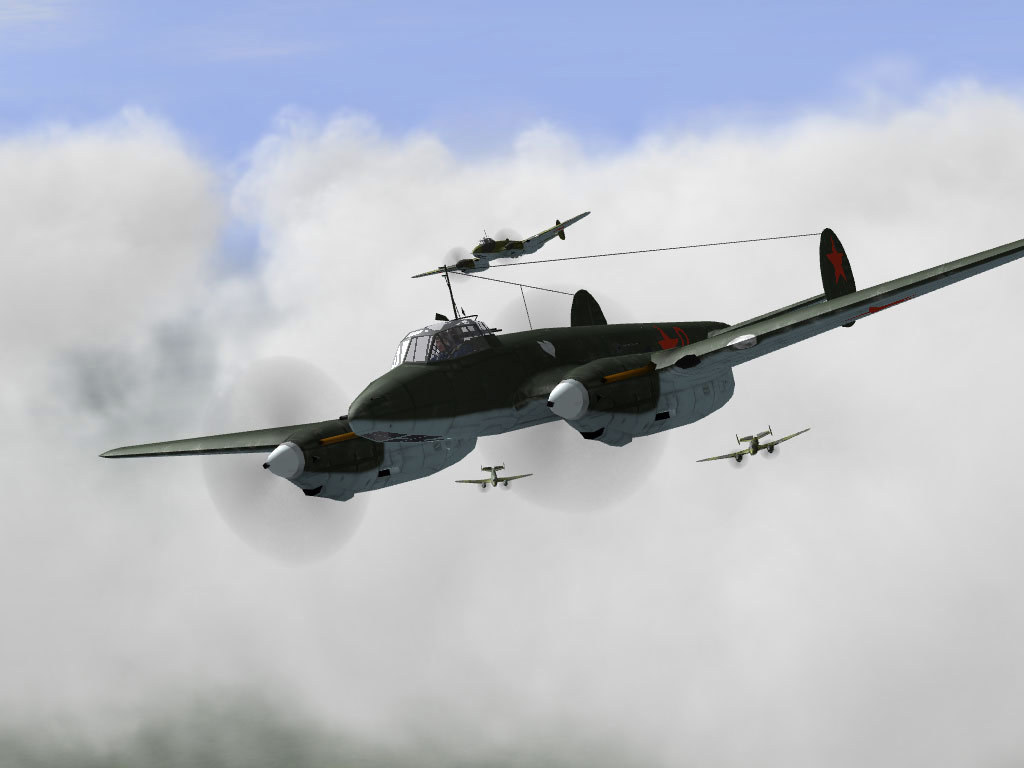
Credit [www.mission4today.com] Download [drive.google.com] I don't have any free time to edit this guide yet, so i will put the new download link here, it's pretty easy to follow the guide by VP himself. All you need is download all 13 file, extract the first one to your il2-1946 folder, then again with the patch ( number 13). Remember to overwrite all file. After that copy and paste the content in add_to_conf.ini to the [Dgen] section of your conf.ini file in il2-1946 folder. Done I make this guide base on this thread [www.sas1946.com] , thank to the awesome community! *What is VPmodpack "The main goal of this pack is to update every stock texture/3d possible and add the best quality ww2 mods without ruining the games performance or the gameplay. It's the final result of more than 7 years of work by the SAS community and lot of the material was extracted from DBW (all maps, objects and cockpit retextures included)." *Why VPmodpack - If you only into WW2 this modpack is the best! - Very easy to install. - Very fast to install to (10 min max). - All file to download is only ~ 11gb, 40gb game file after install (for BAT you need to download at least 50gb for redcore and take up to 90gb after install). - Very beautiful terrain textures and cloud. - Some more screenshots for you: - Look at these, enough content to play for the rest of your life you BF-109 lover! Say no more! 1. Go to this page [www.sas1946.com] 2. You will see this 3. Scroll down a little bit and download these file, very fast, only 700mb a part! 4. So you will download 17 file, 16 part and 1 patch, put all these file together. 1. Right click on your IL-2 1946 in library => properties 2. Chose BETAS tab then select 4.12.2 in the drop down list Done 1. All you need to do is extract the first part to your IL-2 1946 game folder (Steam\steamapps\common\IL 2 Sturmovik 1946) , overwrite all files. 2. After the extract is done go to your IL-2 1946 game folder Steam\steamapps\common\IL 2 Sturmovik 1946\#SAS and delete the folder name 00_Ju-188A-2_v1.1 (you will have the #SAS folder if your extracting part gone right) 3. Extract the 1.7GB patch to your game folder, overwrite all files. Done. (skip the below part if you know what to do and extracted the mod to your game folder) So you are old and confusing just like me and don't know what to do, i got you, just follow these image! 1. First you need to find where your game is locate, right click on your IL-2 1946 => properties 2. Chose Local file => Browse, now you know where your game is locate 3. Ok, now right click on the first part you downloaded => Extract file Make sure you chose your game folder right before you clicking OK Chose Yes to all to overwrite all files when get asked 4. When the extracting is done go to your IL-2 1946 game folder => #SAS folder (should look like this Steam\steamapps\common\IL 2 Sturmovik 1946\#SAS ) and delete the folder name 00_Ju-188A-2_v1.1 5. Now extract the last Patch file to your IL-2 1946 game folder again, right click it => Extract file, make sure it's the IL-2 1946 game folder before clicking OK, overwrite all files when get asked 1. Go to your game folder again, find the conf.ini file and open it 2. Change this to your screen resoluton, for me it's 1920x1080 3. Add these at the end of the file, remember to save [Mods] PALMODsColor=0 PALQMBLinesMap=10 PALQMBLinesPl0=25 PALQMBLinesPl1=20 PALQMBLinesPl2=19 PALQMBLinesPl3=18 PALQMBLinesPl4=18 PALQMBLinesPl5=18 PALQMBLinesPl6=18 PALQMBLinesPl7=18 BombBayDoors=0 RandomSplash=1 netCallsign= TracersPlayer=400 TracersAircrafts=300 TracersWorld=25 TracersWirbelwind=5 HUDLogLines=3 HUDLogColor1=80FFFFFF HUDLogColor2=10FFFFFF HUDLogBottomColor1=80FFFFFF HUDLogBottomColor2=10FFFFFF 4. You're done. good job, just to make sure you did everything right before launching the game. Open IL-2 Selector.exe in the game folder and see if it look like this. Now just open the game with Steam like nothing had happened and enjoy! Your game menu should look like this after installing the modpack All credit goes to this [www.sas1946.com] In the conf.ini file you can see the DGEN section at the end, you can change it to this to make your dynamic campaign more intense, more realistic and more fun, yes, more fun and you can tweak it to your liking to if you want. [DGen] CampaignLength=Long MissionDistance=75 GroundIntensity=High AirIntensity=High RandomFlights=5 CampaignAI=Normal CampaignMissions=Hard MaxBomberSkill=1 SlowFire=20 MaxFLAK=100 OperationVictory=1000 OperationDefeat=-1000 WarVictory=10000 WarDefeat=-10000 ;UseParkedPlanes=1 NoAirfieldHighlight=0 This is an example of your conf.ini file after installing the mod and change the DGEN section! --- Источник: https://steamcommunity.com/sharedfiles/filedetails/?id=2622044852
ИсточникGHub Platform · автор25.08.2026, 20:39:20
Credit [www.mission4today.com] Download [drive.google.com] I don't have any free time to edit this guide yet, so i will put the new download link here, it's pretty easy to follow the guide by VP himself. All you need is download all 13 file, extract the first one to your il2-1946…
Войдите, чтобы писать в группе