How to Change the Game Resolution
GHub Platform · Гайд · 0 ответов · 19 просмотров
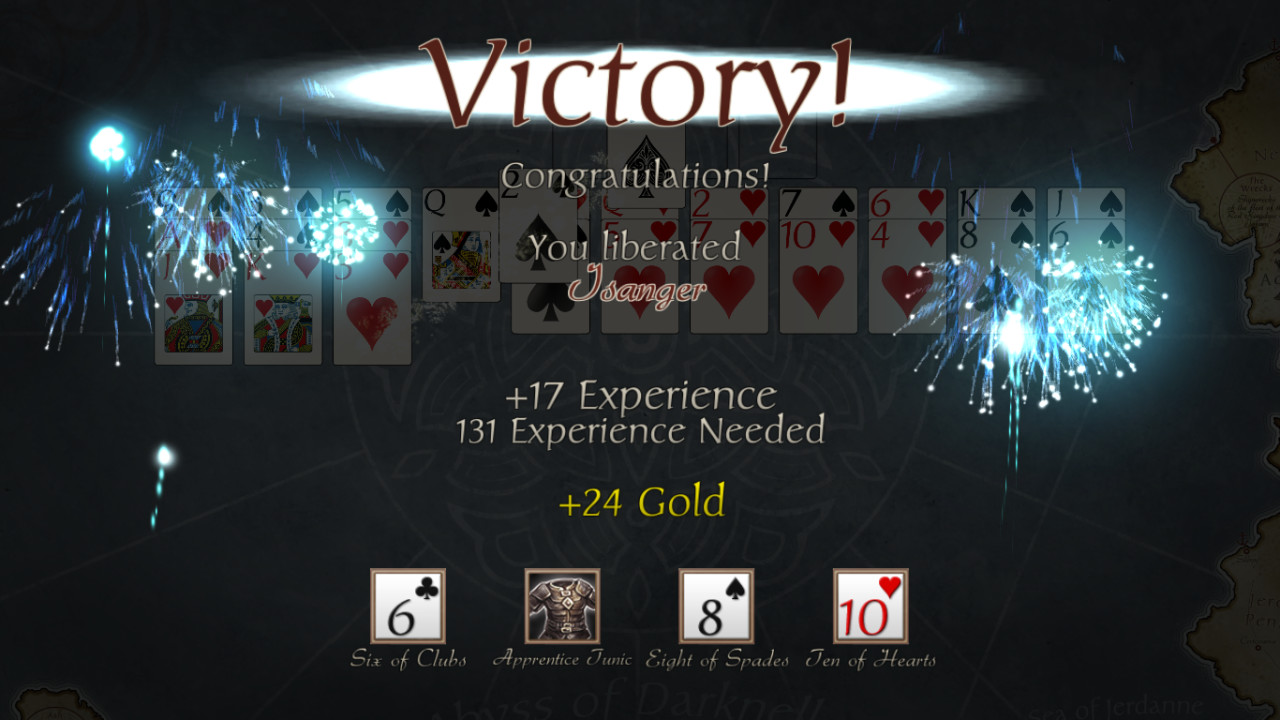
Open the game folder. (You can right-click the game in the Steam client, then go to Properties -> Local Files -> Browse Local Files .) Click FreeCell Quest.exe to highlight it, then hold the CTRL key and press Enter . (If that doesn't work, try CTRL + double-click.) This will open the graphics settings dialog. Change the game resolution and click Play! to check how it looks. The next time you launch the game within the Steam client, it will remember your graphics settings. Note: during gameplay, you can toggle between windowed and fullscreen mode by pressing ALT + ENTER . --- Источник: https://steamcommunity.com/sharedfiles/filedetails/?id=652420881
ИсточникGHub Platform · автор25.08.2026, 20:49:51
Open the game folder. (You can right-click the game in the Steam client, then go to Properties -> Local Files -> Browse Local Files .) Click FreeCell Quest.exe to highlight it, then hold the CTRL key and press Enter . (If that doesn't work, try CTRL + double-click.) This wi…
Войдите, чтобы писать в группе