Custom Hero Modding Guide
GHub Platform · Гайд · 0 ответов · 5 просмотров
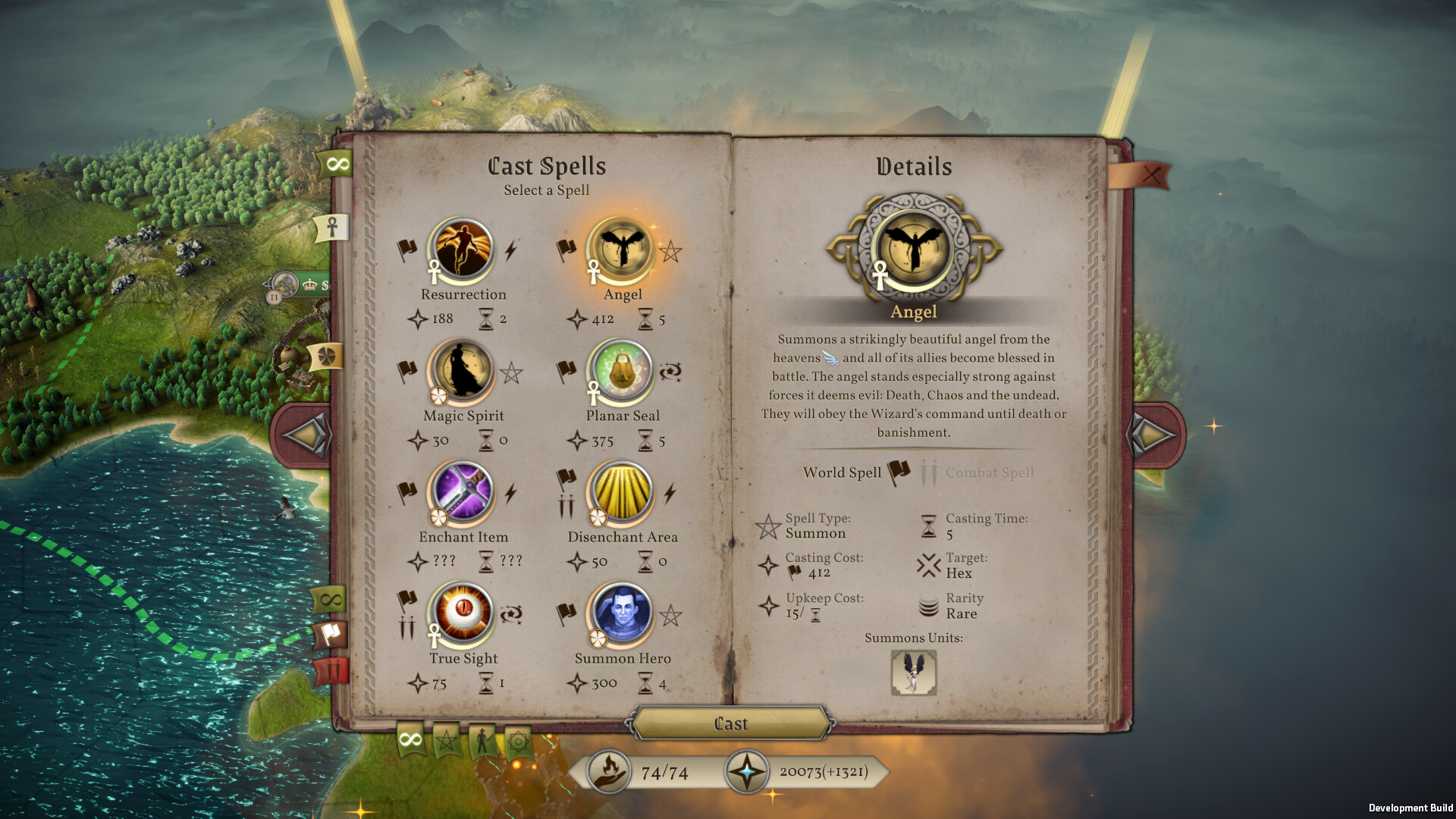
Custom Hero Modding Guide for Master of Magic (MuHa/Slitherine - 2022) Rev. 1.2.0: 2023-09-01: Updated info for new modding procedures. ---------------------------------------------------------------- This guide will help you create your own custom hero to add to the game and optionally allow you to begin a new game using that hero at the start. XML code is provided that can be copy and pasted in to your files then altered to match the data you want. We will be creating a hero named, "Noob the New" as an example. You can use the default Notepad in Windows to make/alter the files but I recommend a free XML editor such as Notepad++ to make editing easier. XML files can be made by creating a new text document and renaming the .txt extension to .xml. First a folder needs to be made inside the Mods folder located by default in C:\Users\%userprofile%\AppData\LocalLow\MuHa Games\MoM\Mods. Use a unique name to set it apart from other mods but it doesn't have to be the full name of your mod. We'll use, "Noob the New". Two other files need to go here as well: settings.xml and a PNG graphic for the mod that is no bigger than 256 x 256 pixels in size. The name of the PNG file is referenced in the settings.xml in the <icon></icon> tag area. Another folder named, "Database" also needs to be made inside this folder to place the various files in to. If using custom graphics for your hero, a second folder named, "Images" also needs to be made here. ---------------- * settings.xml * ---------------- Inside the folder with the mod's name (Noob the New), a file named, "settings.xml" must be added that has basic info every mod needs for it to work with the in game mod manager as well as allow uploading to the Steam Workshop. An example file has been included with comments inside describing the various fields. There are several fields that start with <> and end with </> we want to modify, they are the indented ones below. The others are needed but just copy them exactly. Note that for the <icon> part, that text before the colon (:) needs to be the same as is entered in to the <prefix> which is, "noobthenew" here: <?xml version="1.0"?> <ModSettings xmlns:xsd="http://www.w3.org/2001/XMLSchema" xmlns:xsi="http://www.w3.org/2001/XMLSchema-instance"> <prefix>noobthenew</prefix> <name>Noob the New</name> <title>Noob the New</title> <description>Adds a new hero to the game: Noob the New!</description> <author>Your Name Here</author> <version>1.0</version> <icon>noobthenew:noobmod.png</icon> </ModSettings> ------------------- * Database folder * ------------------- The Database folder is where all the files go that we'll need for this mod except for the optional character art. The easiest way to make a mod is to use existing code that is already functional. In the case of this guide, you can use the files provided. Normally we would copy files from the base game located by default in C:\Program Files (x86)\Steam\steamapps\common\MuHa Master of Magic\ExternalAssets\Database. You may wish to do this anyway to see what other skills are called in order to copy/paste them to your hero. These are the files we use, with the optional files being to enable the hero as a choice when starting a new game: - DB_GROUP.xml - DB_LOCALIZATION_DES.xml - DB_SOUND.xml - DB_SPELL.xml - DB_SUBRACE.xml - DB_TAG_QUEST.xml - (Optional) DB_DIFFICULTY.xml - (Optional) DB_LOCALIZATION_UI.xml ---------------- * DB_GROUP.xml * ---------------- This file tells the game if the hero is a regular hero or a champion. The file must start with <DB_GROUP> and end with </DB_GROUP>. To add Noob as a regular hero: <DB_GROUP> <GROUP-HERO_NOOB> <Heroes VALUE="HERO-NOOB"/> <CreationScript VALUE="EventGroup"/> </GROUP-HERO_NOOB> </DB_GROUP> To make him a champion instead, it's slightly different and yes, <Heroes VALUE="HERO-NOOB"/> is correct here too: <DB_GROUP> <GROUP-CHAMPION_NOOB> <Heroes VALUE="HERO-NOOB"/> <CreationScript VALUE="EventGroup"/> </GROUP-CHAMPION_NOOB> </DB_GROUP> --------------------------- * DB_LOCALIZATION_DES.xml * --------------------------- This file contains readable text in game and defines the names for the AI versions of the hero as well as the hero's bio. Also this file is a little tricky as the second header has to be different than the base game file name. Here we use _NOOB_THE_NEW in the second header to make it work. Using {0} inside the quotes of <Loc Key="DES_NOOB_DES" Value=" "/> tells the game to use the hero's full name and title and would read, "Noob the New" not {0}: <DB_LOCALIZATION> <LOCALIZATION-DES_EN_NOOB_THE_NEW Language="English"> <Loc Key="DES_NOOB" Value="Noob the New" /> <Loc Key="DES_NOOB1" Value="Nooba the New" /> <Loc Key="DES_NOOB2" Value="Noobe the New" /> <Loc Key="DES_NOOB3" Value="Noobi the New" /> <Loc Key="DES_NOOB4" Value="Noobo the New" /> <Loc Key="DES_NOOB_DES" Value="{0} is new to the game. He hopes you let him stay in your army until the end of the campaign instead of killing him off via a Sky Drake suicide run because you'd rather have Warrax. " /> </LOCALIZATION-DES_EN_NOOB_THE_NEW> </DB_LOCALIZATION> ---------------- * DB_SOUND.xml * ---------------- This file tells the game what sound files to use when certain actions involving the hero are triggered. Note the extra Sfx="true" in the header needs to be added. Here we use _NOOB_THE_NEW again in the second header to make it work. You can use existing sound effects found in the default C:\Program Files (x86)\Steam\steamapps\common\MuHa Master of Magic\ExternalAssets\Sound\SFX\ folder or add your own. Here we use Zaldron's sound files by first referencing the folder before the \ then the actual .wav file right afterwards. Exclude the entire, "NoobAttackRanged" and "NoobRangedHit" lines for heroes without ranged attacks.: <DB_SOUND> <SOUND_LIST-SFX_NOOB_THE_NEW Sfx="true"> <Sound Name="NoobAttackMelee" File="Zaldron\ZaldronAttackMelee.wav"/> <Sound Name="NoobAttackRanged" File="Zaldron\ZaldronAttackRanged.wav"/> <Sound Name="NoobAttackRangedHit" File="Zaldron\ZaldronAttackRangedHit.wav"/> <Sound Name="NoobGetHit" File="Zaldron\ZaldronGetHit.wav"/> <Sound Name="NoobDie" File="Zaldron\ZaldronDie.wav"/> <Sound Name="NoobMove" File="HorseMove.wav"/> </SOUND_LIST-SFX_NOOB_THE_NEW> </DB_SOUND> If adding custom sound files, create a folder and add files with matching names referencing the hero such as, "Noob" in this case: <DB_SOUND> <SOUND_LIST-SFX> <Sound Name="NoobAttackMelee" File="Noob\NoobAttackMelee.wav"/> <Sound Name="NoobAttackRanged" File="Noob\NoobAttackRanged.wav"/> <Sound Name="NoobAttackRangedHit" File="Noob\NoobAttackRangedHit.wav"/> <Sound Name="NoobGetHit" File="Noob\NoobGetHit.wav"/> <Sound Name="NoobDie" File="Noob\NoobDie.wav"/> <Sound Name="NoobMove" File="Noob\NoobMove.wav"/> </SOUND_LIST-SFX> </DB_SOUND> Note: There is some difference with the declaration of the move sound. The default location for the move sounds are in the main SFX folder and are called HorseMove.wav and HorseHeavyMove.wav. It's also
ИсточникGHub Platform · автор25.08.2026, 21:00:00
Custom Hero Modding Guide for Master of Magic (MuHa/Slitherine - 2022) Rev. 1.2.0: 2023-09-01: Updated info for new modding procedures. ---------------------------------------------------------------- This guide will help you create your own custom hero to add to the game and opt…
Войдите, чтобы писать в группе