How to get Street Fighter X Tekken working on Steam Deck
GHub Platform · Гайд · 0 ответов · 19 просмотров
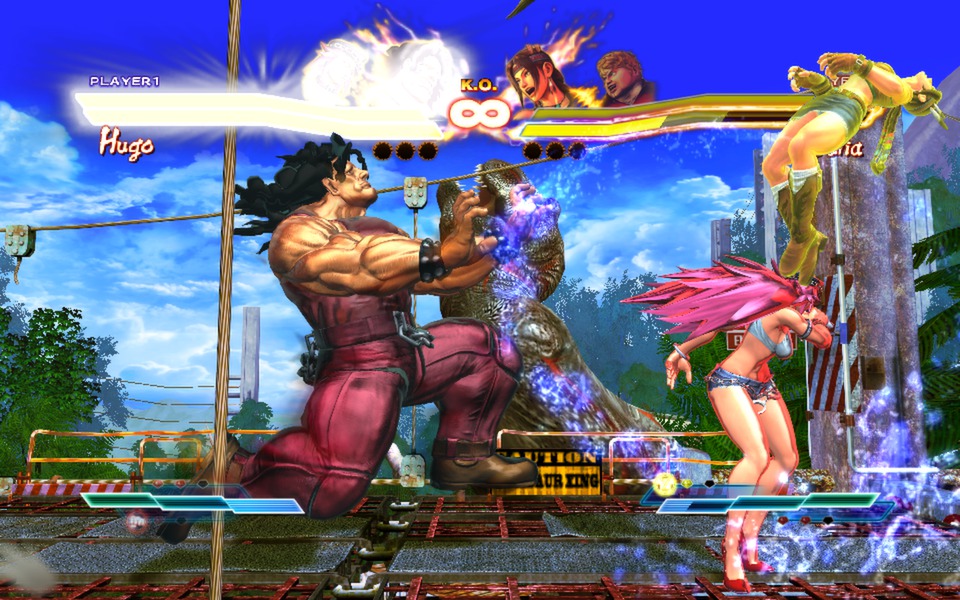
Steam Deck desktop mode A text editor of your choice (Kate is recommend) A modified version of XLive.dll (Recommended version: Download [mixerrules.me] ) First things first, Boot into desktop mode on the Steam Deck. Download SFXT via Steam IMPORTANT: DO NOT RUN UNTIL YOU FINISH THIS GUIDE! IF YOU HAVE ALREADY RAN YOU NEED TO FRESH INSTALL THE GAME! Once it's finished downloading, navigate to: (this is assuming installed it on the main drive) /home/.local/share/Steam/steamapps/common/Street Fighter X Tekken/ Open "installscript.vdf" in a text editor, then delete lines 19 through 25. "Live" { "HasRunKey" "HKEY_LOCAL_MACHINE\\Software\\Valve\\Steam\\Apps\\209120" "process 1" "%INSTALLDIR%\\support\\Gfwlivesetup35.exe" "command 1" "/q /nu /norestart" "NoCleanUp" "1" } After that save the file. Get your copy of XLive.ddl from your downloads folder and drag into into /home/.local/share/Steam/steamapps/common/Street Fighter X Tekken/ Once both of you have updated the install script and dragged the file you should now be able to run the game! (Try launching it on desktop mode first) Getting stuck? Watch the video guide instead! Some arcade cut scenes show an error texture then skips itself. SFXT just fails to launch most of the time in Steam Deck mode (Might just be my system) External Controllers don't show up sometimes in some proton versions (Recommend version is anything Proton 8.0-5 and above, GE proton also works abit better) Online Multiplayer doesn't (obviously) --- Источник: https://steamcommunity.com/sharedfiles/filedetails/?id=3238337810
ИсточникGHub Platform · автор25.08.2026, 23:34:26
Steam Deck desktop mode A text editor of your choice (Kate is recommend) A modified version of XLive.dll (Recommended version: Download [mixerrules.me] ) First things first, Boot into desktop mode on the Steam Deck. Download SFXT via Steam IMPORTANT: DO NOT RUN UNTIL YOU FINISH…
Войдите, чтобы писать в группе