Access Debug Build of SOTD: HR
GHub Platform · Гайд · 0 ответов · 20 просмотров
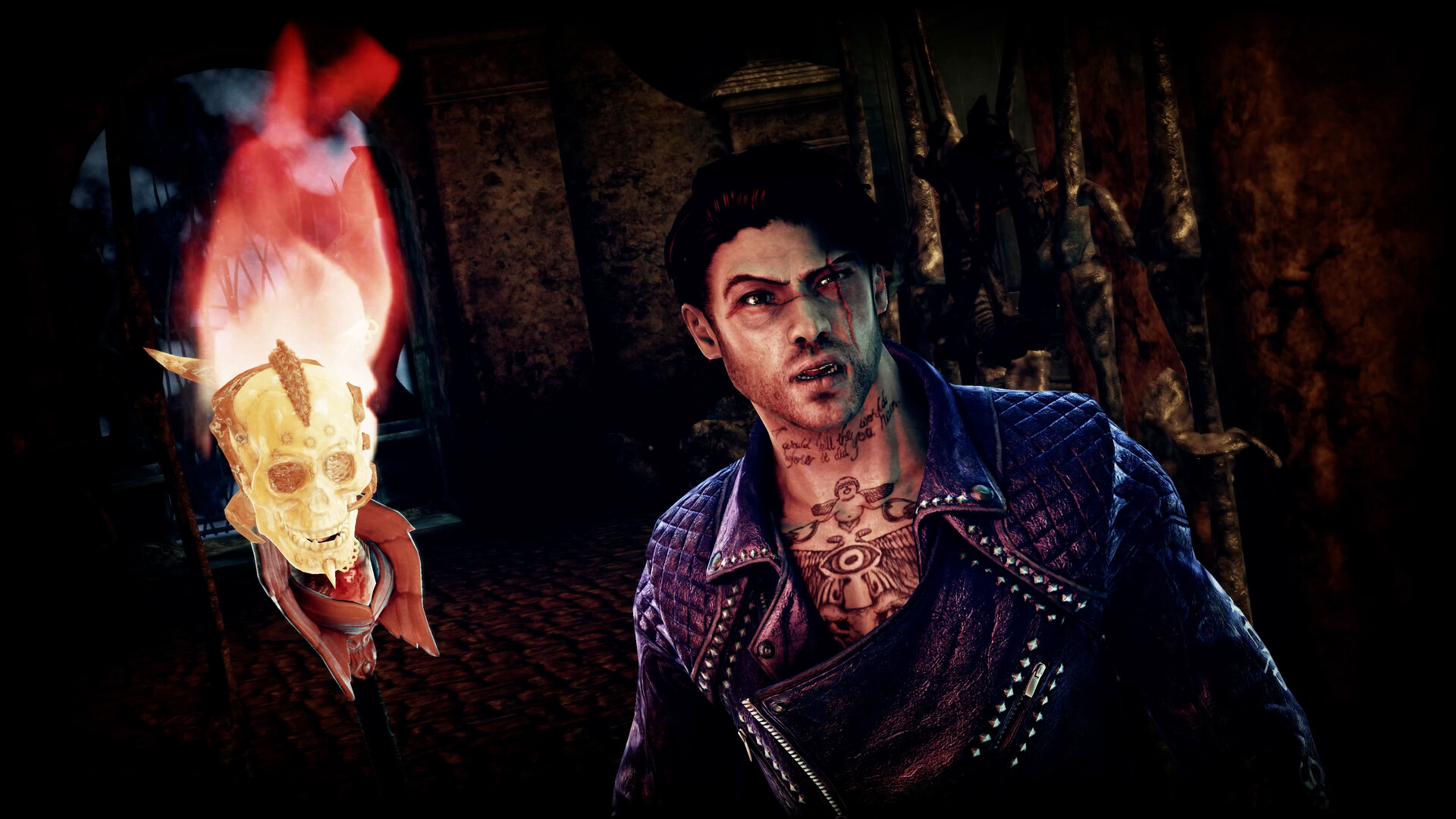
Whether intentionally or not, the developers have left a debug build of Shadows of the Damned available to download via the game's opt-in betas on Steam. From brief examination, it mostly serves as tech savvy overlay and a level select. Though further tinkering may lead to some interesting discoveries in the right hands. Right Click on the Shadows of the Damned shortcut on Steam Click Properties Open the Betas tab, click the drop down menu and select debug The debug branch was quickly removed after release, however I have backed up the .exe necessary to access debug features Download and extract this file into the game's root folder and launch via "game - copy.exe" https://www.mediafire(dot)com/file/68n7tv38cc9gexp/SotD_Debug.zip/file The current known uses/options in the debug build include: - Level Select If you would like to keep the debug build on hand if you downloaded it before its removal from Steam, simply make a copy of the game's executable file before reverting back to the retail release. --- Источник: https://steamcommunity.com/sharedfiles/filedetails/?id=3357590889
ИсточникGHub Platform · автор25.08.2026, 23:44:39
Whether intentionally or not, the developers have left a debug build of Shadows of the Damned available to download via the game's opt-in betas on Steam. From brief examination, it mostly serves as tech savvy overlay and a level select. Though further tinkering may lead to some i…
Войдите, чтобы писать в группе