TRON 2.0 Bug Fixes | Widescreen | Multiplayer
GHub Platform · Гайд · 0 ответов · 17 просмотров
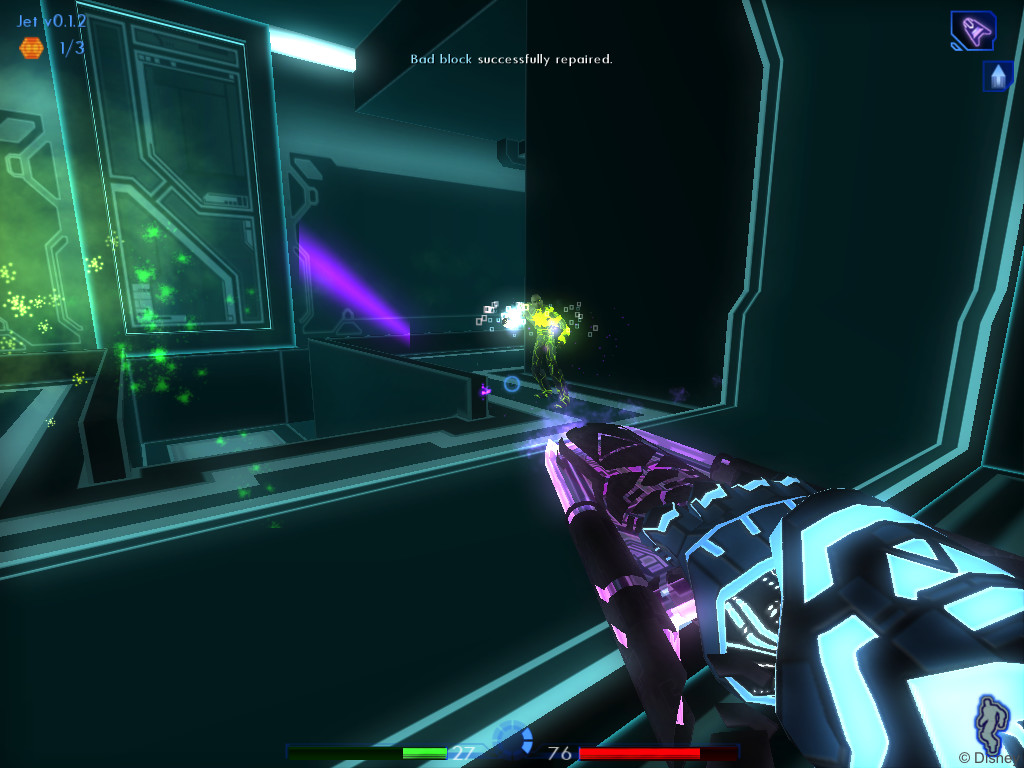
Warning: This guide is a little bit outdated now. The installer for the mod has been made by LDSO a long time ago and it's got a few problems: 1. It cannot handle a very large amount of free space (>2TB) 2. It will set-up Steam to run as Administrator which was useful many years ago, but makes Steam not launch properly anymore 3. It checks for a version update, but the check is broken and kicks you out of the installer with an "A newer version is available" message Quick Solutions: 1. If you run into the 2TB problem, there is a workaround here [tronfaq.blogspot.com] . 2. You will definitely have to remove the "Run as Administrator" option from steam.exe after installing the mod or it will not launch properly anymore. 3. Just go offline temporarily (disconnect from your WiFi or Ethernet). Since the mod installer can't check for a newer version, it will just run. So yeah, this is all a bit borked! Proceed at your own risk. Sadly, I don't have the source code for the installer and cannot fix it up and LDSO has not been here for almost two years. If you want to help out with this guide and get all of this running smoothly again, it would benefit all of us. Please check out the Steam forums or contact me directly via private message and I can add you as a contributor to this guide. The original guide continues now: Except for the TRON.exe and Steam screenshot issues - which are unique to the Steam version of the game - all the other advice in this guide also applies to the Retail CD/DVD and GOG.com versions of TRON 2.0. Before you begin, INSTALL THE GAME AND RUN IT AT LEAST ONCE via Steam. If the game won't start, see the Bugs and Fixes section below. TRON 2.0 will work on Windows 11/10/8/7/Vista/XP (both 32-bit and 64-bit in all cases). My anti-virus says TRON.exe (or another file) is infected, or I'm getting a "Missing shell DLL cshell.dll" error when I try to play the game. Read this forum post for a more in-depth explanation: http://steamcommunity.com/app/327740/discussions/0/617321352158607162/#c617321352200921669 But the short answer is that your anti-virus is falsely flagging files downloaded through Steam as being infected, due to the Steam DRM applied to those files. Either create an exception in your anti-virus to stop flagging a file, or download the Unofficial Patch and install it, to solve this issue: https://tron.hirnschwund.net/patches/tron-update_v1x042ceng.exe Steam takes a screenshot every time I crouch or jump. This is a Steam bug, and happens with or without any patches or mods. To stop Steam from doing this: Open the Steam menu in the game client and select Settings. Select In-Game on the left side. Click inside the Screenshot shortcut keys box, and press different key(s) for taking a screenshot. If that still doesn't help, you can disable screenshots by either: Clicking the X in the box to remove the screenshot key(s). Or remove the checkmark in the Enable the Steam overlay while in-game box. Click OK. When the game starts, all I see is a black screen. To fix this issue: Use the Steam client to open your TRON 2.0 folder in the Windows File Explorer. Right-click Tron 2.0 in your Steam Games Library. Click Properties on the menu. Click the Local Files tab. Click the Browse Local Files button. Right-click Lithtech.exe in the Tron 2.0 folder and choose Properties from the menu. Click the Compatibility tab. Put a checkmark in the box beside Disable desktop composition. (Do the same for Run this program as an administrator if it's not already checked.) Click OK. This should only be necessary for some, on Windows Vista and 7. It will disable Aero Glass while the game is running. (Windows 11/10/8 removed the Aero Glass feature.) I can't get the Killer App Mod to install, it either hangs/freezes or tells me I don't have enough disk space. If the installer hangs during installation of the mod, visit this page for advice: http://tronfaq.blogspot.com/2010/11/tron-20-killer-app-mod-help-and.html#safemode If the installer gives you a Not enough disk space error, visit here for advice: http://tronfaq.blogspot.com/2010/11/tron-20-killer-app-mod-help-and.html#freespace I installed Killer App Mod to use widescreen, but the resolution has lowered itself or the image is stretched and parts of the HUD are off-screen. If the resolution has lowered: Click Play in Steam. Click the Display button on the TRON launcher. The Killer App Mod uses a modified launcher, that allows selecting non-4:3 resolutions outside of the game. Choose your resolution and click OK. Do not touch the Options > Display resolution options inside the game. It will cause the resolution to reset to a 4:3 aspect ratio again. This is something that will be addressed in the next version of the mod. If the image is stretched or parts of the HUD are off-screen: This is often because a patch or other unexpected add-on was installed after the Killer App Mod, reverting some of the changes. Hold down the Windows and R keys at the Windows desktop. A window titled Run should appear. Type regedit and press Enter. Navigate to the registry key HKEY_LOCAL_MACHINE > SOFTWARE > Wow6432Node > Monolith Productions > Tron 2.0 > 1.0 as shown in the screenshot. Right-click UpdateNum and choose Modify from the menu. Change Value data to 5 and click OK. Another reason for a lower resolution, stretched image, or missing HUD elements while playing with the Killer App Mod, is after moving to another computer and downloading Steam Cloud files. DO NOT download TRON 2.0 Cloud files when moving to another computer. http://steamcommunity.com/id/schmatzler/myworkshopfiles/?section=guides http://steamcommunity.com/id/LDSO/myworkshopfiles/?section=guides Thank you for checking out our TRON 2.0 guide, hope it's been helpful! Please click the links above and follow our guide pages if you wish to keep up with updates to this, or any of the other TRON game guides we've contributed to! --- Источник: https://steamcommunity.com/sharedfiles/filedetails/?id=325088441
ИсточникGHub Platform · автор26.08.2026, 00:14:30
Warning: This guide is a little bit outdated now. The installer for the mod has been made by LDSO a long time ago and it's got a few problems: 1. It cannot handle a very large amount of free space (>2TB) 2. It will set-up Steam to run as Administrator which was useful many yea…
Войдите, чтобы писать в группе