No more Motion Sickness with these Settings:
GHub Platform · Гайд · 0 ответов · 17 просмотров
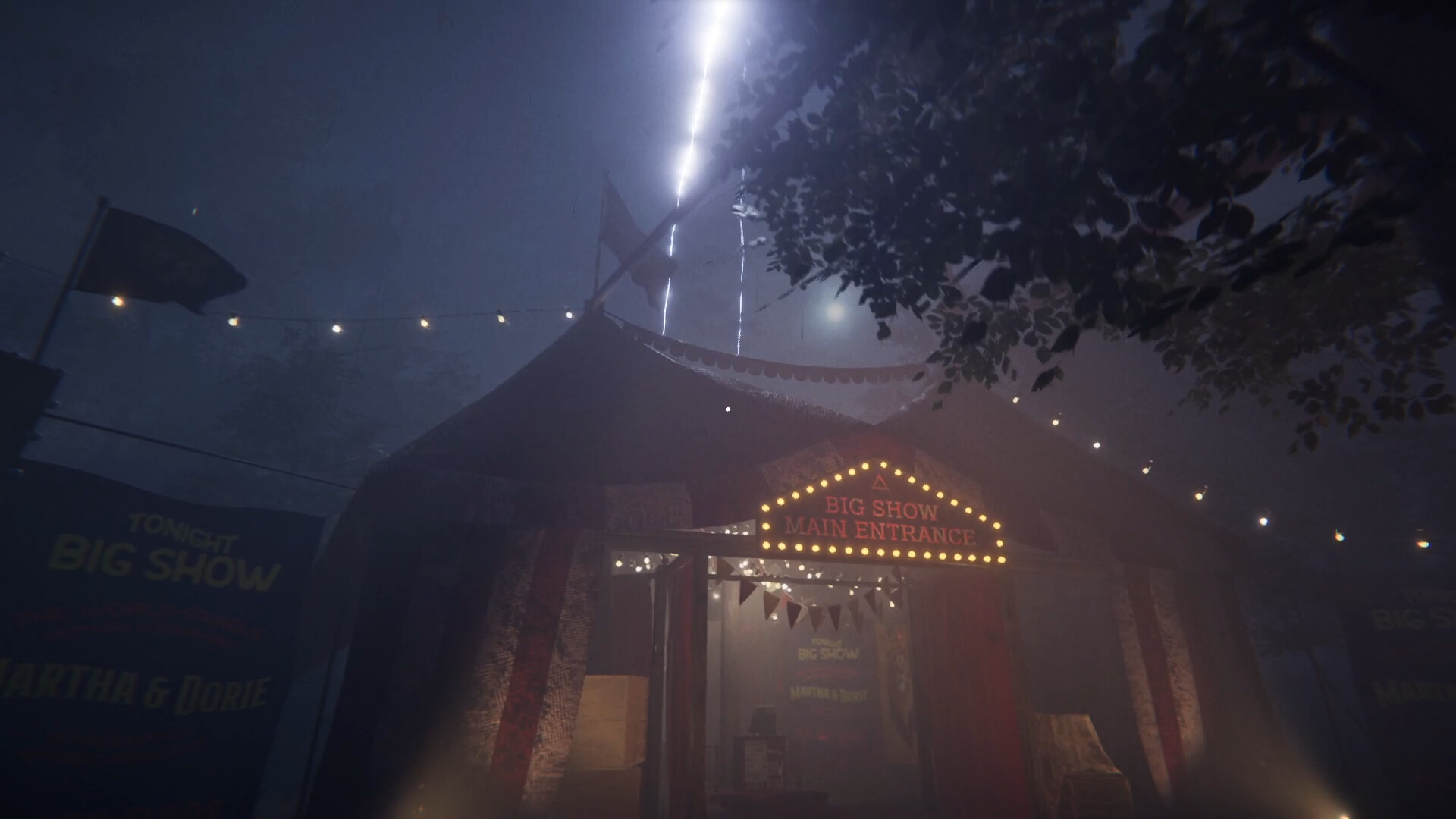
Go to options, choose game settings. Deactivate Smooth look. Increase the Field of view. Maybe disable Dynamic Sprint FOV. Go to options, choose graphic settings. Deactivate Motion blur. Make sure to set the refresh rate to your monitors refresh rate. Also make sure to set the FPS limiter according to your refresh rate. Let me know if these settings have helped or if you have any other tips. --- Источник: https://steamcommunity.com/sharedfiles/filedetails/?id=3191468275
ИсточникGHub Platform · автор26.08.2026, 01:34:48
Go to options, choose game settings. Deactivate Smooth look. Increase the Field of view. Maybe disable Dynamic Sprint FOV. Go to options, choose graphic settings. Deactivate Motion blur. Make sure to set the refresh rate to your monitors refresh rate. Also make sure to set the FP…
Войдите, чтобы писать в группе