Language / Resolution / Graphics Fixes
GHub Platform · Гайд · 0 ответов · 15 просмотров
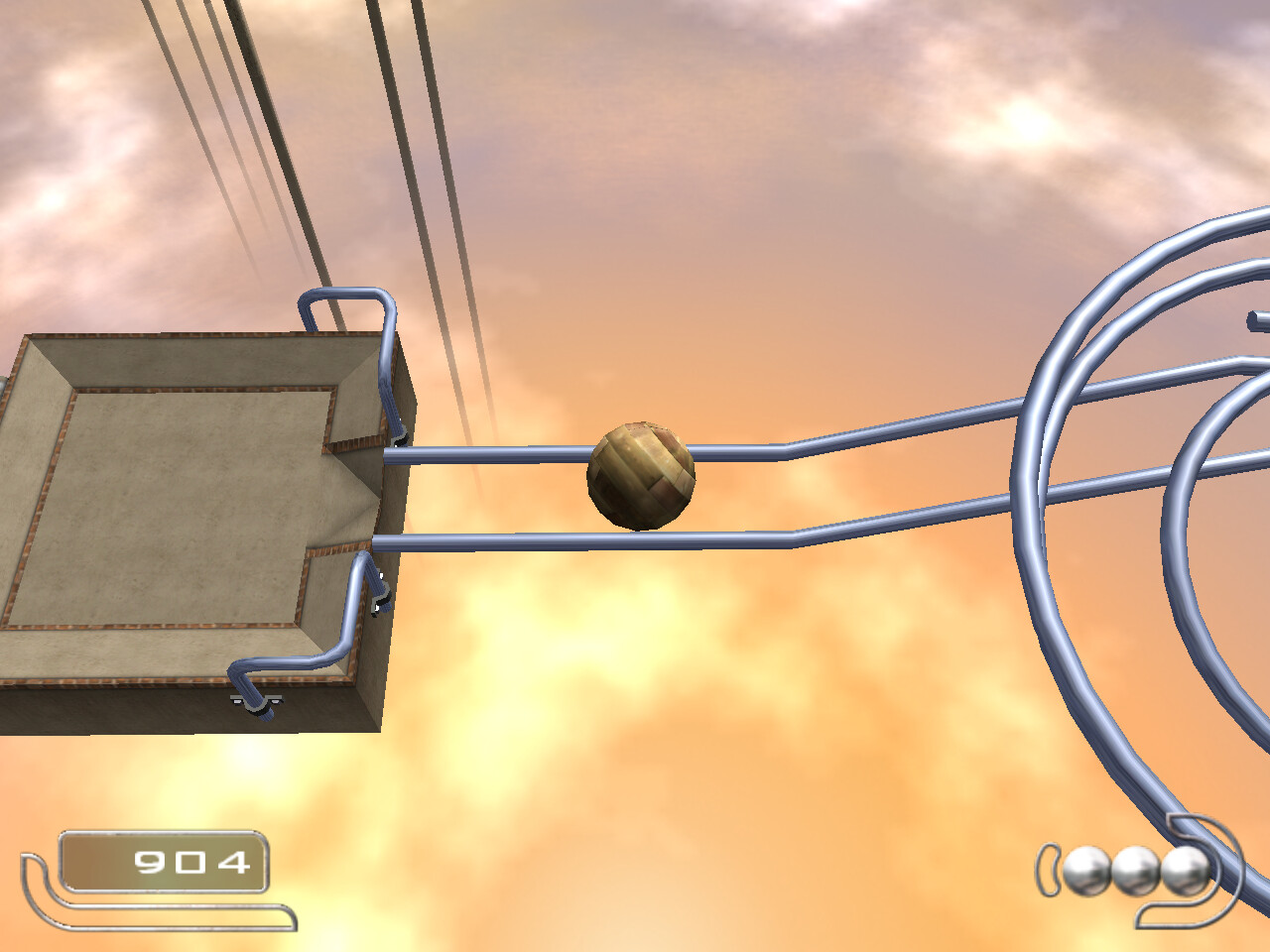
If you want to change the language, go to "Steam > steamapps > common > Ballance", then you will see a windows batch file called "lang", run it AS AN ADMINISTRATOR , then choose the number of your language: 0. German 1. English 2. Spanish 3. Italian 4. French Keep in mind though, for some reason its super buggy, sometimes it straight up refused to work or switched to the wrong language (in my case 0 switched me to english instead of german the first time i tried, then every language worked normally) Now to change the res and graphics, go to "Steam > steamapps > common > Ballance > Bin", then open a file called "dgVoodooCpl", here you have three tabs, and here are three screenshots of my setup because im gonna be completely honest with you i forgot what i changed exactly, i was changing little things one by one until it worked for me, so feel free to input your own settings that fit your hardware, like changing the res to your liking, etc... ALSO : i do not know how significant this is but just in case because im clueless af, idk how well this game works on modern gpus, my rig is pretty powerful and i experienced no lag or frame drops or any issues, if you do face any performance issues though, try lowering the anti aliasing and anisotropic values, and if it still lags enable "fast video memory access" in the bottom left of the DirectX tab. And with these settings, you can hit ALT + Enter to go from windowed to full screen if for whatever reason the game refuses to go back into fullscreen. I honestly don't know if i can further help you, because i am not an expert at this, i just balled and got the results i wanted, and i wanted to share what i know for people who are even more clueless than me, so try asking in the comments and hopefully a more knowledgeable person answers your questions and helps you. Have a great day. Check out this website, and download "Enhanced.zip" or any other texture that you like, save a copy of the original textures folder just in case, and copy & paste (replace all) the new textures folder in "Ballance" folder, do not completely remove the old texture folder just in case if there are missing textures in the new folder. Website: https://89o.itch.io/ballance-resourcepack NOTE: I do not know if its compatible with languages other than english --- Источник: https://steamcommunity.com/sharedfiles/filedetails/?id=3132469486
ИсточникGHub Platform · автор26.08.2026, 01:44:59
If you want to change the language, go to "Steam > steamapps > common > Ballance", then you will see a windows batch file called "lang", run it AS AN ADMINISTRATOR , then choose the number of your language: 0. German 1. English 2. Spanish 3. Italian 4…
Войдите, чтобы писать в группе