Windows 8 fix for ATI Cards
GHub Platform · Гайд · 0 ответов · 19 просмотров
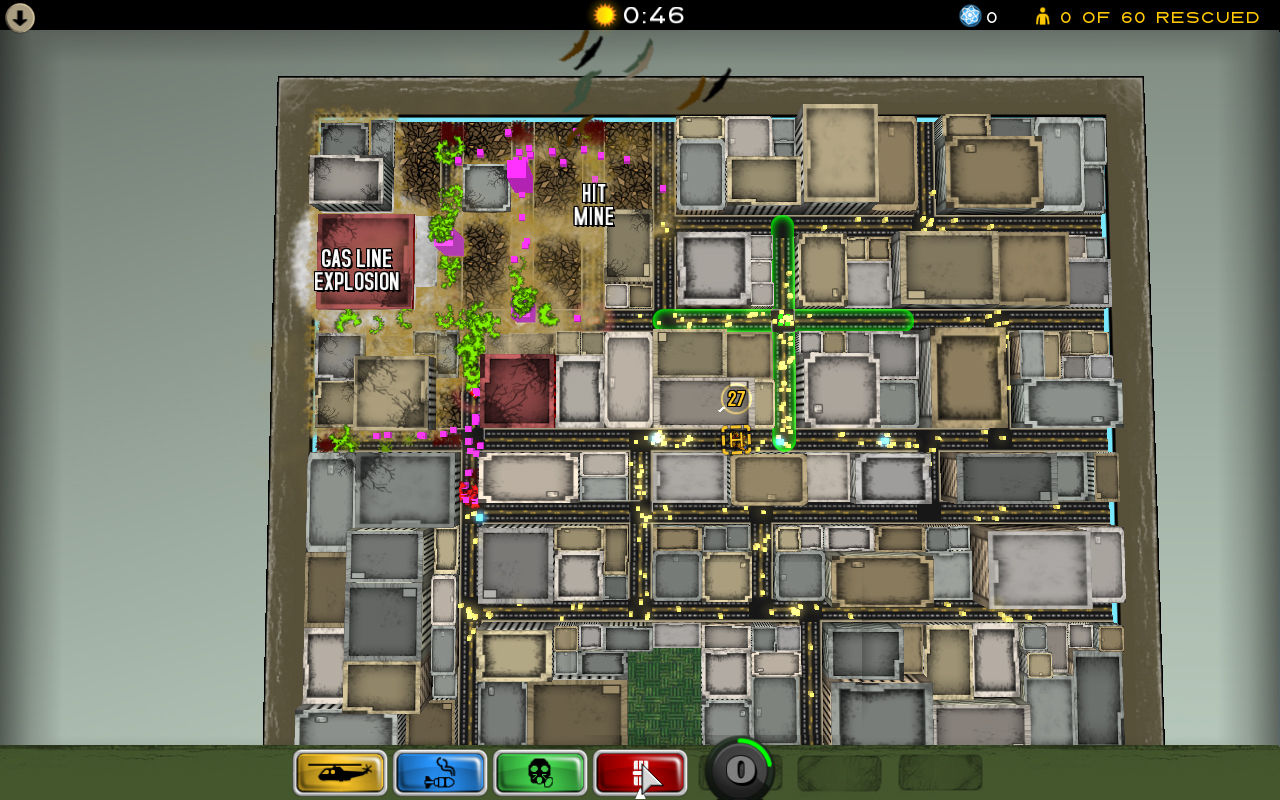
Found that this game wouldn't run under Windows 8. To fix it, right click the game in Steam and choose Properties. Go to the Local Files tab, and click "Browse Local Files". Go into the Data folder, and right click on atomzombiesmasher.exe. Click Properties. Click the Compatibility tab. Check box "Run this program in compatibility mode" and choose Windows 7 from the drop down. Note: if you are with win 10 you will need to try delete the atigktxx.dll in data folder for it to work. Thanks to someone who had posted this in the discussions. --- Источник: https://steamcommunity.com/sharedfiles/filedetails/?id=683828485
ИсточникGHub Platform · автор26.08.2026, 02:26:16
Found that this game wouldn't run under Windows 8. To fix it, right click the game in Steam and choose Properties. Go to the Local Files tab, and click "Browse Local Files". Go into the Data folder, and right click on atomzombiesmasher.exe. Click Properties. Click the C…
Войдите, чтобы писать в группе