How to play the new highly anticipated Sudden Attack Zeropoint
GHub Platform · Гайд · 0 ответов · 21 просмотр
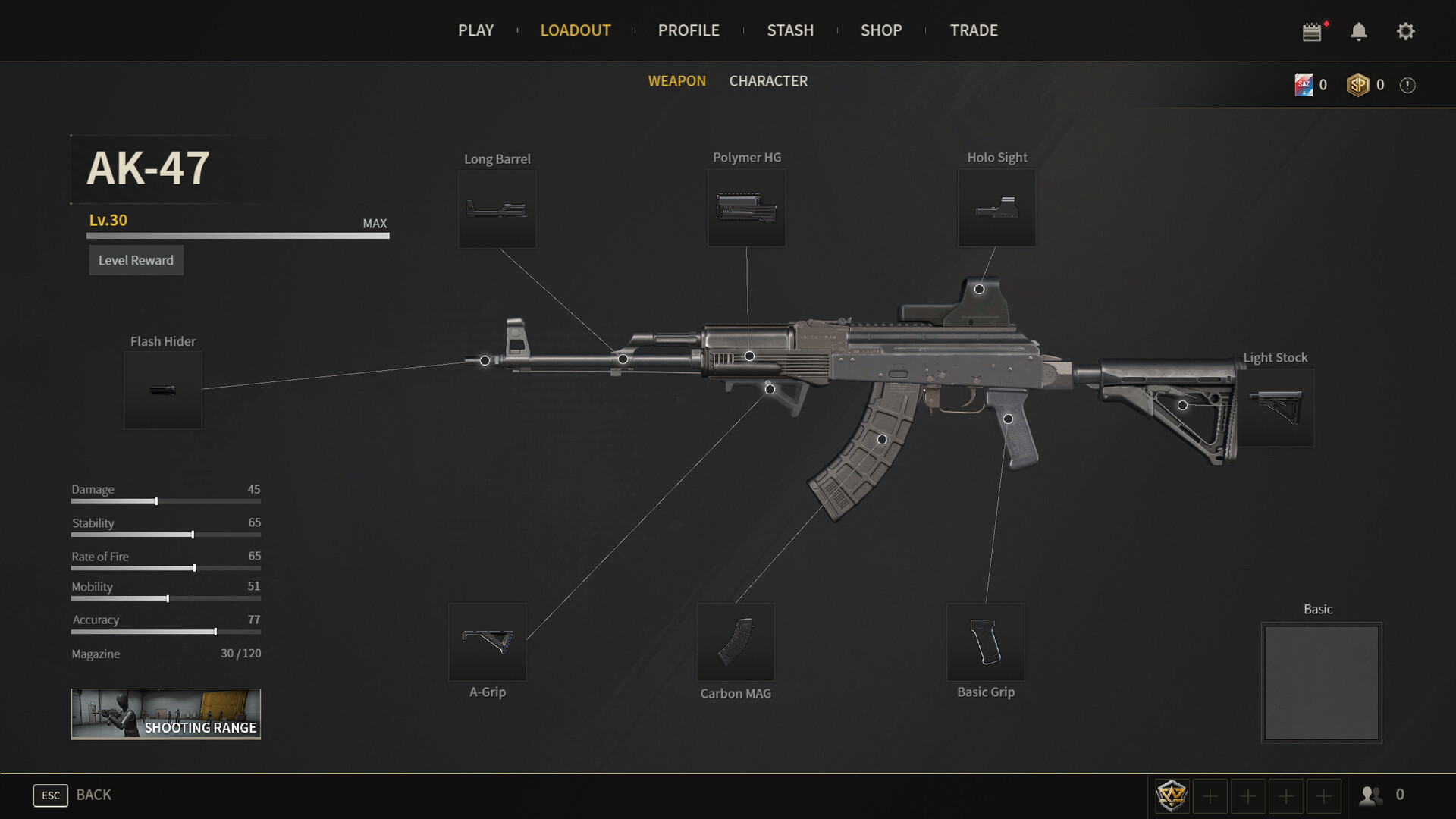
To play the new Sudden Attack Zero Point PERFECTLY, you actually only need this one step. 1. Open Steam on your computer. 2. Go to your Library tab at the top to view your installed games. 3. Locate Sudden Attack Zero Point in the list on the left-hand sidebar. 4. Right-click on the game title. 5. Hover over Manage, then click on Uninstall. 6. A confirmation prompt will pop up asking if you want to remove the game content from your computer. Click Uninstall to confirm. Now you will not waste time. --- Источник: https://steamcommunity.com/sharedfiles/filedetails/?id=3786221950
ИсточникGHub Platform · автор27.08.2026, 09:55:07
To play the new Sudden Attack Zero Point PERFECTLY, you actually only need this one step. 1. Open Steam on your computer. 2. Go to your Library tab at the top to view your installed games. 3. Locate Sudden Attack Zero Point in the list on the left-hand sidebar. 4. Right-click on…
Войдите, чтобы писать в группе