How to change ingame icons
GHub Platform · Гайд · 0 ответов · 41 просмотр
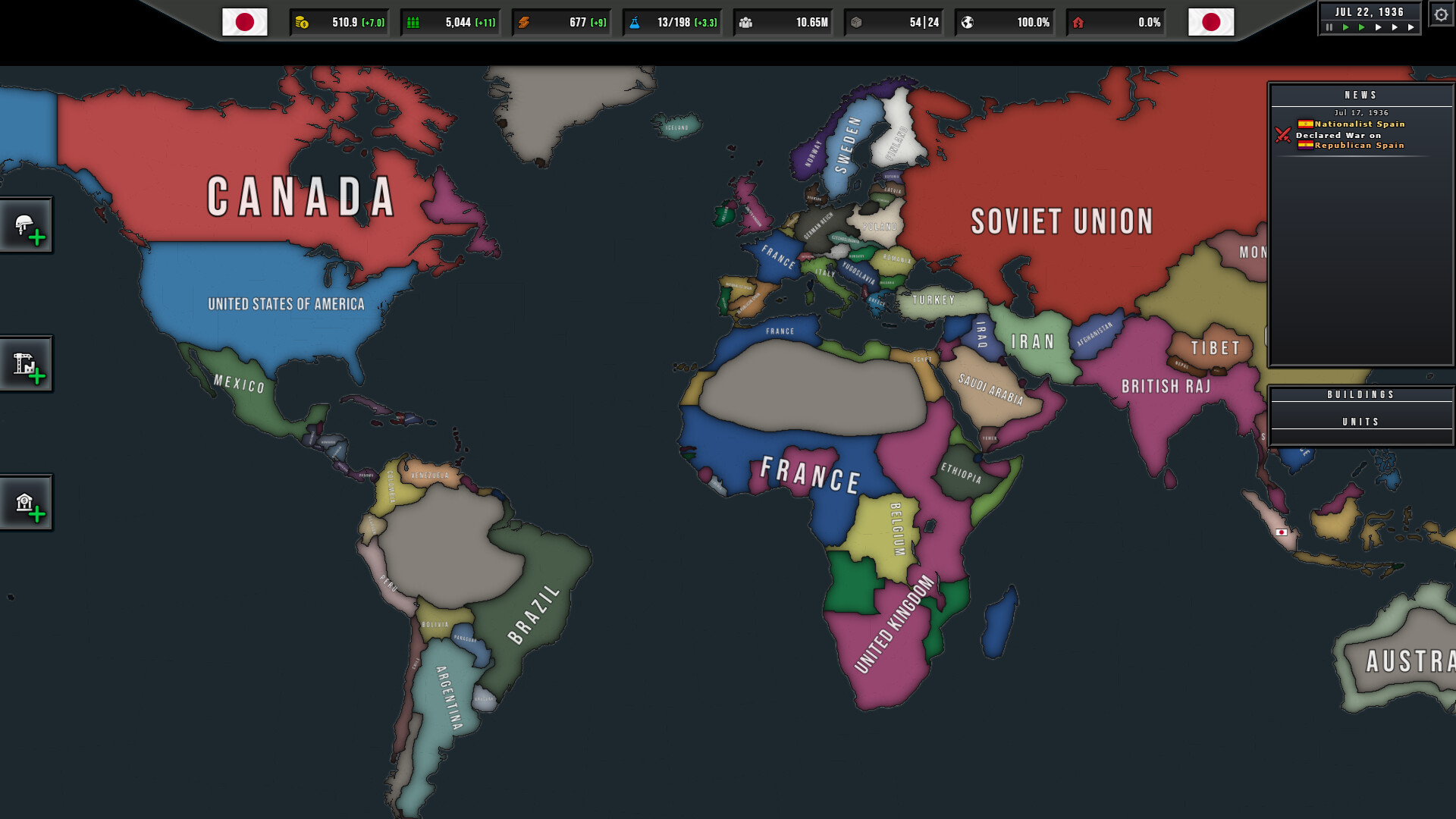
The files are stored in PNG format in SteamLibrary\steamapps\common\States of Power\resources\www\assets\sprites You can ignore the files here, but it is worth mentioning that the "worldmap-x.png" files have all the provinces in them, so there might be a way to create custom maps in the future. More important are the two folders and what they contain: sheetSprites Map icons like terrain, movement, combat buildingIcons128px: Icons for buildings modelSprites: The unit sprites that differ from nation to nation resourceIcons: The ressources you accumlate statsIcons: Unit stats like damage unitLabelIcons76px: Unit icons ui diplomacyIcons: Icons used in the diplomacy tab flagConstructorIcon: Icons used for custom country flags historicalFlags: Actual country flags timerControls: Icons used for time control in the upper right corner unitControlIcons: Split/single/stop icons Open the PNG file in an image editor, change what you want, save it. That's it, it's really that simple. Only use white when editing icons. Other colors are displayed in the overview, but not on the flag itself. If you edit an icon, all flags that use said icon are changed as well. While you can freely edit all files in there, new files added to the folders didn't show up ingame. The path SteamLibrary\steamapps\common\States of Power\resources\www\assets\sounds\prodFx contains a bunch of ogg files. I haven't tried it myself, but I guess you can change them just like you can change pictures. --- Источник: https://steamcommunity.com/sharedfiles/filedetails/?id=3791146598
ИсточникGHub Platform · автор28.08.2026, 15:45:51
The files are stored in PNG format in SteamLibrary\steamapps\common\States of Power\resources\www\assets\sprites You can ignore the files here, but it is worth mentioning that the "worldmap-x.png" files have all the provinces in them, so there might be a way to create c…
Войдите, чтобы писать в группе