Optimization Guide | Max FPS | Best Settings
GHub Platform · Гайд · 0 ответов · 25 просмотров
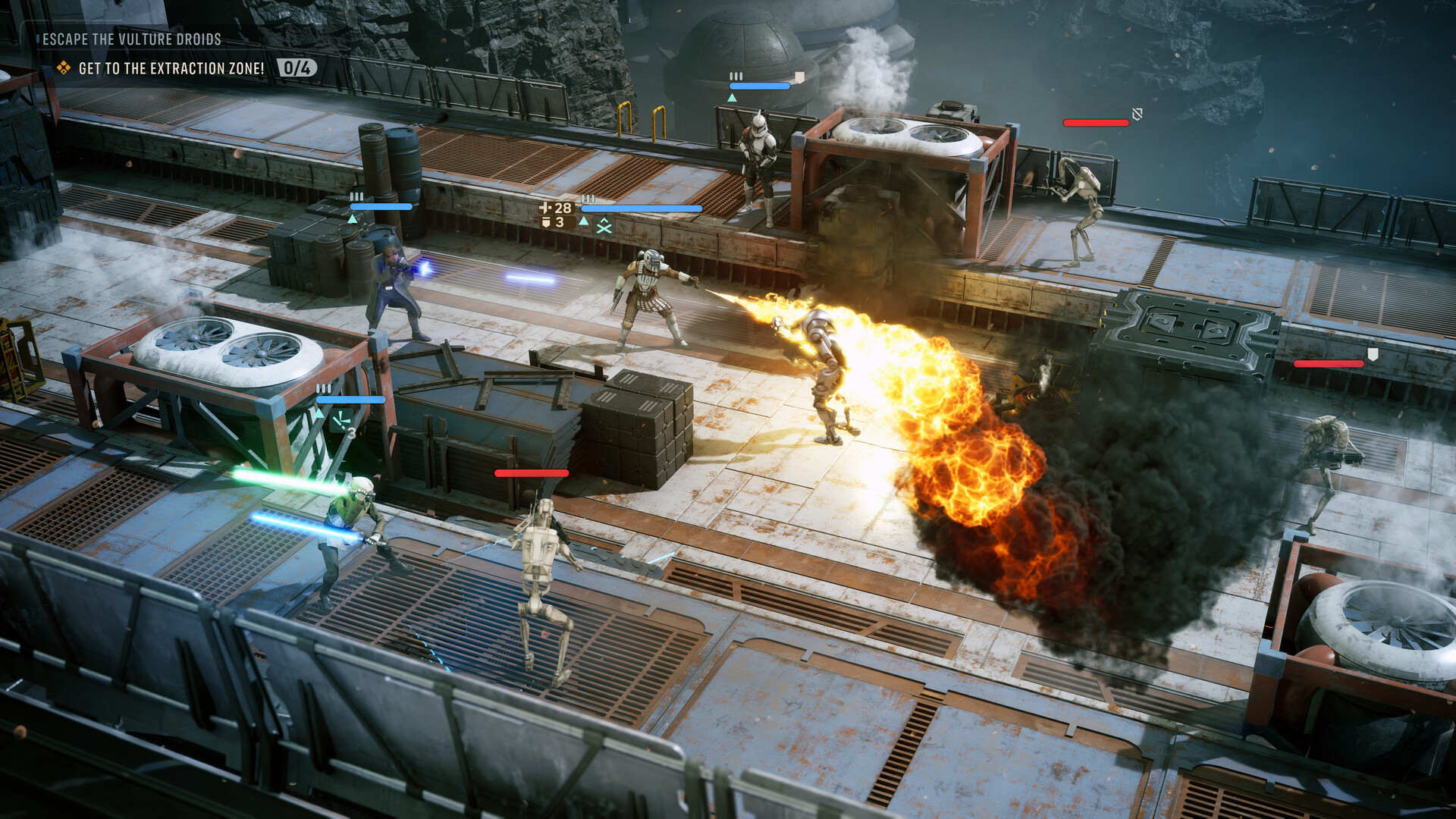
Windowing Mode: Borderless Windowed Resolution: Native display resolution (2K, 4K, etc.) Frame Rate Limit: 60 - or whatever you are comfortable with. VSync: Off (unless experiencing screen tearing) Anti-Aliasing / Upscaling Method: DLSS (Nvidia) or FSR (AMD/Intel) Upscaling Quality: Quality (recommended for 2K/4K) Frame Generation: Off (only turn on if baseline FPS is already 80+) NVIDIA Reflex Low Latency: Enabled (or Enabled + Boost if CPU-bound) Quality Settings Breakdown Reflections: Medium (Ultra has a heavy GPU performance penalty; Medium provides the best balance) Shadow Quality: Low (provides a substantial FPS boost with minimal visual change) Post-Processing: Low (disables intrusive motion blur and depth-of-field; leave higher if you prefer cutscene blur) Environmental Geometry Detail: Off (provides a small boost on non-40/50 series GPU architectures) Hidden Object Details: Full (recommended for gameplay readability so structures hide properly when moving behind them) Shading Quality: Low (notable FPS boost with negligible visual difference) Texture Quality: Ultra (has zero performance impact on cards with 8GB+ VRAM) Effect Quality: Default preset value View Distance: Default preset value Global Illumination: Default preset value Thanks to @TroubleChute for providing this info. For more in Depth Info visit his Website: https://fps.tcno.co/star-wars-zero-company-fps-optimization-full-breakdown-comparison/ Or check out his Video: --- Источник: https://steamcommunity.com/sharedfiles/filedetails/?id=3791404839
ИсточникGHub Platform · автор30.08.2026, 03:12:11
Windowing Mode: Borderless Windowed Resolution: Native display resolution (2K, 4K, etc.) Frame Rate Limit: 60 - or whatever you are comfortable with. VSync: Off (unless experiencing screen tearing) Anti-Aliasing / Upscaling Method: DLSS (Nvidia) or FSR (AMD/Intel) Upscaling Quali…
Войдите, чтобы писать в группе