DJMAX RESPECT V 100% Achievements, Walkthrough, and Unlock Guide
GHub Platform · Гайд · 0 ответов · 9 просмотров
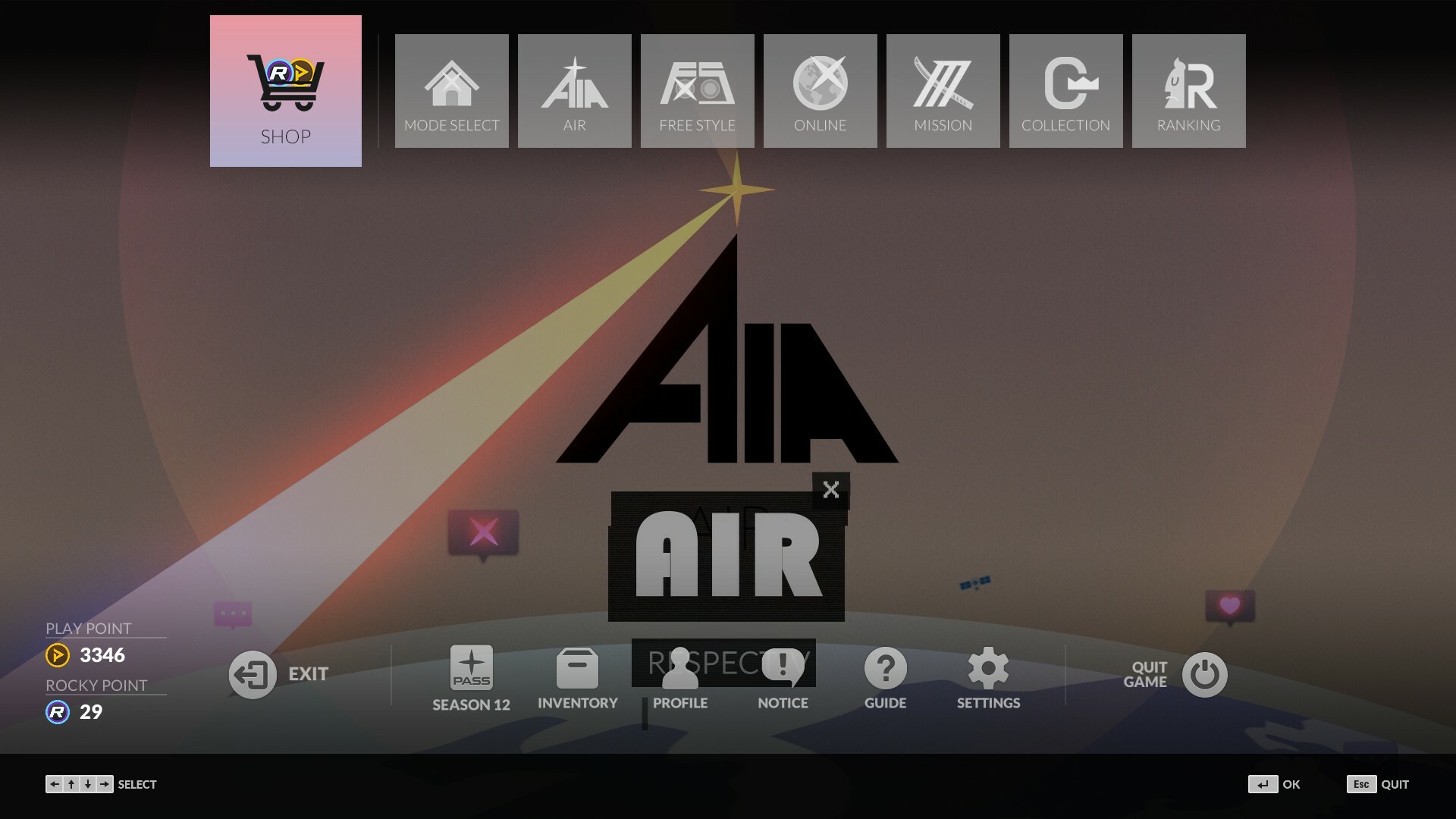
*이 가이드를 한국어로 읽고 싶다면 Google의 자동 번역 기능을 사용할 수 있습니다. Hello, I'm Curtis c: Some of you may know me from playing this game, since I have around 7,500 hours logged in both PC and PS4, and used to have Perfect Plays on every pattern on the PS4 version until DIE IN came :( This guide goes over everything you could possibly unlock in the game. I tried to include everything from the basics, how everything works, every collectible and achievement, sorted by DLC Pack, and wrote it so a beginner could understand. All of the Base Game Sections are a bit cluttered since there's a lot of tutorials and whatnot I tried to include for new players. If you aren't a new player and don't need tutorials feel free to skip right past them. They are there only if you need them. You can click all the pictures to zoom in for a better view. Also, I'm a gamer, not an English major, so please tell me if you see typos and I will fix them, and let me know if anything you see in this guide is wrong or missing (which is bound to happen), and I will add it. Thanks! You can find me at mdcurtis99 on Twitch and YouTube. I like to stream a lot, mostly DJMAX! You can share this guide anywhere you want, as long as you give proper credit! DJMAX RESPECT is a continuation in the DJMAX series since the latest release of DJMAX Technika Q in 2013. DJMAX RESPECT was released in 2017 for the PS4. DJMAX RESPECT V is a PC port version of the PS4 game. It is a rhythm game that features notes scrolling down a screen with the player hitting them to the beat. It's simple to learn, yet hard to master. Pressing ESC in-game and clicking Guide will bring up the tutorial menu where you can learn about the different types of notes and how to play, as well as different sections of the game! All Normal, Hard, and Maximum charts were designed specifically for use by a PS4 controller, but all can be played with a keyboard. SC patterns are designed specifically for keyboard. Air Mode is a collection of "channels" that feature minigames and more. ________________________________________________________________ NB RANGER : Couple Breaker Minigame NB RANGER —sworn to crush couples and defend the happiness of singles! Sensing the rise of another couple, they spring into action once again today! NB RANGERS, Assemble!! This is a reaction-based minigame where you zap couples that appear in the elevators and not the single people. You can use the mouse but it's way better to use the keyboard controls and hit multiple couples at once. You don't need to hit every couple in one cycle, but if you don't hit at least 1 then you lose a life. Unlocks: Rank Score needed Unlocks Free Style is a free play option that lets you play whatever you want, however you want. Use the Up and Down arrow keys to pick a track and Left and Right arrow keys to select a difficulty. Press Enter or F5 to start. There are 4 button modes in DJMAX RESPECT V: 4 Button Tunes 5 Button Tunes 6 Button Tunes 8 Button Tunes Each of these will be referred to as 4B, 5B, 6B, and 8B from here onwards. 4B features 4 different lanes where notes may come down. The default controls for the 4 lanes from left to right are A, S, ;, and '. Side Tracks are hit with Left Shift and Right Shift. 5B features 5 different lanes where notes may come down. The middle lane is shared by 2 keys simultaneously. The default controls for the 5 lanes from left to right are A, S, D, L, ;, and '. Side Tracks are hit with Left Shift and Right Shift. 6B features 6 different lanes where notes may come down. The default controls for the 6 lanes from left to right are A, S, D, L, ;, and '. Side Tracks are hit with Left Shift and Right Shift. 8B features 8 different lanes where notes may come down. There are 2 FX note lanes that look like thin pink bars. The default controls for the 6 lanes from left to right are A, S, D, L, ;, and '. FX Notes are hit with C and ,. Side Tracks are hit with Left Shift and Right Shift. Tip: You can quickly switch button modes by pressing "4", "5", "6", or "8" instead of hitting Tab. ________________________________________________________________ Song Pack Tabs separate songs into which DJMAX game they are from. You can switch between them using the Left and Right Shift buttons or clicking them. There are 30 different tabs: Song Pack Description Your Fader is an added on modifier that alters the way your notes appear drastically. The different types of faders are: Fade In - Notes will be invisible at the top of the screen and will slowly fade into view as they scroll down Fade In 2 - Same as Fade In but more extreme Fade Out - Notes will be visible at the top of the screen and will slowly fade out as they scroll down Fade Out 2 - Same as Fade Out but more extreme Blink - Makes notes fade in and out of view Blink 2 - Same as Blink but more extreme Fog - Creates a cloud of fog on the judgment line to hinder your vision Pixel - Makes the entire screen progressively more pixelated and changes back to normal after a BREAK Pixel 2 - Same as Pixel but more extreme Blind - Makes notes completely invisible ________________________________________________________________ The Chaos option is an added on modifier that alters the way your gear / speed appear drastically. The different types of chaos modifiers are: Chaos W - Makes the scroll speed of the notes speed up and slow down drastically mid-song Slide Up - Scroll speed is slow at first then gradually speeds up tremendously and will slow down back to normal after a BREAK Slide Down - Scroll speed is fast at first then gradually slows down tremendously and will speed up back to normal after a BREAK Reverse - Turns the Gear upside down so notes scroll from the bottom-up CHAOS X - Makes the speed of each lane completely random ________________________________________________________________ In the Gear options you can switch between the different gears you have unlocked. In the Note options you can switch between the different note skins you have unlocked, plus choose the note effects too to customize them. In the Combo options you can switch between the different combo skins you have unlocked. In the Judgement options you can switch between the different Judgement skins you have unlocked. The Gear Position determines where your gear is located on the screen and can be moved to the left, center, or right. ________________________________________________________________ Setting the Gear Tab to ADVANCED will allow you to customize your gameplay more. The Gear Transparency determines how transparent the center of the gear is from a scale of 0% to 100%. Setting it to 0% will make it completely opaque while setting it to 100% will make it completely see-through. Play HUD Settings can be selected here but can only be changed through the F10 menu. These are for customizing where combo is located, what color SIDE TRACKS are, etc. FEVER is a type of COMBO multiplier. Keysounds will play the note's sound when hit and will play later if you hit it later, and vice versa. Turning it off will make the game play a regular mix of the song with no changes. Judgement and Note Output time are for audio calibration. ________________________________________________________________ Pressing F8 on a song will bring up the leaderboards for that specific pattern and shows the top 200 scores and the time they were achieved. It is sorted by whoever got the top score most recently. Pressing Space changes the sorting to whoever got the top score first. The REWIND feature is a feature to help you practice sections of a song. By pressing Backspace, you can rewind a few seconds to play that part of the song again. A penalty of 100,000 points is given to you if you finish and used Rewind! If you pause during a song, a penalty of 10,000 points is given to you, and this does not stack! You can Quick Restart by pressing F5 mid song. Ladder Match is a competitive head-to-head online mode where you select th
ИсточникGHub Platform · автор30.08.2026, 05:00:00
*이 가이드를 한국어로 읽고 싶다면 Google의 자동 번역 기능을 사용할 수 있습니다. Hello, I'm Curtis c: Some of you may know me from playing this game, since I have around 7,500 hours logged in both PC and PS4, and used to have Perfect Plays on every pattern on the PS4 version until DIE IN came :( This guide goe…
Войдите, чтобы писать в группе