The best mods to play (and how to install game mods)
GHub Platform · Гайд · 0 ответов · 15 просмотров
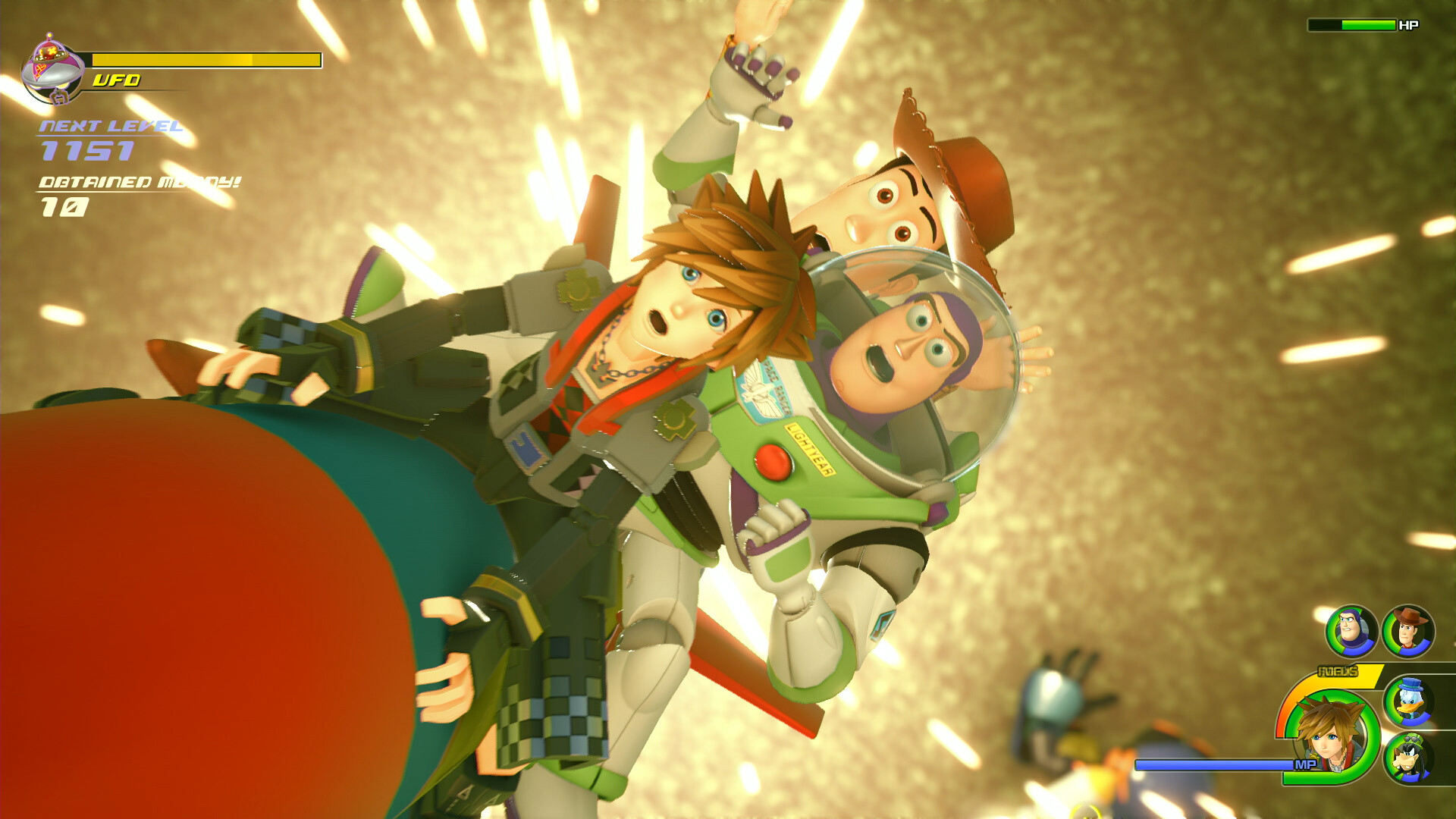
To install mods, we need the "Nexusmods" site and and perform certain manipulations with game folders. To begin, you need to go to the folder with the game, example: D:\SteamLibrary\steamapps\common\KINGDOM HEARTS III After that you need to follow the following path > KINGDOM HEARTS III > Content> Paks In the folder "Paks" you need to create a folder with the name "~mods" CONGRATULATIONS! You are ready to install mods! Let's consider how to install a mod from the site "Nexusmods"! For this you need to be registered on the site Nexusmods: https://www.nexusmods.com For example, choose the modification you need, go to the mod page and select the tab "FILES" Then click MANUAL DOWNLOAD! An archive with a mod file will be downloaded to your computer. Your next step is to unzip the mod file into the "~mods" folder you created! WARNING! Sometimes mods have some installation problems, so sometimes you need to unzip the mod file to both the "~mods" folder and the "Paks" folder 1. ReMind Ability Integration The most important mod that adds dls abilities for early game improves your playstyle a lot! https://www.nexusmods.com/kingdomhearts3/mods/1 2. Map Enhancement Overhaul - Dynamic Collectible Locations A mod that will show you the location of items and collectibles on the map is very useful if you don't want to constantly search for them. I recommend the Classic Maps version for installation. https://www.nexusmods.com/kingdomhearts3/mods/1009?tab=description 3. Remove Wall Effects This mod removes the wall/columns running hint effect! https://www.nexusmods.com/kingdomhearts3/mods/3 4. Fixed party MP bar Quite simple and clear mod https://www.nexusmods.com/kingdomhearts3/mods/370 Thank you all for your attention, I hope this guide was useful to you! This is my first time playing with these mods and I had a great experience! I recommend looking at mods on the Nexus page! https://www.nexusmods.com/kingdomhearts3 --- Источник: https://steamcommunity.com/sharedfiles/filedetails/?id=3267465431
ИсточникGHub Platform · автор30.08.2026, 06:04:48
To install mods, we need the "Nexusmods" site and and perform certain manipulations with game folders. To begin, you need to go to the folder with the game, example: D:\SteamLibrary\steamapps\common\KINGDOM HEARTS III After that you need to follow the following path >…
Войдите, чтобы писать в группе