Adding GRID Autosport DLC
GHub Platform · Гайд · 0 ответов · 17 просмотров
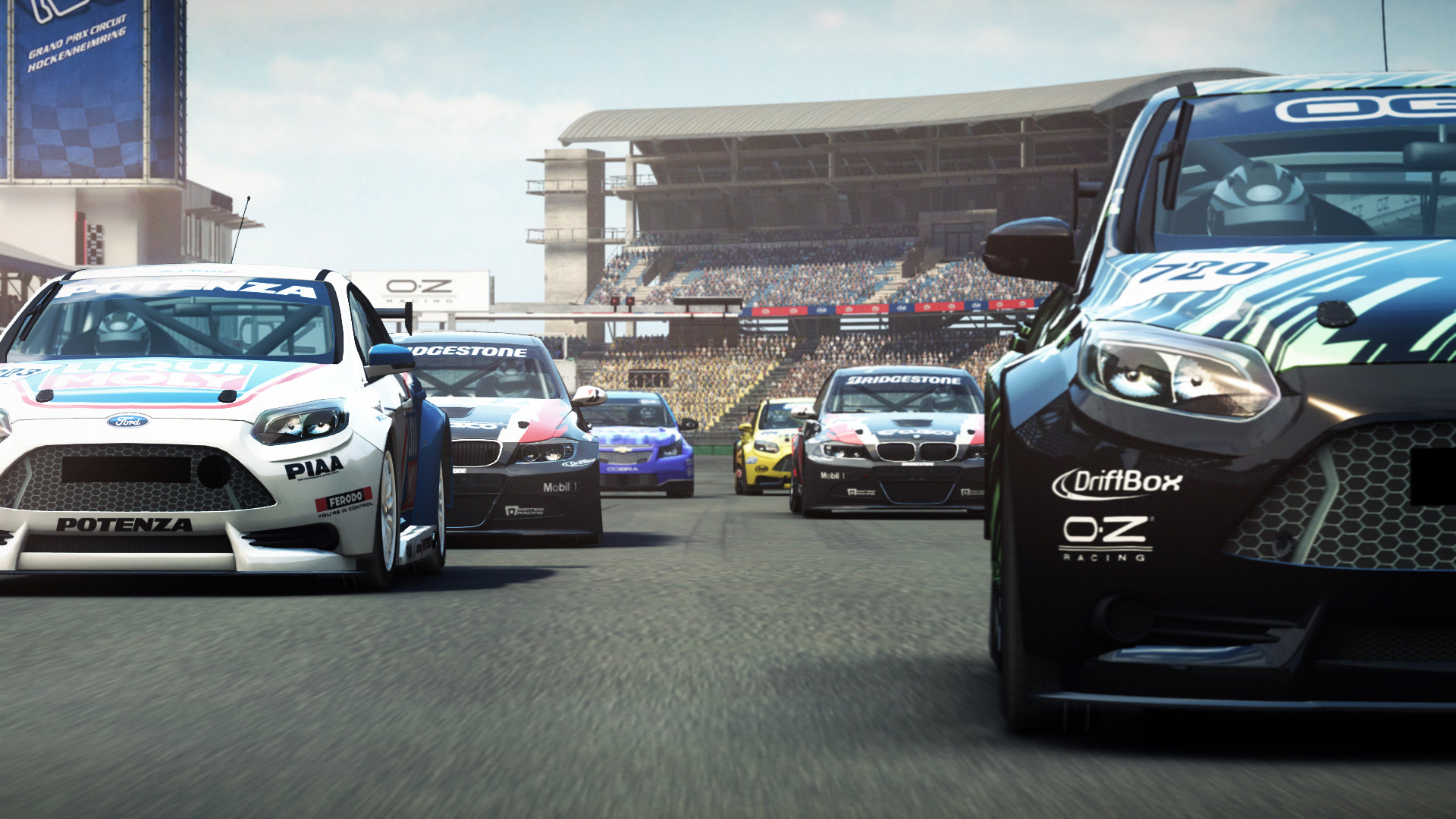
On 1 July 2020, GRID Autosport and its DLC were retired on the Steam store. If you also game on Nintendo Switch, or on an Android or iOS device, you can still support the devs by buying GRID Autosport for those devices. While not the same game, you can also buy GRID Legends on Steam. This guide is Windows-centric. If you have the game on macOS or Linux, you already have the necessary files, you just need to unlock them. On Linux (assuming you are using the Linux port and are not using the Windows version through Proton), you might want to try Creamlinux [github.com] . The DLC files are included with the base macOS and Linux ports, whereas with Windows the files are only available in separate DLC depots. If you weren't able to redeem the DLCs through the Steam store in time before they were retired, then you won't be able to access the DLC depots for Windows. However, by virtue of owning GRID Autosport on Steam, you own the game for Windows, macOS, and Linux, which means you can download these files via the macOS and Linux ports. If you have stumbled across this guide but you own the PC version on DVD, see if you can redeem your product key on Steam; otherwise, you would need find a third-party marketplace [www.allkeyshop.com] still selling Steam keys for GRID Autosport. Adding the DLC files isn't sufficient to access the content in-game (e.g., just adding valve.nefs doesn't make Demoman Derby accessible in-game). That being said, there is a way to unlock them locally so that you can access them in-game. Note: This will not add the DLCs to your Steam account . For the purposes of this guide, I will be using DepotDownloader [github.com] and a Koalageddon fork [github.com] that supports the 64-bit Steam client. There are similar tools, but they won't be covered in this guide. The Steam store page for GRID Autosport states that Valve Anti-Cheat is enabled. If this is correct, I won't guarantee that Koalageddon couldn't erroneously trigger VAC (I've never seen a verifiable occurrence of this happening, but I won't claim it's impossible), so you might want to disable VAC out of an abundance of caution; it's up to your discretion. Last time I checked, multiplayer worked fine with VAC disabled, but this might be subject to change. To disable VAC, right-click GRID Autosport in your Steam library, select Properties, and in the General section, add -insecure in the box under the text "Advanced users may choose to enter modifications to their launch options." This has no bearing on singleplayer. The 626 PSSG files and 10 NeFS archives are not OS-specific, so there are no compatibility issues that arise from downloading these files from either the "Linux - GRID Autosport - Content" depot or the "Mac - GRID Autosport - Content" depot and using them with Windows. In this guide, I will be using the "Linux - GRID Autosport - Content" depot to get the DLC files for a Windows installation. These instructions would require alteration if using the "Mac - GRID Autosport - Content" depot instead (you would need to change the depot & manifest IDs, as well as the DLC file paths), and there is no reason to prefer the macOS depot over the Linux depot (the needed files are identical; I've verified this). Check DepotDownloader's README [github.com] to find out the .NET [dotnet.microsoft.com] version you will need (e.g., .NET 8.0). You don't need to install the .NET SDK, just the runtime (you don't need the ASP.NET Core Runtime or the .NET Desktop Runtime either, just the basic .NET Runtime for Windows). Download the appropriate installer for your system (e.g., x64). Once the .NET Runtime has been installed, download DepotDownloader. Extract the DepotDownloader ZIP archive to a location of your choosing. The vast majority (11,538) of the files in the "Linux - GRID Autosport - Content" depot are not relevant for the DLCs, and should not be copied to a Windows installation. To save from having to download the entirety of the "Linux - GRID Autosport - Content" depot and then delete the unwanted files, you can specify which files you want to download (this will also save ≈ 9.5 GB worth of downloading). To do this, in the same directory where DepotDownloader.exe is located, create a text file named dlc.txt. For example, if you extracted DepotDownloader to a subdirectory in your Downloads directory named "DepotDownloader-windows-x64", then you would create the dlc.txt file in %USERPROFILE%\Downloads\DepotDownloader-windows-x64\. In the dlc.txt file, copy and paste the file paths (from the "DLC file list" section below) for any DLC you need, then save the text file. Only add the file paths; don't include the subheadings from the "DLC file list" section, I just added those for clarity. For example, if you wanted to download all the DLC, then you would enter the following in the dlc.txt file: regex:gh_ share/data/download/valve/valve.nefs share/data/download/black_edition/black_edition.nefs share/data/download/boost/boost.nefs share/data/download/garage/garage.nefs share/data/download/best_of_british/best_of_british.nefs share/data/download/coupe_style/coupe_style.nefs share/data/download/sprint/sprint.nefs share/data/download/car_and_track/car_and_track.nefs share/data/download/touring/touring.nefs share/data/download/drag/drag.nefs Open Command Prompt. In Command Prompt, change to the directory where DepotDownloader is located. For example, if you extracted DepotDownloader to %USERPROFILE%\Downloads\DepotDownloader-windows-x64\, then in Command Prompt enter: cd /d %userprofile%\downloads\depotdownloader-windows-x64 Exit Steam if it is currently running. Enter the following command in Command Prompt (change steamusername to whatever your Steam username is): depotdownloader -app 255220 -depot 255238 -manifest 839216417523198144 -filelist dlc.txt -username steamusername -remember-password The default download location is a subdirectory named "depots" in the DepotDownloader directory. Since the GRID Autosport DLC files will be downloaded from depot 255238 of build 4011980, continuing with the previous example, the default download path for the GRID Autosport DLC would be %USERPROFILE%\Downloads\DepotDownloader-windows-x64\depots\255238\4011980. If you wish to specify a different download location, you will need to add -dir followed by the location of your choosing to the previous command. You will be prompted for your Steam password. Once you have entered your password, if you have Steam Guard turned on, you will need to approve the sign-in. You might have to retry DepotDownloader several times if it times out when attempting to connect to Steam. You should be able to safely disregard any messages that state, "Encountered unexpected error downloading chunk <chunkID>: An error occurred while sending the request"; DepotDownloader will automatically retry downloading these chunks. If you downloaded the High Res Texture Pack, you will have a subdirectory named "cars", and if you downloaded any of the other packs, you will have a subdirectory named "download" (using the previous example, these would be located in %USERPROFILE%\Downloads\DepotDownloader-windows-x64\depots\255238\4011980\share\data\). Move the "cars" and "download" directories you downloaded over to your Steam installation of GRID Autosport (e.g., %PROGRAMFILES(x86)%\Steam\steamapps\common\GRID Autosport\). If Windows prompts you to confirm that you want to merge the directories, select Yes. If you don't plan on using DepotDownloader again, you can delete it, and you can uninstall the .NET Runtime if you don't have any other applications that require it. High Res Texture Pack regex:gh_ Demoman Derby Pack share/data/download/valve/valve.nefs Black Edition Pack share/data/download/black_edition/black_edition.nefs Boost Pack share/data/download/boost/boost.nefs
ИсточникGHub Platform · автор30.08.2026, 21:00:03
On 1 July 2020, GRID Autosport and its DLC were retired on the Steam store. If you also game on Nintendo Switch, or on an Android or iOS device, you can still support the devs by buying GRID Autosport for those devices. While not the same game, you can also buy GRID Legends on St…
Войдите, чтобы писать в группе