Console Commands
GHub Platform · Гайд · 0 ответов · 17 просмотров
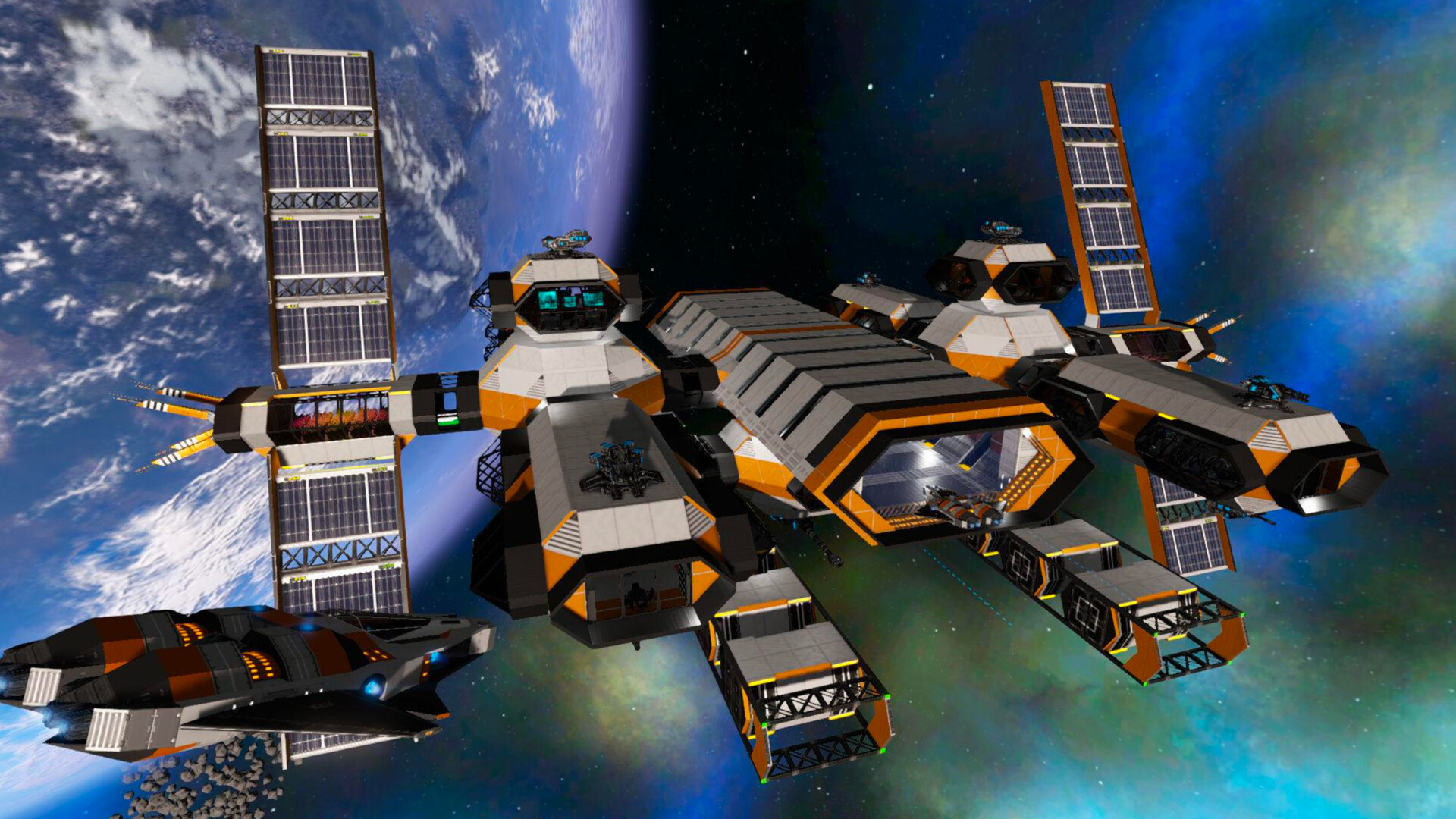
This guide was created for all the folk who use the built in server and just want to get going in a hurry. "Hosted" servers will remove and add commands like these listed. Hosted servers will provide a web console or telnet connection credentials, in addition to the in game console. Player commands can be used by all player roles. Tap the backtick ` key (top left on most keyboards.) You can also resize the console using one of 3 optional sizes. di (abbreviation for Debug Info) open console and type di in the console and press ENTER. brings up a small window on the top of the player screen that lists Your Coordinates Your Level, Your Experience and Your Player ID The Number of Structures on the playfield and the Number of Entities on the playfield (Structures = Ships, Bases, POIs, Asteroids, Meteorites) (Entities = Structures + Players) If you are facing an entity and close enough to it you also see It's ID and it's Name It's Coordinates This command is useful for looking up your own coordinates or the ID of an Entity you want to manipulate. Run the command again to turn it off. Many commands will toggle on or off in this fashion by jsut typing it again or tapping up-arrow and ENTER. detach Player stuck in terrain detach Will unstuck you from being "in" the ground after crashing the bike or a ship i na way that glithed you into some part of the terrain. This command was introduced, but after a while no longer needed. difficulties difficulties Show the current difficulty level and conditions DiffEscapepodcontent... through to DiffOxygenConsumption. It's quite a few, these are the game starting conditions or the scenario conditions on a server. And will tell you if something like oxygen is more likely to run out quicker than you normally would expect it to. Origins List all origins origins 0: Neutral 1: Human Origins are not the same thing as races. oxygen Show all blocks in a ship or BA that are getting oxygen oxygen 44956 show Replace 44956 with the entity id An easier way to do this is via the debug menu "n" and clicking the "Debug" tab. time time Show the game time for the server, this does not indicate/correlate to your local world time which shows top right in the HUD. If you are an Admin, or single player game, you can set the server time, however the time will just jump back to what it was in a multiplayer game. time 4000 The time is the same everywhere on the planet surface and on the server. Anything from 0 to 22000 is a valid server time. Particularly useful when trying to take screenshots of something, can also be used to allow a quick advance of time to allow sleeping in a tent at night. lpf (load playfield) loadplayfield List loaded playfields , short form lpf Admin role can specify a playfield name as a parameter, to force it to load, see playfield load limits for your server. Will cause another playfield to unload. (A server may be configured to allow more than one playfield remain loaded.) initadmin (multiplayer if no admin set) initadmin If this server has never had an admin, you will become admin from then onward. By default the person starting the server is already the admin. clear Clears the screen clear Clears the screen Commands are secured, using 4 levels Gamemaster (like an admin), Admin, Moderator and of course Player. In a single player game, all commands are always available to you. In a MP game, these levels are called roles, the player role is the lowest. In single player, you are a game master or GM. The person starting a local server "ingame" is the Admin and GM by default. The Admin commands and role control the server. Moderator is only relevant in multiplayer, an Admin might add you as a moderator. When you join a multiplayer server, you join as a "Player", and have pretty much only the above group of commands available to you. Some commands have a long version of the command, this guide will mostly use the short version for simplicity. Godmode gm Makes you invulnerable and allows you to fly. Hold Shift and you go fast Hold Ctrl and you go FastER Hold Ctrl and Shift to go FastEST You can fly thru anything and even transition from planet to space and back. In a Creative game, press G to toggle godmode on and off. You can now use ctrl and shift for vertical movement Godmode Invisible gm iv Works Just like godmode but you are invulnerable and invisible and can access all structures as if they were your own. Constructors, cargo boxes, the control panel, light switches, power... It's all available to you. You can even deconstruct anything that doesn't have an Admin core or an Alien Admin Core. Pressing G Sometimes gets bugged out for the toggle. To turn it off you must use Godmode Off Sector to teleport from one planet to another you have to use Sector to move to the destination's Orbit first. Usage: Sector 'Akua Orbit' note: this command is Caps or case sensitive and requires single quotes if the name is more than one word. it Is possible to use just the first word in certain circumstances like Sector Akua Teleport can be used multiple ways Teleport toggles you (and ship) to be able to right click on the map to teleport to where you right clicked (a little buggy at times) Teleport [coordinates] ... teleports you (and ship) to those coordinates. Usage: Teleport -451 124 475 spaces between the X, Y and Z coordinates are mandatory and Commas are optional. Teleport [playfield] teleports you (and ship) to the connected playfield if it is in the same "Sector" Usage: Teleport Akua teleports you to Akua if you are in either Akua Orbit or on Akua Moon. Use the sector command to change sectors Teleport [ship] teleports you to that ship, the ship name will need to be unique, it usually will have a (1) suffix if it's not unique. Teleport [player] Will teleport the GM or moderator to the player location - be aware you want to type GM INV first, to prevent the player seeing a mirror image and for them to get a fright because you teleport right in top of the player. Map map lets you see everything that shows on the map (structures, Drones, Asteroids, Freighters, etc) must use Map Hide , or just 'map' to turn this off. Setposition You can move Anything with an ID with this command Including Structures, Ships, asteroids, POIs, meteorites... even Motorcycles. But not players! Usage: setposition [id] x,y,z It has a nudge mode, use expression-math like to change the x/y/z location relative to a value. To nudge 5 meters setposition [id] 2249+5,111,915 and if the +5 is not far enough setposition [id] 2249+6,111,915 and then mayby nudge the item up a meter by going setposition [id] 2249+6,111+1,915 examples: setposition 1048 y+100 setposition 1048 -2249,111,915 note: Coordinates are with NO spaces AND requires commas Setrotation setrotation[id] x,y,z rotates the specified entity (ships and buildings). I believe this does not work on players. Note: this command does not work correctly in multiplayer, the entity looks rotated for the person that used the command only and will revert on server restart. Find lets you look up Coordinates and ID of any Entity (players, Ships, Asteroids, etc) doesn't require the whole name example: find Xango displays Found 'Xango2000' at (2602.5, 68.8, 4.1): id=1048 Found 'Xango's Tank' at (2638.5, 67.8, -0.3): id=65018 Note: only looks up entities on the current playfield Ents ents lists all entities on the current playfield including their coordinates, ID, full name, Faction ID# and a bunch of other information I havent Identified yet. the section starting with p= is the coordinates Itemmenu Itemmenu enables the H key to open the creative item menu, just like in creative. Considered cheating to use this on a Survival game. im Is the short form, and once again, its a simple toggle if type in to the console twice Blueprints Finishbp Instantly completes a blueprint that is in factory already. Honestly, I don't use this one anymore. Spawnanybluepri
ИсточникGHub Platform · автор30.08.2026, 22:05:50
This guide was created for all the folk who use the built in server and just want to get going in a hurry. "Hosted" servers will remove and add commands like these listed. Hosted servers will provide a web console or telnet connection credentials, in addition to the in…
Войдите, чтобы писать в группе