Руководство по Linux — Pixel Perfect
GHub Platform · Гайд · 0 ответов · 9 просмотров
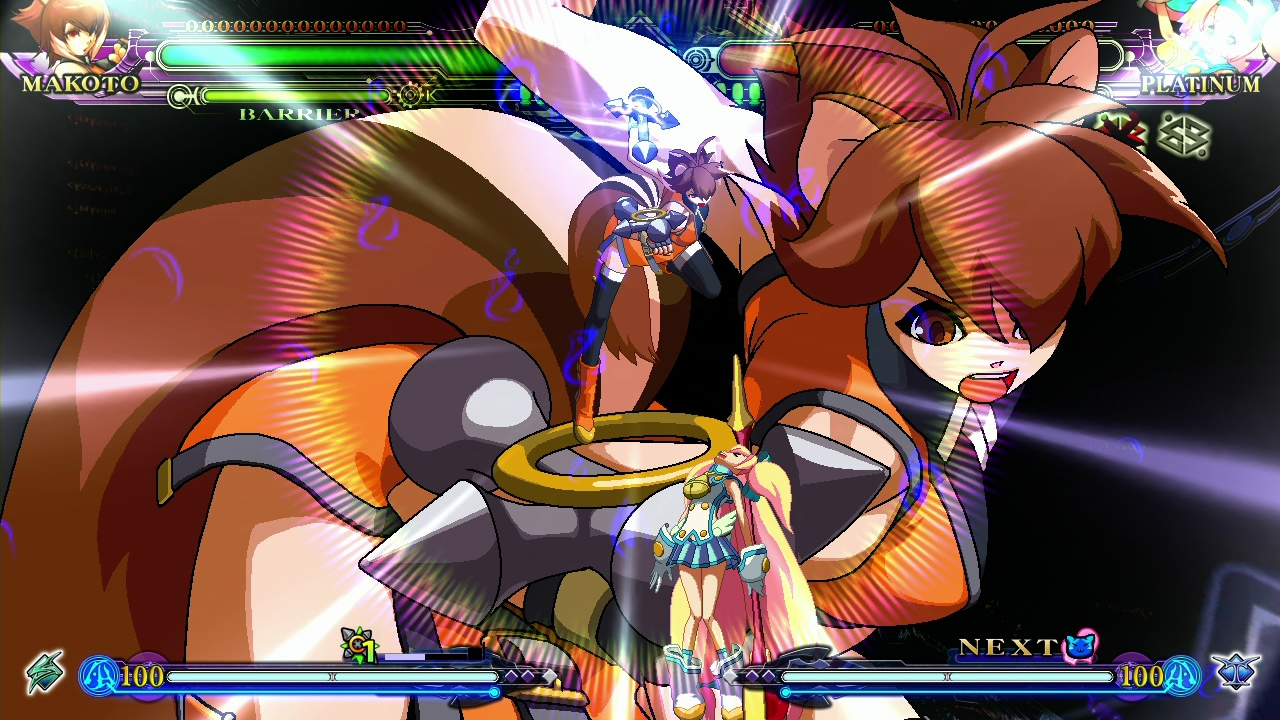
BlazBlue games run internally with a 1280x768 resolution, and that means they won't look good with the default settings. Without any tinkering the best result is setting the game to 1280x800 but the game will look blurry regardless if anti-aliasing is enabled or not. That's because modern LCD monitors will use bilinear filtering if the resolution is lower than native. This guide shows how to make BlazBlue look pixel perfect. The game must be set to stock Proton 9.x so that videos work. Gamescope must be installed: # Arch Linux sudo pacman -Syu gamescope # Debian / Ubuntu sudo apt-get -y install gamescope # Fedora sudo dnf -y install gamescope Start the game without gamescope and set the resolution to something lower than 1280x768. This is required or the game will start with black-screen in the next step. In order to run in pixel perfect display: PROTON_NO_ESYNC=1 PROTON_NO_FSYNC=1 gamescope -f -F pixel -w 1280 -h 768 -- %command% The line above should be set in the launch settings of the game. Inside the game change the resolution to 1280x768. The game won't be stretched, it will be 4:3, but that is the way it is supposed to look. Disabling esync and fsync is required, otherwise the game will sometimes freeze on loading. If the game starts with black-screen and you hear sound: Remove the line above. Start the game. Change the resolution to something lower than 1280x768. Exit the game. Put the line back. Start the game. If done correctly, the game should look like this: Note that you need to download or open the image in a new tab to see the pixels. My screen is 1440p so the image is also 1440p. Another option is to use FSR: PROTON_NO_ESYNC=1 PROTON_NO_FSYNC=1 gamescope -f -F fsr -w 1280 -h 768 -- %command% Personally I don't like it, but it tries to make a pixelated game look HD with Lanczos filtering. It's also possible to change this in runtime: Super+N - Pixelated Super+U - FSR upscaling For other options see gamescope manual. Even though the game plays well for the most part, there are some issues: If esync or fsync are enabled, the game can freeze on start or loading. Disable both. Custom Protons like GE may not play videos at all. Use stock Proton. Some videos don't play even with stock Proton. This is a known issue, not much can be done. --- Источник: https://steamcommunity.com/sharedfiles/filedetails/?id=3409510865
ИсточникGHub Platform · автор30.08.2026, 23:48:09
BlazBlue games run internally with a 1280x768 resolution, and that means they won't look good with the default settings. Without any tinkering the best result is setting the game to 1280x800 but the game will look blurry regardless if anti-aliasing is enabled or not. That's becau…
Войдите, чтобы писать в группе