EDITOR TUTORIAL!
GHub Platform · Гайд · 0 ответов · 15 просмотров
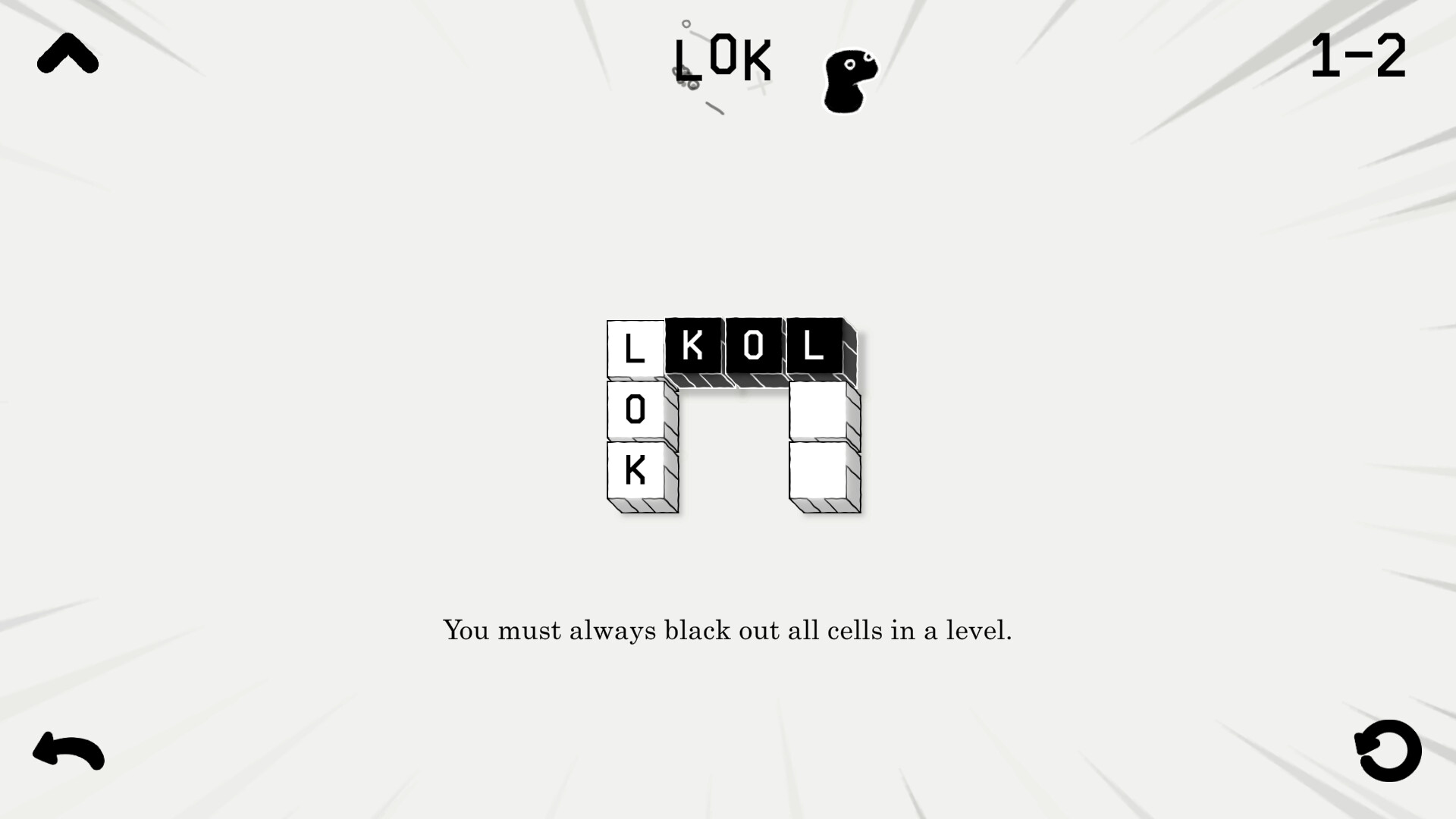
To get to the editor just click the editor button on the right of the menu! The lok button lets you place letters on tiles (later part of the guide) and the glass lets you put protective layers on tiles! the arrow checkmark allows arrows, and the cloud checkmark allows ws to work! click anywhere to place a tile. the save button well, saves the level. (done as a png) and the rectangle with the arrow loads a level! --- Источник: https://steamcommunity.com/sharedfiles/filedetails/?id=3408104115
ИсточникGHub Platform · автор06.09.2026, 05:24:27
To get to the editor just click the editor button on the right of the menu! The lok button lets you place letters on tiles (later part of the guide) and the glass lets you put protective layers on tiles! the arrow checkmark allows arrows, and the cloud checkmark allows ws to wor…
Войдите, чтобы писать в группе