MOO 1 Optimization.
GHub Platform · Гайд · 0 ответов · 5 просмотров
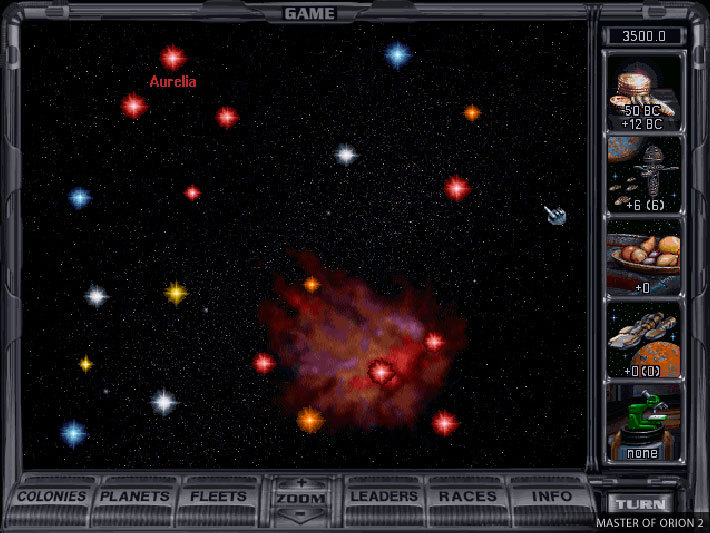
The game is coming from steam only in english language (like the gog version) and with DOSBOX. You can have some optimizations changing some lines in the configuration file from DOSBOX. Just edit file dosboxMOO1.conf in the game folder. First, if you don't wanna play in fullscreen for some reasons you can change this: fullscreen=false windowresolution=1280x1024 (from original where numbers are the resolution you want) Second, to speed up the game and remove useless lags: Change core=auto to core=dynamic Change cycles=auto to cycles=max 1oom is a Master of Orion (1993) game engine recreation. 1oom is Free Software (GPLv2). It just requires a copy of the Master of Orion (v1.3) LBX files. So it is completely legal as it needs your game original files. It improves the quality of life of the user interface. (better map resolution, mouse wheel use... etc) Original Page: 1oom website [kilgoretroutmaskreplicant.gitlab.io] . Download link: Last releases [github.com] . How to install? Just unzip .exe files in your game directory. (or copy game .LBX files in the directory unzipped) Choose SDL1.exe for old computers and SDL2.exe for newest ones. Enjoy nice new UI MOO 1. Note that savegames are typical for this engine... Remnants of the Precursors is a modern adaptation of the strategy game released in 1993 and named "Master of Orion". You don't need to have the original game in order to play it. The game is also available in multiple languages. Game Link: Remnants of the Precursors [www.remnantsoftheprecursors.com] . --- Источник: https://steamcommunity.com/sharedfiles/filedetails/?id=2940392073
ИсточникGHub Platform · автор06.09.2026, 05:45:07
The game is coming from steam only in english language (like the gog version) and with DOSBOX. You can have some optimizations changing some lines in the configuration file from DOSBOX. Just edit file dosboxMOO1.conf in the game folder. First, if you don't wanna play in fullscree…
Войдите, чтобы писать в группе