Lara Croft fixes your game
GHub Platform · Гайд · 0 ответов · 15 просмотров
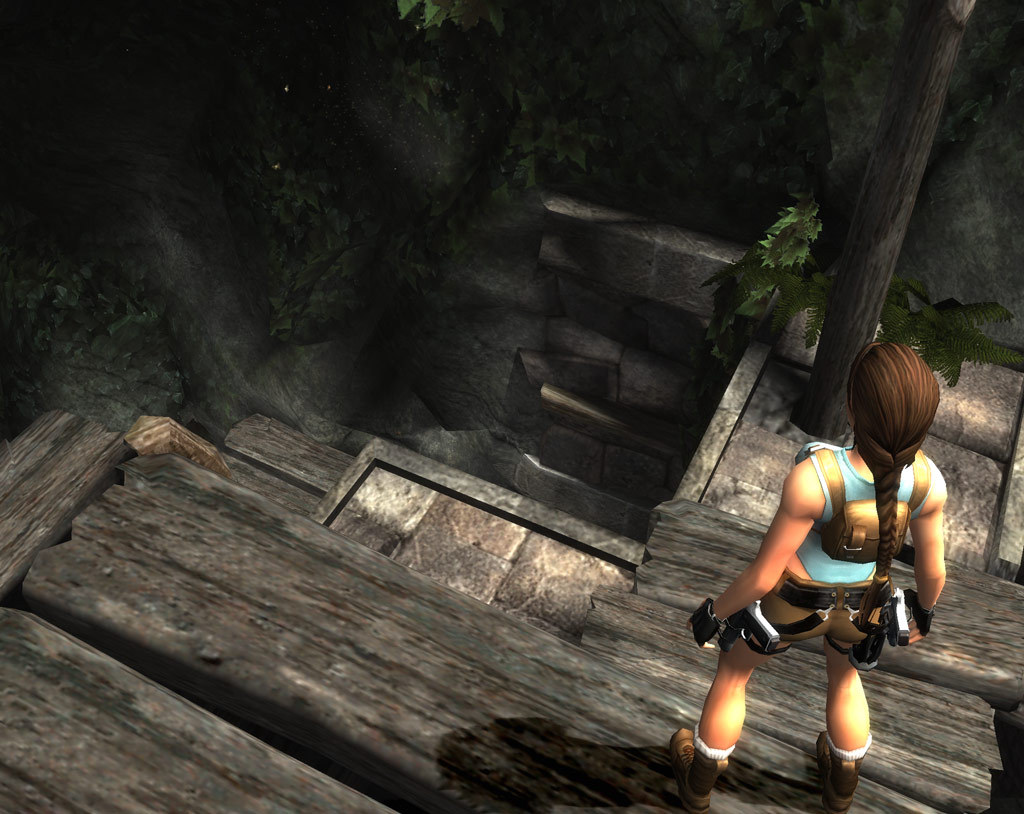
Learn to create a Windows Virtual Hard Disk (VHD) and install game into it. Estimated time: 10 - 15 minutes I came up with this idea to fix old Tomb Raider games by running them from a virtual disk. Solved issues ERROR OUT OF TABLE RANGE Disc error while reading BIGFILE.000 unable to save or load or auto-save to profile. game can't find steam or crashes. game won't run unless installed to C: startup disk. game won't run unless installed to external drive and saving won't work. errors on Windows via Bootcamp for Apple Mac users. Compatible games Tomb Raider Anniversary Tomb Raider Legend Tomb Raider Underworld Lara Croft and the Guardian of Light The reasons I like to use virtual disk There is no performance penalty for running programs off a virtual disk. You can relocate the virtual hard disk file ( .vhd ) to a different volume or external drive. Likely to help for any old programs that are hard-coded to run from specific drive letters, paths, file systems or partition schemes. Example error messages Ratings and favorites help make finding this guide easier and encourages me to make more guides like this. Read the Steam Troubleshooting and How-To's . Check out all the Useful Links I've included at the very bottom of this guide. Do you have an unrelated problem? If you aren't experiencing any of the problems described above then please try other troubleshooting steps. Some people may find virtual disks confusing. Only use them if you are confident in your computer skills and if it is likely to solve your problem. Don't use virtual disks unnecessarily. Need help? Lost your save games? Check out Stella's TombRaiders [tombraiders.net] website for game guides, info about common bugs, fixes and patches. You can even download savegame files [tombraiders.net] if you lost your progress. Thanks Stella! Game can't find Steam? If you see any errors like " Failed to find Steam " or "Steam Not Found" or "Could not find Steam" you might fix that by copying steam.dll file into the game install folder . Also note TexMod can cause the problem . Request help in Steam discussion . Game runs but can't resume or "Autosave is damaged"? If you see an error like " Autosave is damaged. Will be recreated " and problems persist, you might see here or here and read this steam guide " No Resume option and Croft Manor saving fix ". Game crashes on launch without showing errors If your computer has a multi-core CPU and Tomb Raider Underworld crashes on launch, you might solve the problem by temporarily lowering the number of CPUs used by the Steam applications. Open Task Manager, right click on Steam and choose Set Affinity, then deselect some cores and click OK . Try launch game. Remember that restarting Steam will reset the Affinity back to normal. Try basic troubleshooting steps first Verify Integrity of Game Files (validate 100% files installed) Check for Programs Which May Interfere with Steam (eg. disable antivirus temporarily) Use Steam to move the game to a different disk/volume if possible Copy steam.dll file to game folder (see above: Game can't find Steam) Run in compatibility mode [support.microsoft.com] Try to "Run as administrator" from the right-click context menu Logon as an administrator [support.microsoft.com] then try run the game Try disable Windows Data Execution Prevention (DEP) for the game (permanently) or system wide (temporarily) Update your graphics drivers (if the game runs but has graphical issues) More ideas from the web (optional) Some users reported that when they couldn't get their game to save correctly, they could resolve the issue by deleting the savegame folder entirely and recreating it manually in File Explorer. Users recommend installing the game to C: drive Some users reported success moving My Documents folder to C: drive How to move a steam game to another drive without re-downloading [www.howtogeek.com] Official Steam guide to Moving a Steam Installation and Games (in entirety) An unofficial method to move steam game library [www.techspot.com] (I can't recommend it as it might break other games in your library) Command line interface users might test this idea [hardforum.com] to use symlinks or NTFS junctions. I haven't tried it. Reduce available CPU cores for the application. None of these ideas work for you? Then follow the virtual disk guide below. Open the Steam Library. Begin installing game to C:\ boot drive like normal. Note this guide is for Tomb Raider: Anniversary but steps are similar for other games. While your game downloads we can continue . In Windows operating system, search for and open the app Computer Management for Disk Management . The new window should appear like so. In the menu bar select Action then from the drop-down select Create VHD . A new Create and Attach Virtual Hard Disk window should appear. We must store the new virtual hard disk file in a new folder at our drive root (\) and type a sensible file name for it. Never install multiple games inside a single virtual disk. Create new folder at the root (\) of C drive: C:\VirtualHardDisks\ Location for my virtual disk will be this folder, with this filename: C:\VirtualHardDisks\tr-anniversary.vhdx Select settings for the new virtual hard disk: Virtual hard disk size: 10GB to fit Anniversary. Greater than size of game. Virtual hard disk format: VHDX is best for modern Windows systems. Virtual hard disk type: Dynamically expanding is best to conserve storage. When finished click OK. Disk Management should now show a new disk of the size we chose. By default that new virtual hard disk VHDX file we created should have automatically attached and appear in Disk Management. Right click it and from the drop-down menu select Initialize Disk . A new window will appear. Choose MBR (Master Boot Record) partition style because these games are very old and our VHDX has only a small file size. After we initialized the disk it will be marked as unallocated. We should make a new volume on it. Right click it and select New Simple Volume . A new window will open for the New Simple Volume Wizard . Click next to begin. Click next again, using the default value of maximum disk space. Choose Do not assign a drive letter or drive path . This is very very very very important! Choose to format as NTFS and type volume label to be same as the VHDX filename. Review and then finish the wizard. Stop and wait until your game has finished downloading and installing. Only do these steps once game is 100% downloaded and installed. Create new empty saved games folder Find where the saved-games folder is. Mine was here: C:\Users\%username%\Documents\Eidos\Tomb Raider - Anniversary Rename that folder to something different, for example: C:\Users\%username%\Documents\Eidos\Tomb Raider - Anniversary Backup Create a new folder in the same place with the original folder name: C:\Users\%username%\Documents\Eidos\Tomb Raider - Anniversary Create new empty Steam game folder Right click the game in steam library and open the Properties window. Select the Local Files tab and then click Browse Local Files . It will open a new window in Windows File Explorer to where the game files are stored. My game files installed to this folder: C:\Program Files (x86)\Steam\steamapps\common\Tomb Raider Anniversary Rename that folder to something different, for example: C:\Program Files (x86)\Steam\steamapps\common\Tomb Raider Anniversary Backup Create a new folder in the same place with the original folder name: C:\Program Files (x86)\Steam\steamapps\common\Tomb Raider Anniversary Return to Disk Management . Right click the virtual disk and select Change Drive Letter and Paths . A new window will appear. It should not have any paths mapped yet. Select to Add . Add Drive Letter or Path window appears. Choose to Mount in the following empty NTFS folder . Click Browse . The Browse for Drive Path window appears. Browse and select the empty save-
ИсточникGHub Platform · автор06.09.2026, 06:18:06
Learn to create a Windows Virtual Hard Disk (VHD) and install game into it. Estimated time: 10 - 15 minutes I came up with this idea to fix old Tomb Raider games by running them from a virtual disk. Solved issues ERROR OUT OF TABLE RANGE Disc error while reading BIGFILE.000 unabl…
Войдите, чтобы писать в группе