Remove Paint Ripple Effect from Around Characters and Backgrounds
GHub Platform · Гайд · 0 ответов · 15 просмотров
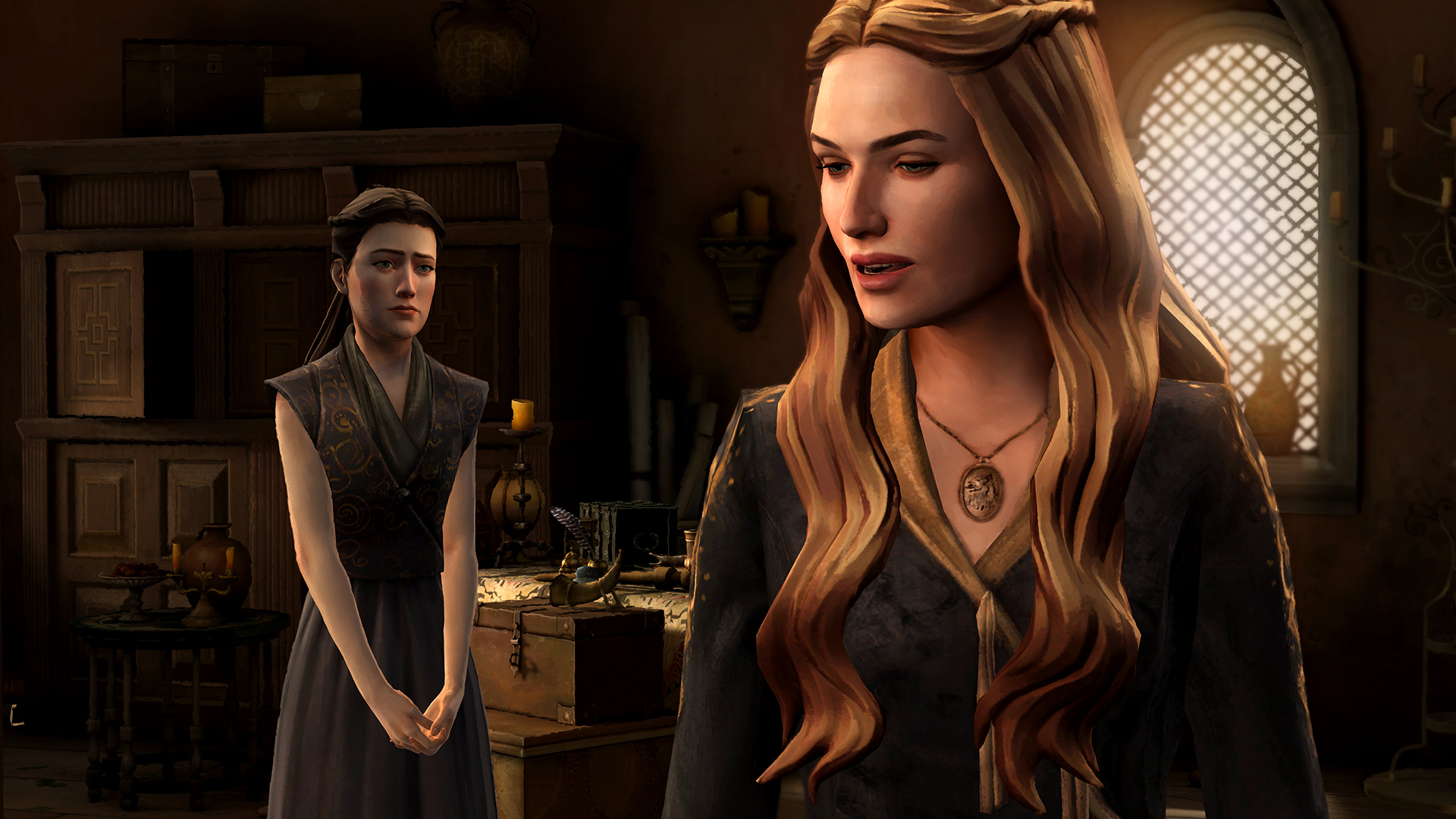
https://www.dropbox.com/s/l79oakjdrx4vu2z/GameOfThrones-NoPaintEffect-HelixMod.rar?dl=0 Extract both d3d9.dll and shaderoverride folder to: <Steam Directory>\SteamApps\common\Game of Thrones Paint: No Paint: Paint: No Paint: Paint: No Paint: Download HelixMod from: https://s3.amazonaws.com/-HeliX-/DLLS/Release.zip Extract d3d9.dll to: <Steam Directory>\SteamApps\common\Game of Thrones In the directory <Steam Directory>\SteamApps\common\Game of Thrones Create two new folders so the file structure is now: <Steam Directory>\SteamApps\common\Game of Thrones\shaderoverride\pixelshaders Go to pixelshaders and create 3 new .txt documents. Name them: 40BC4EB9.txt 67B50AB4.txt C6314699.txt Open each .txt file and copy, paste and save the below text: ps_3_0 dcl_texcoord v0 Guide on how to remove effects from games using HelixMod: http://helixmod.blogspot.com/2012/04/how-to-guide-remove-effects-from-game.html HelixMod Debugger DLLs: http://wiki.bo3b.net/index.php?title=HelixMod_Feature_List#List_of_features_supported_by_HelixMod.2C_and_all_versions_available. --- Источник: https://steamcommunity.com/sharedfiles/filedetails/?id=1222286277
ИсточникGHub Platform · автор06.09.2026, 06:18:07
https://www.dropbox.com/s/l79oakjdrx4vu2z/GameOfThrones-NoPaintEffect-HelixMod.rar?dl=0 Extract both d3d9.dll and shaderoverride folder to: <Steam Directory>\SteamApps\common\Game of Thrones Paint: No Paint: Paint: No Paint: Paint: No Paint: Download HelixMod from: https:…
Войдите, чтобы писать в группе