Creating a Mod
GHub Platform · Гайд · 0 ответов · 17 просмотров
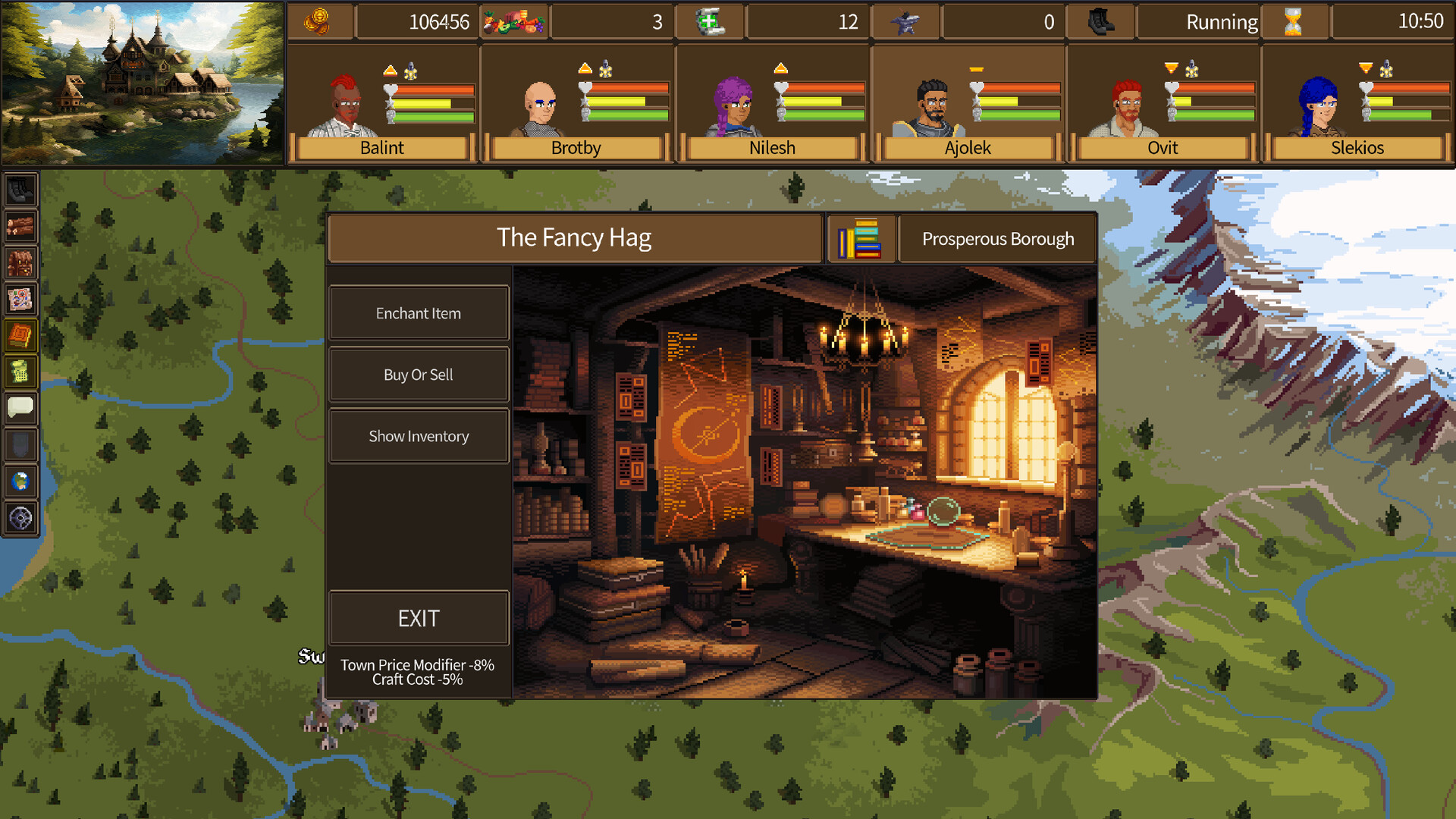
The easiest way to modify and create your own mod is to start with downloading an installer and the tutorial files you need to do this efficiently. Download a mod installer. A good example of this can be found on github from very talented creators Kenny B (nihilocrat) and Johannes (https://github.com/nihilocrat/SteamWorkshopUploader) This is not an endorsement of their product however it is very easy to use and there are many other versions similar to this one. Please be careful with any outside code in general. There is an easy to use zip file that comes with an executable which can be found here directly. https://github.com/nihilocrat/SteamWorkshopUploader/releases/download/Build10/SteamWorkshopUploader_10_win.zip Unzip the files and you will need to modify several files. steam_appid.txt = you need to make the app ID the same as the adventurers game its 3062500 you can typically find app id's on the steam page of the game you are looking for. config.json = Update the config file with the details about your mod. These are the tags it is tied to, so gameplay, art etc Download the tutorial mod that can be found here: https://steamcommunity.com/sharedfiles/filedetails/?id=3780847624 this will help show what files can be seen where. If you navigate to the steam workshop page you can download the files directly. There are several files that currently exist in the tutorial mod. https://steamcommunity.com/sharedfiles/filedetails/?id=3780847624 The files represent several different aspects of the game that can currently be modified. Use these files to modify your own settings in the game. Below are the details of what each setting does. Abilities Settings Description Now open the steam workshop uploader file In the bottom left type in the name you would like for your mod. This will create a new folder in the install directory. For this example I'll call it testAdventurersMod. Then click Create Item. A new folder will be created where you are running the file or whatever you named it. SteamWorkshopUploader\WorkshopContent\testAdventurersMod. You can dump the tutorial files in there and modify them if you'd like to alter your data. You will need to create a preview image, a title, description, any tags you'd like to use and then a change note. Once you are ready and have modified your files click the submit button located at the bottom right. Thats it! You can then find your mod under the steam workshop page. https://steamcommunity.com/workshop/browse/?appid=3062500&browsesort=mostrecent&section=collections&p=1&num_per_page=30&days=7 You will then be able to see your successful mod and can determine if you want to publish or continue. --- Источник: https://steamcommunity.com/sharedfiles/filedetails/?id=3792394826
ИсточникGHub Platform · автор06.09.2026, 06:39:06
The easiest way to modify and create your own mod is to start with downloading an installer and the tutorial files you need to do this efficiently. Download a mod installer. A good example of this can be found on github from very talented creators Kenny B (nihilocrat) and Johanne…
Войдите, чтобы писать в группе