Performance Guide
GHub Platform · Гайд · 0 ответов · 21 просмотр
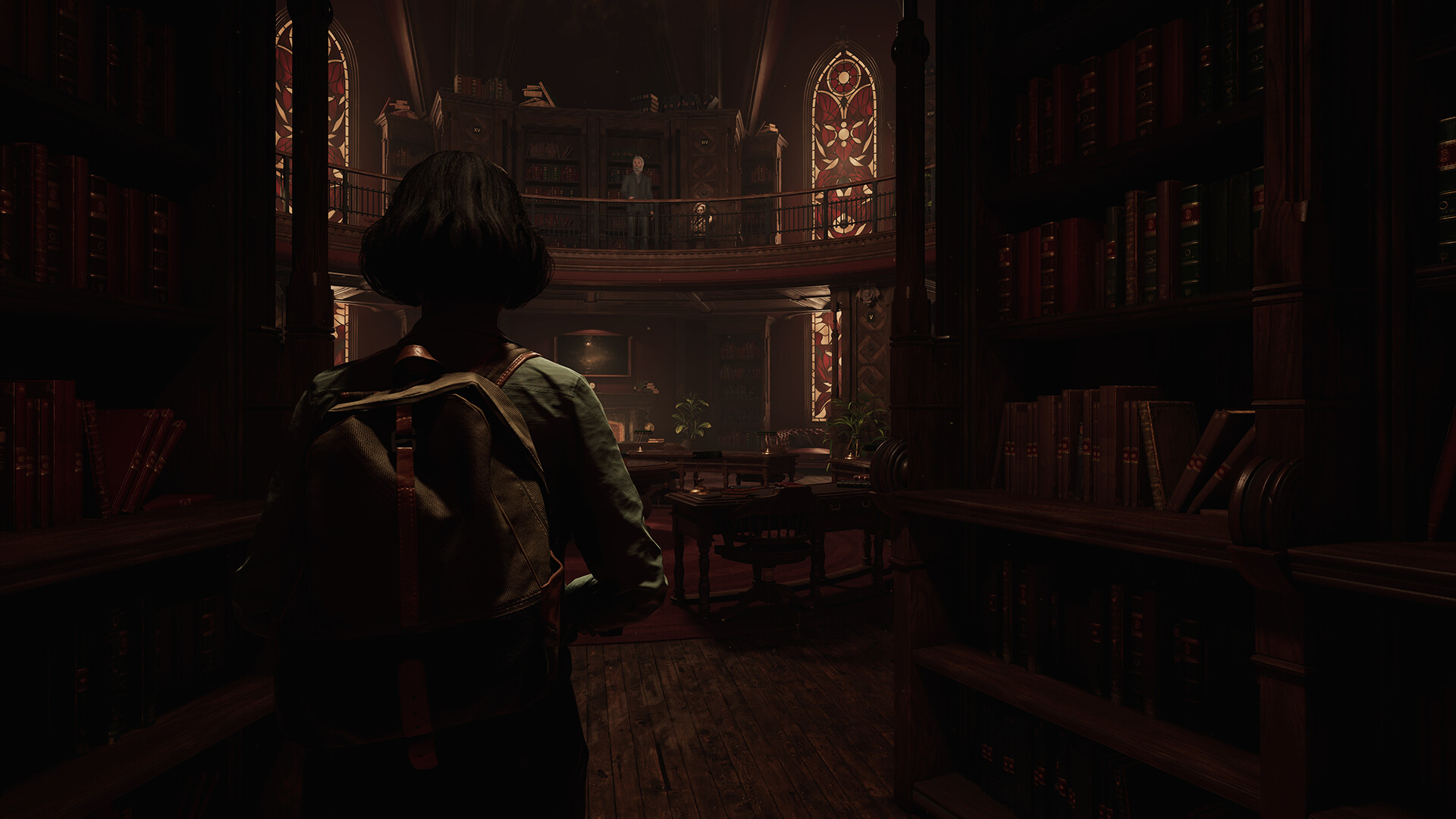
Read this before you paste anything 1. If the game crashes on launch, the error tells you exactly which line to delete. You'll see: "Console object named 'X' can't be replaced with the new one of different type!" That means X is a console command , not a setting. Delete that one line and relaunch. Every line in this guide has been checked against the game's own binary, so this shouldn't happen — but that's the fix if it does. 2. This game requires hardware ray tracing. It is not optional and cannot be disabled. If your GPU has no RT cores (GTX 10-series, GTX 16-series, RX 5000-series and older), you are on an unsupported configuration. Reports from those cards are in the 5–15 fps range with broken lighting. No config file fixes that. 3. Do not add a.ForceParallelAnimUpdate to your ini. You may see it suggested for UE5 games. It overrides per-animation thread-safety flags the developers set deliberately. A race there can crash mid-autosave and truncate your save file — which Steam Cloud will then sync over your good copy. It is not in this guide for that reason. Which half of this applies to you Run the game, alt-tab, and look at GPU usage in MSI Afterburner or Task Manager while playing outdoors in the city. GPU at 95–100% → you're GPU-bound. Use CORE + GPU sections. GPU under ~85% but framerate is bad you're CPU-bound. Use CORE + CPU sections. This is the common case in the Amsterdam streets. Both high use everything. This was me. Framerate is fine on average but it lurches CORE section alone. That's stutter, not throughput. Setup Press Win+R , paste %LOCALAPPDATA%\Amsterdam\Saved\Config\Windows and press Enter. Right-click - New - Text Document. Name it Engine.ini - not Engine.ini.txt. If you can't see file extensions, turn on View - File name extensions in Explorer first. This trips up most people. Open it, paste the config below, save, close. Right-click Engine.ini - Properties - tick Read-only - OK. This step is mandatory. Without it the game deletes your file on exit and you'll think the guide didn't work. Launch. To edit later, untick Read-only, change it, tick it again. Verify it's actually working: temporarily add r.Nanite.MaxPixelsPerEdge=20 , launch, and look at the world geometry. If everything looks chunky and faceted, the file is being read. Remove that line afterwards. This section contains the single biggest image-quality fix in the guide. [SystemSettings] ; ---- THE SILENT RESOLUTION DOWNSCALE ---- ; The game auto-benchmarks on first launch and quietly sets a sub-100% render ; scale. Check your own GameUserSettings.ini and you'll likely find: ; LastGPUBenchmarkMultiplier=0.750000 ; sg.ResolutionQuality=50 ; That is a 960x540 internal buffer at 1080p, applied ON TOP of whatever ; Upscaling Quality you chose in the menu. You never picked it. ; This is very likely what people are calling "crunchy", "grainy" and ; "blocky faces" and blaming on the art. ; ; 100 = full internal resolution. With DLSS on this becomes DLAA. ; If that costs too many frames, step DOWN rather than back to 50: ; 77 = approx Ultra Quality 67 = approx Quality 58 = approx Balanced sg.ResolutionQuality=100 ; ---- Shader compilation stutter ---- ; The game ships no precompiled pipeline cache, so shaders compile the first ; time each effect appears. These build a persistent cache instead. r.ShaderPipelineCache.Enabled=1 r.ShaderPipelineCache.StartupMode=2 r.PSOPrecache.Components=1 r.PSOPrecache.GlobalShaders=1 r.PSOPrecache.ProxyCreationWhenPSOReady=1 D3D12.PSO.DiskCache=1 D3D12.PSO.DriverOptimizedDiskCache=1 ; ---- Garbage collection spikes ---- ; Collect less often. Costs RAM, removes periodic hitches. gc.TimeBetweenPurgingPendingKillObjects=300 gc.CreateGCClusters=1 ; ---- Streaming: spread work across frames instead of bursting ---- s.AsyncLoadingTimeLimit=5.0 s.LevelStreamingActorsUpdateTimeLimit=3.0 s.UnregisterComponentsTimeLimit=1.0 s.AdaptiveAddToWorld.Enabled=1 Nothing in the graphics menu reduces animation, crowd or draw-call cost. This is the part the presets can't reach. ; ---- Animation budgeting ---- ; Distant characters animate at a reduced rate; total animation time per frame ; is capped and degrades gracefully instead of blowing the frame budget. a.URO.Enable=1 a.Budget.Enabled=1 a.Budget.BudgetMs=2.0 a.Budget.MaxInterpolatedComponents=32 a.ParallelAnimUpdate=1 a.ParallelAnimEvaluation=1 ; ---- Draw calls / render thread ---- r.MeshDrawCommands.ParallelPassSetup=1 r.MeshDrawCommands.CacheMultithreaded=1 r.MeshDrawCommands.DynamicInstancing=1 r.Nanite.CacheRelevanceParallel=1 r.Nanite.CacheMaterialBinsParallel=1 ; ---- Fewer objects submitted per frame ---- ; This targets the "fine indoors, terrible in the city" pattern specifically. r.ViewDistanceScale=0.7 r.StaticMeshLODDistanceScale=2.0 r.SkeletalMeshLODBias=1 foliage.DensityScale=0.5 grass.CullDistanceScale=0.5 ; ---- Runtime character generation (game thread work) ---- b.OnlyUpdateCloseCustomizableObjects=1 mutable.GameThreadTaskMaxTime=1.0 mutable.EnableMutableTaskLowPriority=1 ; ---- Hair physics. Hair becomes static; no preset controls this. ---- r.HairStrands.Simulation=0 Tuning: if crowds still tank you, lower a.Budget.BudgetMs to 1.5 or 1.0. If distant NPCs judder too much, raise it. Older RT hardware (RTX 20/30-series) benefits most from the MegaLights lines. On a 40/50-series card they may be unnecessary. ; ---- The painterly filter ---- ; The game's art style is a full-screen anisotropic Kuwahara filter. It runs at ; OUTPUT resolution, which is why lowering render resolution never made it ; cheaper. Variable Rate Shading lets the GPU shade its cheap regions at a ; reduced rate. Pdg.PFx.UseVRS=1 Pdg.PFx.Kuwahara.TensorDownsample=2 ; ---- MegaLights ---- ; This is the shadow system for shadow-casting lights and it requires hardware ; ray tracing. Brutal on first-gen RT cores. ; Valid values: 2, 4, 16. ; !! DO NOT SET THIS TO 2 !! At 2 the shadows become too noisy to survive ; denoising and ALL SHADOWS VISUALLY DISAPPEAR. I did this and spent a session ; wondering where the shadows went. 4 is the safe floor. r.MegaLights.NumSamplesPerPixel=4 ; ---- Lumen global illumination ---- r.Lumen.ScreenProbeGather.DownsampleFactor=32 r.Lumen.TraceMeshSDFs=0 r.Lumen.Reflections.DownsampleFactor=2 r.Lumen.HardwareRayTracing=0 ; ---- Virtual shadow maps. Higher = softer/cheaper shadows. ---- r.Shadow.Virtual.ResolutionLodBiasDirectional=0.5 r.Shadow.Virtual.ResolutionLodBiasLocal=0.5 ; ---- Nanite geometry density ---- r.Nanite.MaxPixelsPerEdge=2.0 ; ---- Volumetrics and post ---- r.VolumetricFog.GridPixelSize=16 r.ContactShadows=0 r.SSR.Quality=0 r.MotionBlurQuality=0 r.DepthOfFieldQuality=0 Don't forget the in-game menu Frame Generation is in Graphics Settings and requires a restart. The game ships AMD FSR frame generation, which works on any modern GPU, not just RTX 40-series. If you're below your monitor's refresh rate it's worth trying before any of this — it may do more than the whole config file. Upscaling Method offers DLSS / FSR / XeSS / TSR. DLSS is generally cheapest on NVIDIA. Motion Blur defaults to 30. Set it to 0. Troubleshooting Game crashes instantly on launch The error names the offending setting. Delete that single line, relaunch. If you can't read it, delete Engine.ini entirely and add sections back one at a time. All my shadows are gone You set r.MegaLights.NumSamplesPerPixel to 2. Set it to 4. If they're still missing, remove the two r.Shadow.Virtual lines as well. The game takes much longer to reach the menu That's the shader precompilation working — it front-loads compilation into the loading screen instead of freezing you mid-street. It gets faster after the first few launches as the cache fills. If you hate it, remove the r.ShaderPipelineCache lines. My settings keep reverting You missed the read-only step. The game deletes the file on exit without it. It looks blurry / worse Lower sg.ResolutionQuality from 100 to 77 or 67
ИсточникGHub Platform · автор06.09.2026, 08:00:02
Read this before you paste anything 1. If the game crashes on launch, the error tells you exactly which line to delete. You'll see: "Console object named 'X' can't be replaced with the new one of different type!" That means X is a console command , not a setting. Delete…
Войдите, чтобы писать в группе