DLSS/FSR/HDR On
GHub Platform · Гайд · 0 ответов · 19 просмотров
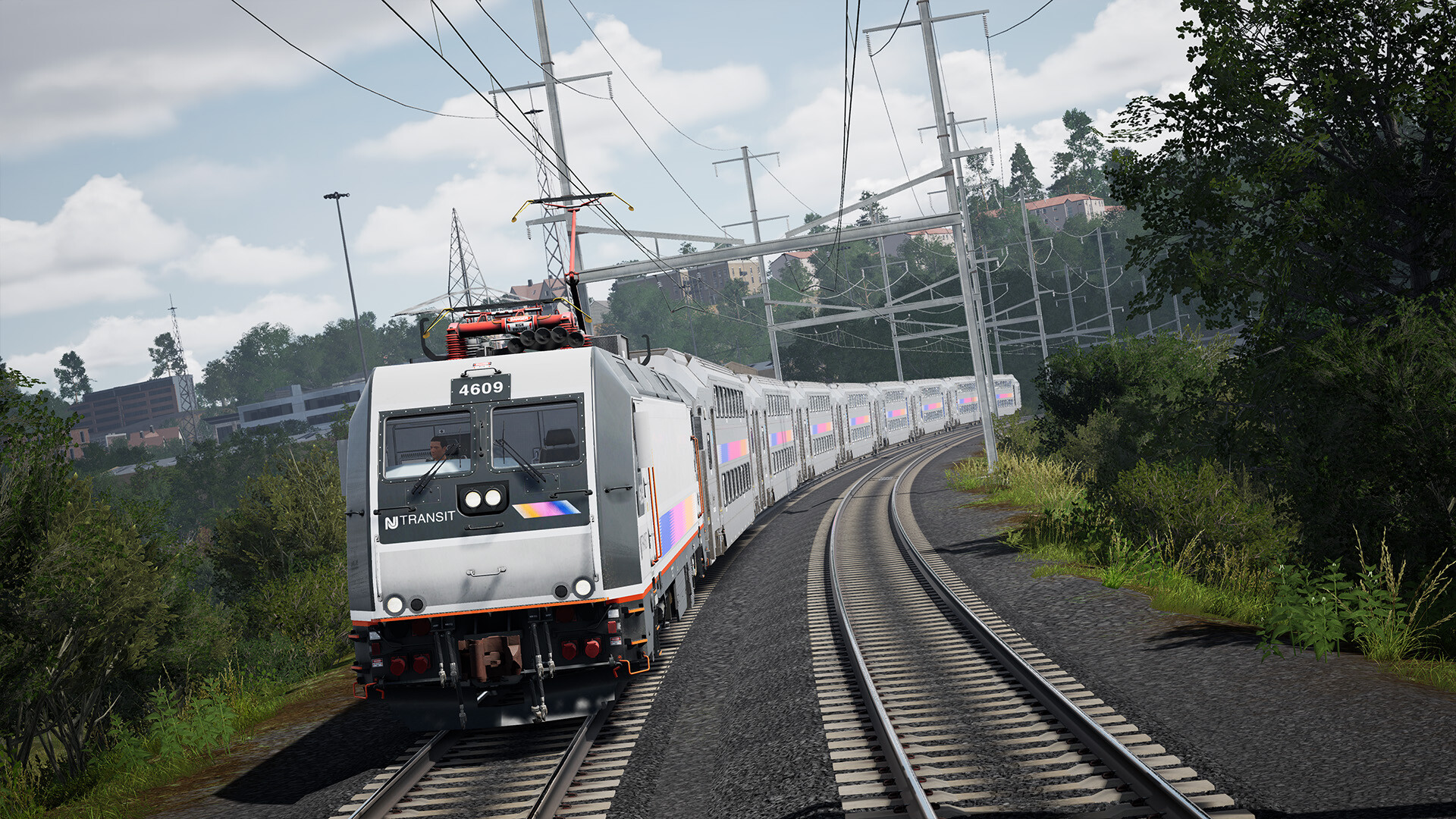
This mod replaces the default UE4 TAA implementation with DLSS (DLAA) or FSR3, and adds Native HDR support. Note: This mod currently requires the game to run in DX11 mode. 1. Prerequisites Download & Install ReShade: Get the latest version from Reshade [reshade.me] Download Luma Framework: Go to the Luma Mods List [github.com] , scroll down to the Unreal Engine section, and click Download. 2. Installation Steps Extract Files: Move all Extracted files (Luma folder, dxgi.dll, Luma Unreal Engine.addon, nvngx_dlss.dll)from the unzipped Luma folder directly into the folder containing the game’s main executable: \Train Sim World 6\WindowsNoEditor\TS2Prototype\Binaries\Win64 Overwrite: If prompted, replace existing files. If you already have ReShade installed (dxgi.dll), overwrite it unless you are certain it is the exact same version. In-Game Setup: Once the game is running, press the Home (POS1) key to open the ReShade overlay. Navigate to the Luma window to select your preferred Upscaler and Preset. Optional: Visual Tuning If you are using the Lighting & Visual Quality Enhancement mod, it is recommended to disable the engine's default sharpening to avoid "halos" or over-sharpened edges. Open your Engine.ini file. Add or change the following line: r.ToneMapper.Sharpen=0 (Kudos to Filippo Tarpini [github.com] who made this mod) --- Источник: https://steamcommunity.com/sharedfiles/filedetails/?id=3664922830
ИсточникGHub Platform · автор06.09.2026, 10:57:36
This mod replaces the default UE4 TAA implementation with DLSS (DLAA) or FSR3, and adds Native HDR support. Note: This mod currently requires the game to run in DX11 mode. 1. Prerequisites Download & Install ReShade: Get the latest version from Reshade [reshade.me] Download L…
Войдите, чтобы писать в группе