Fear Effect 2 3D upscale (EN - ES)
GHub Platform · Гайд · 0 ответов · 17 просмотров
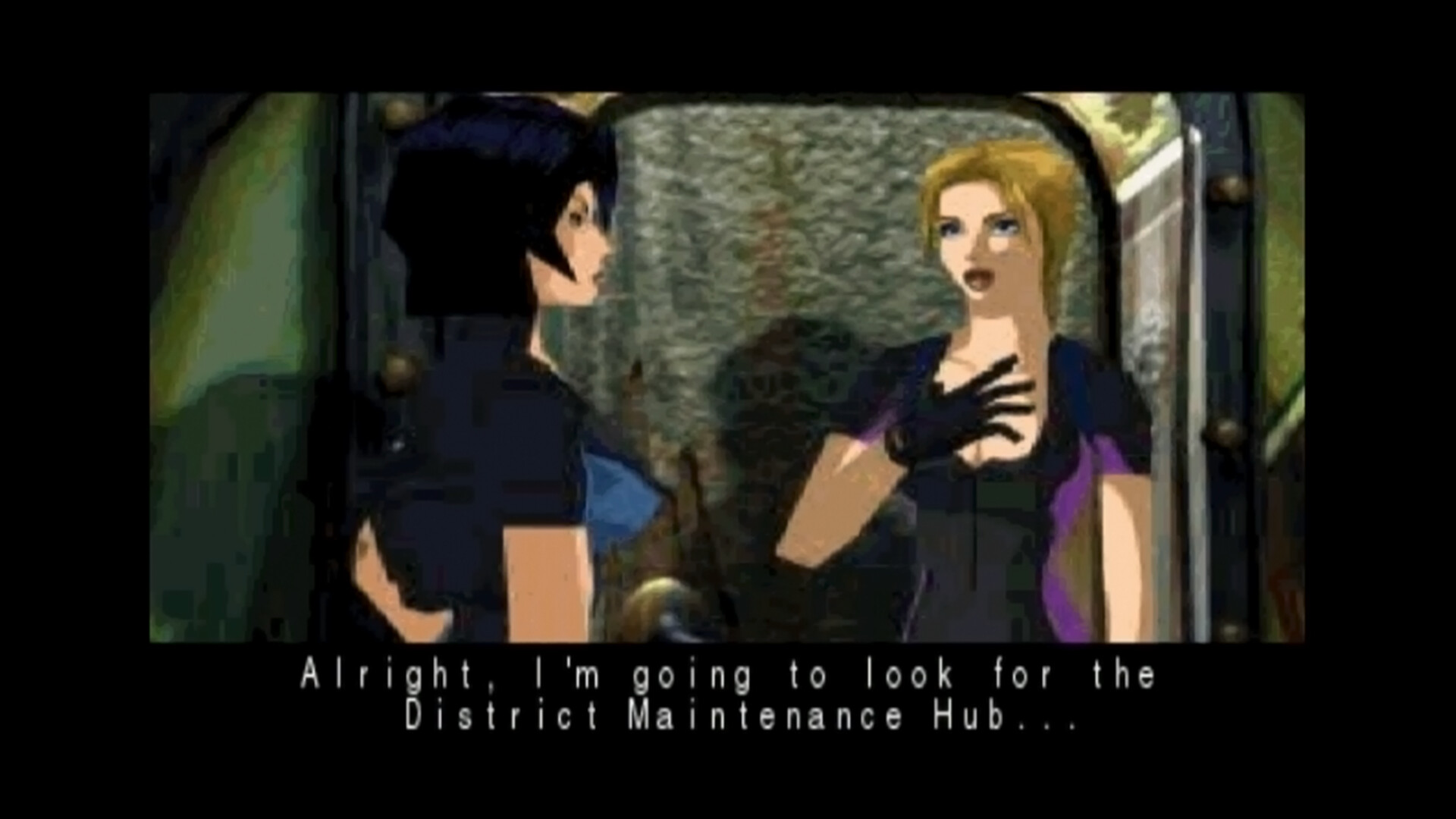
English Fear Effect 2: Retro Helix on PC runs the original PlayStation game inside Implicit Conversions' own PS1 emulator. That emulator includes a hardware renderer with internal resolution scaling — the same one used in Fighting Force Collection — but Fear Effect 2 never switches it on. This guide switches it on. A few lines in one configuration file that already ships with the game: no mods, no downloads, no tools. 3D characters and environments render at up to 6× internal resolution; pre-rendered backgrounds and cutscenes are video and look the same as before. Español Fear Effect 2: Retro Helix en PC corre el juego original de PlayStation dentro del emulador de PS1 de Implicit Conversions. Ese emulador incluye un renderizador por hardware con escalado de resolución interna — el mismo que usa Fighting Force Collection — pero Fear Effect 2 nunca lo activa. Esta guía lo activa. Un par de lineas en un archivo de configuración que ya viene con el juego: sin mods, sin descargas, sin herramientas. Los personajes y escenarios 3D se renderizan a 6× de resolución interna; los fondos prerenderizados y las cinemáticas son video y se ven igual que antes. Find the file Right-click Fear Effect 2 in your Steam library → Properties → Installed Files → Browse . You're looking for options.ini , in the root of the game folder, right next to fe2.exe . Open it with any text editor. Make the edit Find this line (around line 13): pancake_render = sw_fast Change it to: pancake_render = sw_hw Then add these two lines at the end of the file: pancake_render_keep_prev_on_blank = true pancake_render_scale = 6 Save, and launch the game. That's it. What the numbers mean pancake_render = sw_hw switches the emulator to its hardware renderer. Without this, the other two lines do nothing. pancake_render_scale = 6 is the internal resolution multiplier. 6 is this game's maximum — the emulator accepts 1 to 6. If your machine struggles, drops frames, or runs hot on a handheld, try 4 or 3. 1 is native. pancake_render_keep_prev_on_blank = true holds the previous frame instead of flashing black if the emulator produces an empty frame. A safety net. Reverting and keeping it To undo everything, set pancake_render = sw_fast . The other lines become inert. Steam will overwrite these files if you verify the game's files or when it updates. Keep a copy of your edited options.ini somewhere safe so you can put it back. Encontrar el archivo Clic derecho en Fear Effect 2 en tu biblioteca de Steam → Propiedades → Archivos instalados → Buscar... . Busca options.ini , en la raíz de la carpeta del juego, junto a fe2.exe . Ábrelo con cualquier editor de texto. Hacer la edición Busca esta línea (cerca de la línea 13): pancake_render = sw_fast Cámbiala por: pancake_render = sw_hw Después agrega estas dos líneas al final del archivo: pancake_render_keep_prev_on_blank = true pancake_render_scale = 6 Guarda y lanza el juego. Eso es todo. Qué significa cada número pancake_render = sw_hw cambia el emulador a su renderizador por hardware. Sin esta línea, las otras dos no hacen nada. pancake_render_scale = 6 es el multiplicador de resolución interna. 6 es el máximo de este juego — el emulador acepta de 1 a 6. Si tu equipo sufre, pierde cuadros o calienta en un portátil, prueba con 4 o 3. 1 es nativo. pancake_render_keep_prev_on_blank = true mantiene el cuadro anterior en vez de parpadear en negro si el emulador produce un cuadro vacío. Es una red de seguridad. Revertir y conservarlo Para deshacer todo, pon pancake_render = sw_fast . Las otras líneas quedan inertes. Steam va a sobrescribir estos archivos si verificas la integridad del juego o cuando salga una actualización. Guarda una copia de tu options.ini editado para poder reponerlo. AMD graphics cards On some AMD GPUs the hardware renderer shows a black screen: the title screen still loads, but the 3D and the video go black. This is not something the edit above broke — it is how this build of the emulator behaves on those drivers. If you own Fighting Force Collection , it ships a newer build of the same emulator that handles AMD cards. Copying that build into Fear Effect 2 fixes it. How to swap it First, save inside the game using its own save system. Save states belong to the specific emulator build that made them, so any you have may not load after the swap. Open the Fighting Force Collection folder: right-click the game in your library → Properties → Installed Files → Browse . Copy pancake_libretro.dll from the root of that folder. Open the Fear Effect 2 folder the same way. Rename the pancake_libretro.dll that is already there to pancake_libretro.dll.backup . Do not delete it. Paste the copied file in its place. Both files have the same name and sit next to the game's .exe, so check the file size after pasting if you want to be sure the copy went through. If you do not own Fighting Force Collection Set pancake_render = sw_fast in options.ini. That returns the game to its original software renderer at native resolution — no scaling, but no black screen either. Worth knowing Steam restores the original file when the game updates or when you verify its files. Keep the copy handy to reapply. This is a workaround, not an official fix. It has been confirmed working on an AMD handheld. Tarjetas gráficas AMD En algunas GPU AMD el renderizador por hardware muestra pantalla negra: la pantalla de título carga, pero la geometría 3D y el video se ven en negro. No es algo que haya dañado la edición anterior — es cómo se comporta esta versión del emulador con esos controladores. Si tienes Fighting Force Collection , ese juego trae una versión más nueva del mismo emulador que sí maneja las tarjetas AMD. Copiarla dentro de Fear Effect 2 lo soluciona. Cómo hacer el reemplazo Primero, guarda dentro del juego con su propio sistema de guardado. Los savestates pertenecen a la versión específica del emulador que los creó, así que los que tengas pueden no cargar después del reemplazo. Abre la carpeta de Fighting Force Collection: clic derecho en el juego en tu biblioteca → Propiedades → Archivos instalados → Buscar archivo . Copia pancake_libretro.dll de la raíz de esa carpeta. Abre la carpeta de Fear Effect 2 de la misma forma. Renombra el pancake_libretro.dll que ya está ahí a pancake_libretro.dll.backup . No lo borres. Pega el archivo copiado en su lugar. Los dos archivos se llaman igual y están junto al .exe del juego, así que si quieres asegurarte de que la copia se hizo, revisa el tamaño del archivo después de pegarlo. Si no tienes Fighting Force Collection Pon pancake_render = sw_fast en options.ini. Eso devuelve el juego a su renderizador por software original a resolución nativa — sin escalado, pero tampoco con pantalla negra. Cosas que conviene saber Steam repone el archivo original cuando el juego se actualiza o cuando verificas la integridad de los archivos. Guarda la copia para volver a aplicarla. Esto es una solución alternativa, no un arreglo oficial. Está confirmado funcionando en un handheld AMD. --- Источник: https://steamcommunity.com/sharedfiles/filedetails/?id=3794240921
ИсточникGHub Platform · автор06.09.2026, 23:25:05
English Fear Effect 2: Retro Helix on PC runs the original PlayStation game inside Implicit Conversions' own PS1 emulator. That emulator includes a hardware renderer with internal resolution scaling — the same one used in Fighting Force Collection — but Fear Effect 2 never switch…
Войдите, чтобы писать в группе