Fix Full Screen Issue During Missions
GHub Platform · Гайд · 0 ответов · 17 просмотров
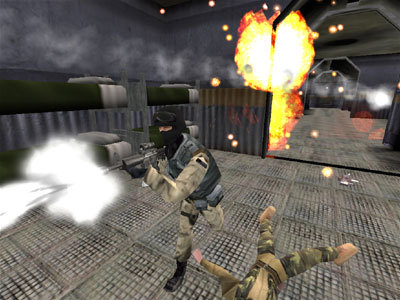
Go to this link: https://novahq.net/files.php?ID=728&ID=728 Click on the big black title, " NovaLogic App Fixer (Borderless Window Fix, MED Fixes, etc.) 2018 ," and it will download automatically. Then open up the folder that the download saved to in order to open the application. Open the NHQAppFix Application. Click the drop-down menu and select Delta Force TFD Window Border / Memory Swap Fix . Click Install / Update Selected App Fix Should be simple as that. Open the game and start a mission to make sure the game is really in full screen. --- Источник: https://steamcommunity.com/sharedfiles/filedetails/?id=2850314470
ИсточникGHub Platform · автор07.09.2026, 00:40:33
Go to this link: https://novahq.net/files.php?ID=728&ID=728 Click on the big black title, " NovaLogic App Fixer (Borderless Window Fix, MED Fixes, etc.) 2018 ," and it will download automatically. Then open up the folder that the download saved to in order to open t…
Войдите, чтобы писать в группе