Console cheats restored + unlimited zoom
GHub Platform · Гайд · 0 ответов · 19 просмотров
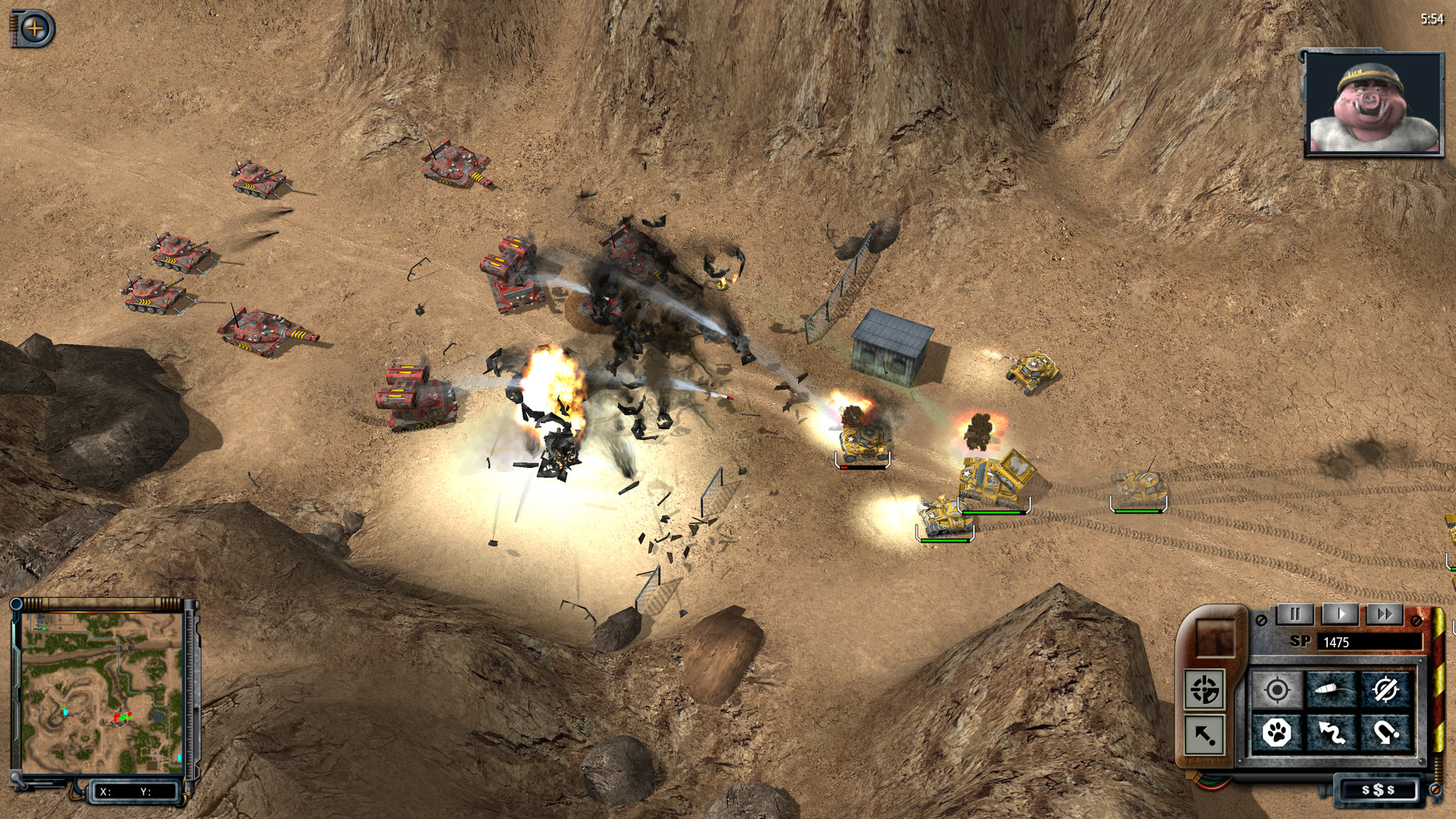
Navigate to installation folder (right-click > Properties... > LOCAL FILES > [Browse...] . Backup or rename swineHD.exe . Goto GitHub [github.com] and download steam-swinehd-cheatsandcam.exe into installation folder, then rename it to swineHD.exe . Run game via Steam as usual. Activate console and confirm codes with Enter . (unlimited zoom is always activated by default) Hacked executable isn't mine, I found it in comment section of this YT video: https://www.youtube.com/watch?v=NTKx3al5ldA (credits belong to bads.tm ) Who is also developer and maintainer of Definitive HD Remaster Edition [github.com] . Confirmed working in current v1.6.1816. Saves are two-way compatible between both executables and achievements will unlock either way. Only 25 bits differ from the original file. Be aware that using larger zoom will drastically reduce performanse while absence of LOD implementation will also degrade visuals, such as disappearing shadows and eventually whole geometry. Game was not designed with faraway camera or very shallow angles in mind but you'll be able to comfortably double the zoom without any noticeable impact. I'm not sure how Multiplayer will behave with modified executable or if it even let you connect (if game employs any protection). If problem arises simply restore backup of the original exe for MP. Known issue Camera may glitch to distant zoom after completing a mission and then starting a new one so you'll have to bring it back. If you find more let me know and I'll dump them here. Unfortunately I can't do more than that. --- Источник: https://steamcommunity.com/sharedfiles/filedetails/?id=2779670321
ИсточникGHub Platform · автор07.09.2026, 00:54:40
Navigate to installation folder (right-click > Properties... > LOCAL FILES > [Browse...] . Backup or rename swineHD.exe . Goto GitHub [github.com] and download steam-swinehd-cheatsandcam.exe into installation folder, then rename it to swineHD.exe . Run game via Steam as…
Войдите, чтобы писать в группе