Modern Controls useful tips and commands ... again
GHub Platform · Гайд · 0 ответов · 19 просмотров
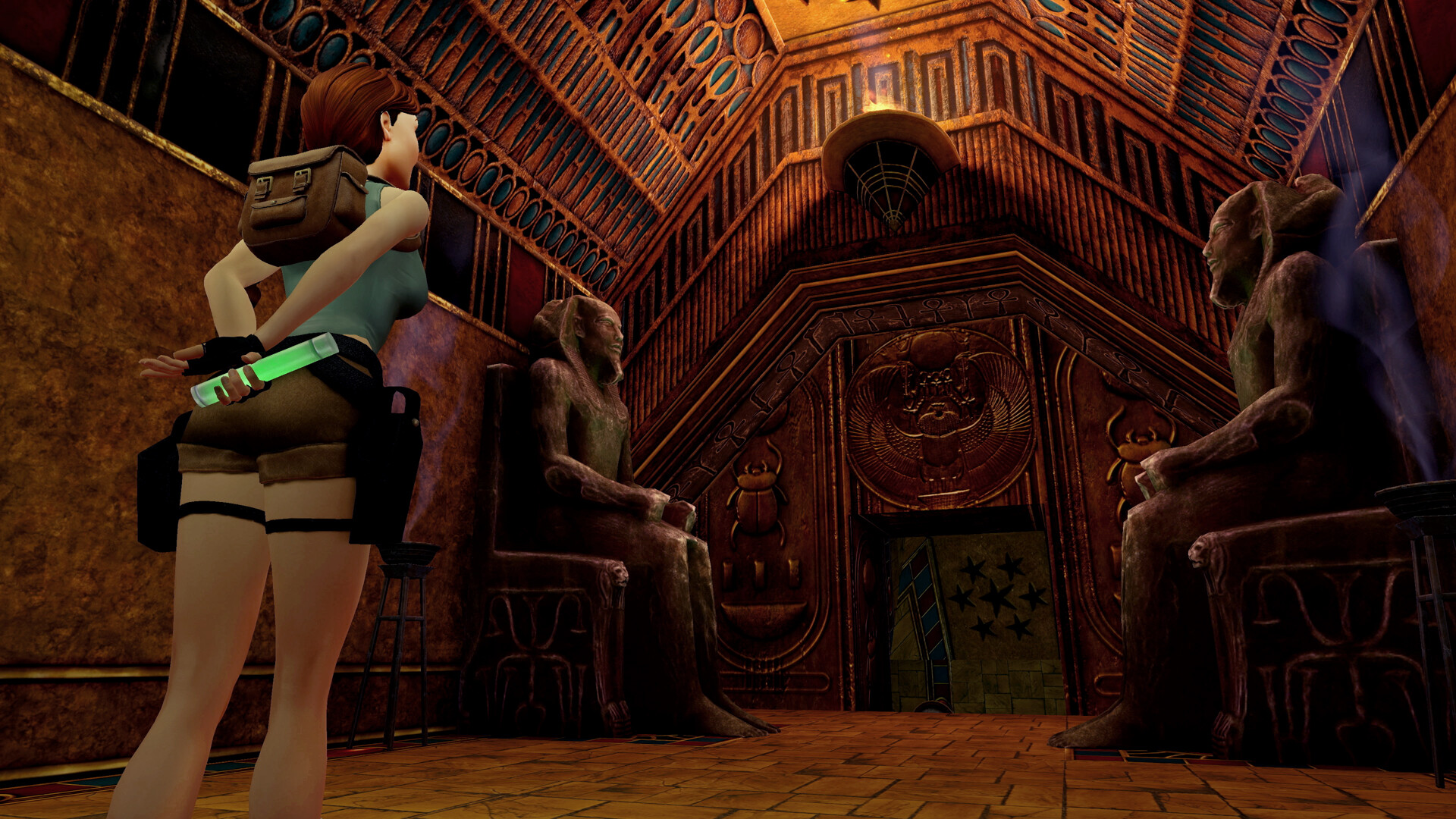
Introduction Once again, it seems some players are having some Issues with Modern Controls. So here I am once again to help them out. They improved some things, changed some others and even added a few new cool animations and functionality. First of all, the tutorials are for the tank controls, not modern. The secondary button is your grab button, not the action one. The action one is used to interact with objects (when you see a small hand icon, if you have that option turned on). The secondary one is the button you're gonna use when platforming. So basically: ACTION = Interact SECONDARY = grab Some things here might not work in Angel of Darkness (AoD). That game is its own thing. The major thing they changed is that now when you hold the look key you basically have access to tank controls. (Hold it for too long when standing still (2-3 s) and Lara will use the binoculars) When you have a gun drawn, Lara will turn in the direction the camera is facing. (Not perfectly though). (Remember that directions are, most of the time, camera relative in Modern Controls) Moves and commands - Vault to grab ledges: Hold grab button (secondary) + forward. (You don't need to hold the grab (secondary) button to keep holding on to ledges. Once Lara is holding them, just release the button) - Handstand: Instead of just pressing forward from holding a ledge, hold the walk key first, then press forward. - Drop from holding a ledge: Press the roll button - Turn Lara in place: Hold the look key and hold right or left - 180º in place (quick turn): Rolling is usefull to do a 180º quickly, but if you want to do it in place hold the walk key first then press roll. - Back hop: Hold the look key and press backwards. - Side and back flip: Hold the look key then press jump and immediately after pres right, left or backwards. (Also works with guns drawn) - Side and back stepping: Hold the look key + walk key and press right, left or backwards - Hold on to a ledge when running off a platform: Hold the secondary button while falling from a platform. She will turn around and grab the ledge. When holding the walk button and the secondary button, Lara will carefully drop and hold the ledge. - Drop to hold on to a ledge when backwards: When you are close to a ledge but you have Lara's back to it, press the secondary button. - Fancy backwards somersault into holding a ledge: When you are close to a ledge but you have Lara's back to it, instead of just pressing the secondary button, hold the walk key first, then press the secondary button. - Swan Dive: From Idle: Press and hold the jump button, immediately after press forward + walk button. From Running: Keep holding forward, press jump + walk button. - Swimming Lara swims freely in all directions relative to the direction the camera is facing (also includes how far up or down you are looking), no need to hold the jump button. To swim to the surface, look up as much you can and move forward until Lara breaths again. You can swim forward, backwards and sideways freely on the surface. To dive, hold the jump button. To grab a ledge low enough, hold forward + grab button. - Ducking: When standing still, press once to make Lara duck. In that position if you press any of the movement keys she will like crawl. to go back to the previous position, stop moving and press duck. To stand, press duck again. (Careful as there may be some delay for Lara to swap between regular ducking and crawling. Because of the input buffer, if you press too quickly she might duck again when you wanted to stand and vice-versa). - Moving backwards while crawling/crouching: Hold the walk button while crouched/crawling and hold backwards. - Grabbing a ledge from crawling position: Use the backwards movement described above until you are positioned backwards towards a ledge, hold the walk + grab button, then hold backwards. - Dropping from crouch doing a forward flip: While crouching and facing forward towards a ledge, hold the jump key. (Be careful because Lara will fall, she will not hold the ledge). - Diving roll from sprinting/dashing: While sprinting, keep holding forwards and press either the roll key or the jump key. (If you have the dashing option on toggle, remember to press the dash button again to make Lara transition smoothly into running normally. Lara can't do the regular jump when dashing, she will dive). - Diving roll directly into ducking: Instead of pressing jump or roll while sprinting/dashing, press the duck key. Lara Will dive and transition to ducking without standing. - 180º roll mid air: When jumping forwards or backwards, press the roll button while midair and Lara will do a 180º roll. (Also works with guns drawn. It can be extremely useful during some combat encounters). Video Guide Also, Lees Play made and excellent video guide to not only help with Modern Controls, but the 3 games in general. It is absolutely worth checking it out, specially if you are new to the games. Make sure to drop it a like if it helps you. https://youtu.be/xp3BYznA4J4 Closing Thoughts Yeah, yeah... I know that TR 4 and 5 at least were designed with tank controls in mind. I do recommend you give tank controls a try. Who knows, you might get used to them and enjoy. But the purpose of this guide is to help people, specially newcomers, to enjoy the game to the fullest with the Modern Controls. Remember, this is a single player game. So there is no right or wrong way to play. The option is there, so use it if you like it. I hope this guide find you well and that you do not give up on the games due to the controls. --- Источник: https://steamcommunity.com/sharedfiles/filedetails/?id=3427771872
ИсточникGHub Platform · автор07.09.2026, 01:04:43
Introduction Once again, it seems some players are having some Issues with Modern Controls. So here I am once again to help them out. They improved some things, changed some others and even added a few new cool animations and functionality. First of all, the tutorials are for the…
Войдите, чтобы писать в группе