Cyber Hook Speedrunning Guide
GHub Platform · Гайд · 0 ответов · 15 просмотров
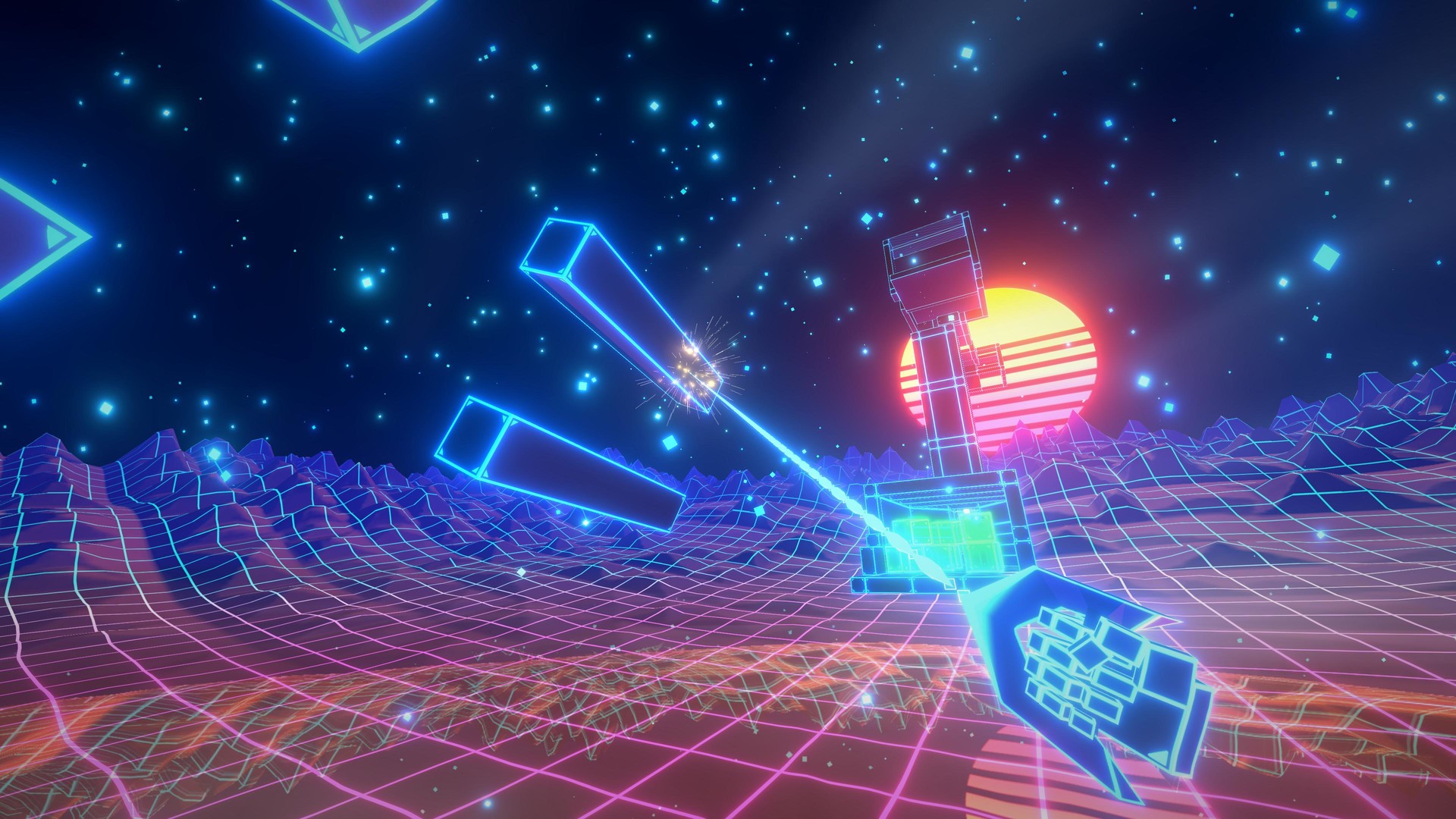
The goal of this guide is to help you learn the movement mechanics of Cyber Hook so that you can get started speedrunning. We also include some more advanced movement mechanics needed for achieving Top 10 times, as well as a variety of other tips from top runners. We've also included some gameplay clips, with keyboard and mouse inputs. I highly recommend paying close attention to these, and even slowing down the video. Before we begin: the best way to learn is to join the Cyber Hook Discord channel , ask questions and post videos/stream your gameplay! Many of the top players are active, and the fastest way to learn is by asking! https://discord.gg/FBbTaptR4Y We'll teach you to play like this: Also, if you're interested in tracking your performance, I have a leaderboards website here [snail489.shinyapps.io] that measures your performance across all maps. There are two main gameplay settings: manual release and auto-release . By default, manual release is enabled. You can change the option here: What is manual release? This setting allows you to hook onto objects using left-click and disconnect manually by pressing a key, typically right-click or CTRL. After landing a hook, you may either hold down left-click to pull towards the object or let go of left-click to remain hooked without pulling yourself in . What is auto-release? This setting allows you to hook onto objects using left-click and release the hook by simply letting go of left-click . This means that in order to remain hooked to an object using auto-release, you are required to pull yourself towards it . Please note that you may also disconnect from a hook by pressing Spacebar . Depending on the circumstances, this is a lot different compared to releasing via the previously mentioned methods, for reasons we will discuss later. New players generally prefer auto-release because it's simpler and more intuitive. However, you can achieve top times with either setting - just choose whatever you find works best for you! Also, we highly recommend you turn down the screen shake to below 0.1 . In the screenshot above, I've set mine to 0. It's much easier to aim without screen shake. In Cyber Hook, you gain speed when you pull your hook . Therefore, the best way to build up and maintain speed is by staying hooked for as long as possible, and always pulling in. You will lose speed whenever you are not pulling onto something . The video below show two example runs. The top is a “bad” run, where the player waits a considerable amount of time between consecutive hooks. The bottom is a “good” run, where the player chains their hooks together quickly and there is much less wait time between each hook: You can see the player in the top video rapidly loses speed as soon as they release their hook. In the bottom video, there is almost no speed loss because as soon as they release their hook, they hook onto another object . This is especially important for maps that involve travelling vertically, because you lose speed even more quickly when moving upwards . So, in summary, the goal of Cyber Hook is to travel to the exit in as straight a line as possible. You want to stay hooked onto objects for as long as possible. Once your hook starts to take you off the ideal line, you want to grab onto another object (in front of you, or on the side) as soon as possible . Optimising the timings of your hooks is the most important part when speedrunning Cyber Hook. Difficulty: Easy How do I wallrun? If you are close enough to a wall, holding down Spacebar will initiate a wallrun. Why would I use a wallrun? You gain 20 speed as soon as you leave the wall (unless you are already over 140 speed). Therefore, wallrunning is a simple and effective way to build up a lot of speed. You can get this speed boost by either wallrunning off the edge of a wall, or just releasing the Spacebar. Here's a few clips of wallruns. Notice the speed boost I get after each wallrun. On the first map, Speedy Luke , I wallrun on two walls to reach the 140 speed cap faster. I also wallrun downwards so I can immediately get more speed due to gravity. The second map, Walk , shows a similar technique. The third map, Navigation , shows that you can wallrun on very thin/tiny walls to get a boost too: When should I wallrun? You want to get the wallrun boost as quickly as possible, generally at the beginning of a map. More details on wallrunning: It's usually best to wallrun angled slightly downwards. You gain speed more quickly because you begin falling immediately, thus gaining speed due to gravity. It doesn't matter how far you've travelled while wallrunning, the boost will be the same. You can only gain up to a maximum of 140 speed from a wallrun. So, if you start a wallrun with 120 speed, you'll end the wallrun with 140; and if you start with 130, you'll still end with 140. Holding the W+A and W+D keys while wallrunning allows you to wallrun diagonally. If the wall is on your right, W+A will move you diagonally downwards and W+D will move you diagonally upwards. The opposite occurs when the wall is on your left. Your speed increases over time much more slowly when wallrunning compared to moving normally. Therefore, it's ideal to initiate a wallrun as late as possible to maximise the speed you have at the start of the wallrun. A good example of this is the first wallrun on the map Field , where we deliberately initiate the wallrun further along the wall so we can build up more speed. There are some harder variations of wallruns (double wallruns, hooked wallruns). These are more advanced techniques. More on this later. Difficulty: Easy How do I pull myself down? Hook and pull onto an object below you. If you're using manual release, disconnect the hook by pressing right-click or CTRL, whereas if you're using auto-release, just let go of left-click. As mentioned earlier, this is a situation where you should NOT use the Spacebar to release the hook. Why would I pull down? In a lot of maps, you need to travel down to reach the goal. If you release the hook with Spacebar, you will jump upon release, wasting airtime and potentially reducing your speed. Releasing with the other methods allows you to re-direct your momentum downwards instead. The video below shows two runs. In the top run, I release my hook with Spacebar, resulting in a very slow descent to the goal. In the bottom run, I pull myself downward and release the hook normally, which allows me to reach the exit much faster: When would I pull down? Whenever you need to travel downwards. You can also use it at the start of a map to gain speed quickly. This is because, when you pull yourself down, you gain additional speed from both the hook pulling and gravity . You can then hook above you to re-direct the momentum. Difficulty: Easy What is a Landing Hook? When you fall downwards, hook onto the ground just before you land. If your feet touch the ground while hooked onto the ground, you will gain more speed. Why would I use it? When you drop downwards, you gain speed due to gravity. But if you land on a platform, you immediately lose all the additional speed. By hooking the ground just before you land, you won't lose the speed, and instead actually gain more speed. Check out this video, paying particular attention to the speedometer. In the top run, the player lands on the ground after falling, and all additional speed is lost. In the bottom run, the player’s feet touch the ground while hooked, so the extra speed is kept. We show this technique used on two different maps: When would I use it? Whenever you need to land on the ground from high up, given there is a hookable surface to land on. Difficulty: Easy How do I use Slowmo? You can activate slow motion by holding down Shift . In Slowmo, the timer continues to run at normal speed but the game (movement, enemies, etc.) runs at reduced speed. Why would I use Slowmo? Your hook's range is increased in Slowmo, making it possible to grab objects which
ИсточникGHub Platform · автор07.09.2026, 01:26:34
The goal of this guide is to help you learn the movement mechanics of Cyber Hook so that you can get started speedrunning. We also include some more advanced movement mechanics needed for achieving Top 10 times, as well as a variety of other tips from top runners. We've also incl…
Войдите, чтобы писать в группе