Fix for game not starting
GHub Platform · Гайд · 0 ответов · 13 просмотров
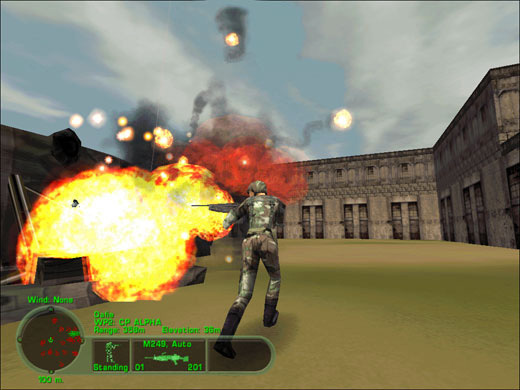
The guide is made to tell you how to fix a issue when starting the game. If you have the issue with clicking play and then it doesn't do anything and closes or comes up with a error, then you might need to know this guide will help. 1.First fix to try do is by going into your Programs and features in control panel in windows, and then to click Turn windows features on or off, then in the list, you need to find legacy features or legacy components and then enable Directplay feature, then click OK. Thanks for reading. --- Источник: https://steamcommunity.com/sharedfiles/filedetails/?id=930549902
ИсточникGHub Platform · автор10.09.2026, 07:42:41
The guide is made to tell you how to fix a issue when starting the game. If you have the issue with clicking play and then it doesn't do anything and closes or comes up with a error, then you might need to know this guide will help. 1.First fix to try do is by going into your Pro…
Войдите, чтобы писать в группе