Where to find the Faction Editor and how to add the secret developer factions
GHub Platform · Гайд · 0 ответов · 13 просмотров
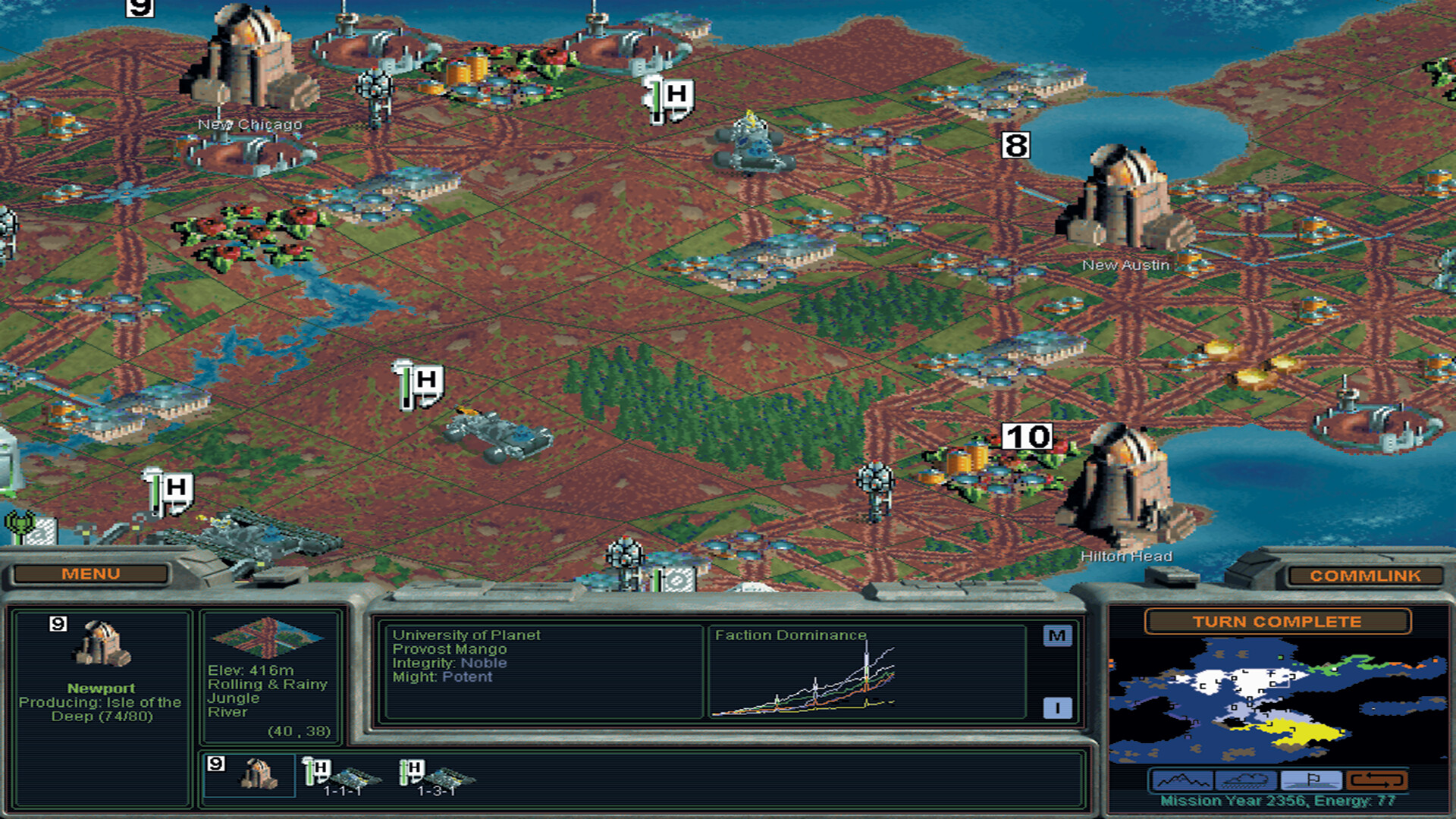
1. Browse the installation files for the game and scroll down until you find an application labelled "facedit". Load it. 2. Click the load button in the application and make sure it's searching the installation files for the game (this should be the default). 3. There are two secret developer factions in amongst the files "brian.txt" and "sid.txt". Load either and you'll see the new details for the faction populate the various diplomacy options. 4. Click "Save" and overwrite the .txt file for whichever faction you loaded up and you'll get one more option to add the faction to the game itself. Add it, save, load the game and enjoy playing with the silly diplomacy options and utterly imbalanced, but fun, Singularity Mechanics unlocked from turn one. And of course, you can make your own custom factions for a laugh. Monopole Magnets on turn one makes for a nice smooth ride. I'll add pictures to this if folks really need them, but I suspect we're all old enough to know how navigate files like this. --- Источник: https://steamcommunity.com/sharedfiles/filedetails/?id=3183182174
ИсточникGHub Platform · автор10.09.2026, 08:13:40
1. Browse the installation files for the game and scroll down until you find an application labelled "facedit". Load it. 2. Click the load button in the application and make sure it's searching the installation files for the game (this should be the default). 3. There a…
Войдите, чтобы писать в группе