Another way to fix crashing in main menu
GHub Platform · Гайд · 0 ответов · 17 просмотров
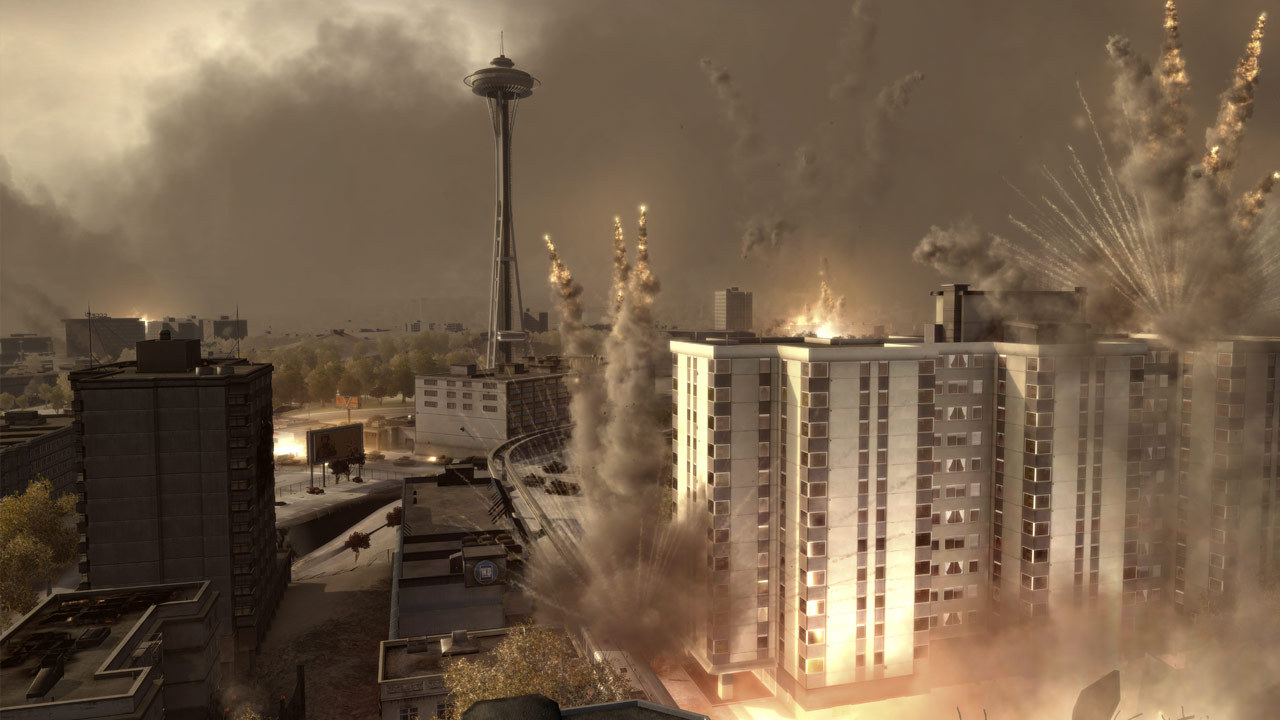
1) Install Soviet Assault ONLY . 2) Launch Soviet Assault. 3) Allow installation of World in Conflict. 4) Launch Soviet Assault. 5) Verify integrity of files. 6) Go to game folder and set Compatability with Windows XP (SP3) for WiC.exe 7) Launch Soviet Assault. 8) Apply fix. 9) Launch Soviet Assault. Thanks to Sean from comments: The start up crash happens if you have DX10 enabled. 1) Go to \MyDocuments\World in Conflict 2) Open the "Game Options" text file and look for "myDX10Flag" 3) if it is set to "1" simply change it to "0". --- Источник: https://steamcommunity.com/sharedfiles/filedetails/?id=3620440641
ИсточникGHub Platform · автор10.09.2026, 08:25:09
1) Install Soviet Assault ONLY . 2) Launch Soviet Assault. 3) Allow installation of World in Conflict. 4) Launch Soviet Assault. 5) Verify integrity of files. 6) Go to game folder and set Compatability with Windows XP (SP3) for WiC.exe 7) Launch Soviet Assault. 8) Apply fix. 9) L…
Войдите, чтобы писать в группе