BASIC GUIDE
GHub Platform · Гайд · 0 ответов · 3 просмотра
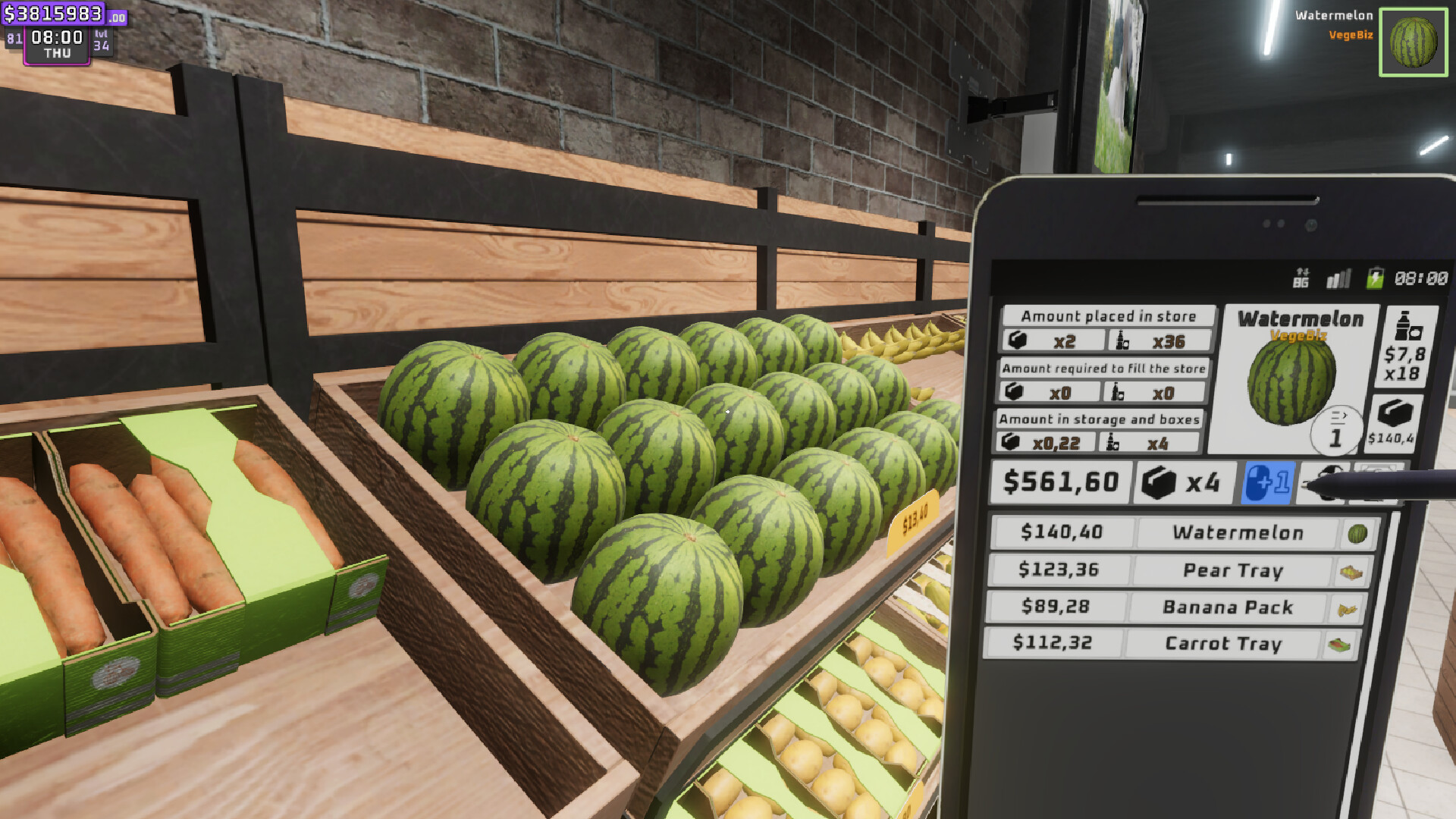
⚠️I do not update this guide anymore⚠️ If you have questions / problems please check on these Discord Groups below. First one is the Official Discord group that created by the Game Developers. The second one has been created by the Community. Both of them are the best options to get help / support and search for others to play with them. Love you all♥ (OFFICIAL) DDTNL Discord: https://discord.gg/deaddevstellnolies (UNOFFICIAL) Supermarket Together Community Discord: https://discord.gg/gNMQcSFKW2 (2025. June 04. / Petrova) For any misunderstandings: I am a player, I am NOT a Developer! - Just to be clear, some categories of this Guide can be outdated, because of the frequent game patches and hotfixes. - I would like to inform you guys that I am currently playing completely different games and I dont have much extra time. If you have any questions or tips to share, please feel free to comment! Have a good game everyone:) Last update after: Employees Rework: Part 1 Patch Player slots: 1-16 There is no manual save (you can find about it at the end of the Guide)! Game has only 1st person view, but if you own the The Cool Pack DLC and use any of the animations on your character you will see that in 3rd view ( Patched ) . This is my first Guide. I will try to update it when I will have time OR patches will change the written stuff If this Guide was helpful to you, please press a Like so that others can find it more easily and maybe it can help them too :) If you find something what is wrong, please correct my words in the comments so I can fix it. Thank you! ♥ I apologize for any grammatical or spelling mistakes. English is not my native language. Thank you so much guys for all the awards and likes ♥ I didn't expect this when I made this guide. If you experienced an issue in-game you can check the Discussions for answers or to post there the problem. Also you can search in Discussions (search bar at right side like this on the screenshot) Example topics about issues and feedback: Feedback (made by community) Feedback Thread (made by Devs) F.A.Q. & Help (made by Devs) Supermarket Together Wikipedia [supermarkettogether.wiki.gg] where you can find a lot of useful stuff like product list and Community Mods! Check it out (created and managed by a few nice members of the Community) Main menu New Store - You can create your own Store here Load Store - You can load your savegames and manage them here Join Store - You can join to other players stores here (Public, or coded) Options - I think its clear (Controls are here!) Right side - You can choose the game's language Screenshots folder if default (steam) : ...\Programfiles (x86)\Steam\userdata\NUMBER\760\remote/ 2709570 Save file is located in AppData - LocalLow - DDTNL folder Enter its name (others will see this name if its public); Set the visibility (Private, Only Friends, Public) - take care with Public settings, ppl are troll; Set difficulty from 0 to 10 (0 means less robbers so its ez to make money, 10 is like unplayable because every second customer will rob you). In past difficulty could be selected from 0 to 7, after this Patch (02.10.2024) can select from 0 to 10; Click on create. Take care! You cannot change the difficulty level of already existing saves! Now you can change the already existed saves Difficulty level! Read about in "LOAD & MANAGE STORE + JOIN CODE" category Main Menu - Load Store button; Choose the savegame what you want to play again; Change the Difficulty level if need; Set its visibility; Click on Continue and Play. EDIT: Maybe my text was not clear about the Difficulty level changing, so: You can always change the Difficulty level on existed saves! In Load Store menu, select the save what you want to start, there you can change the Difficulty level with the left and right arrows. Use Backups if something went wrong -- If something went wrong you can load backups. Simple click on Backups button and select the backup what you want to load. Delete Saves -- You can delete your save files without deleting them manually from their folder. -- After selected the "Load Store" menu, you can activate the delete mode at bottom right. -- If you want to delete a save, simple click on the red "Delete Mode Off" button to enable it, you will be able to delete your save(s) now. If you are done, just click on the "Delete Mode On" button again. Join Code -- You can share the Store's join code with your friends, after loaded the save simple press ESC and there is a button "Copy join code to clipboard" these are only numbers (no URL etc.), just send it to your friends. -- You can only share the code, if You are done with the Tutorial! -- If someone shared code with you, read the "JOIN STORE" category. You can join to every Public store here; You can use the Code window at top right side to paste the code what has been shared with you (next click on Join); You can refresh this window anytime if you click on the refresh button at bottom left; You can click on "Back" to leave "Join Store" menu. This category still needs an update. -- As we can see, Devs gave us a simple and nice Online control panel , what we can use on Friends Only or Public mode. -- This feature is amazing if we want to block and kick players from our shop who trolling. Or can be use to help someone who cannot move coz of a bug. Updated content on (03.10.2024) As the Patch says that "Punish players or lazy friends by jailing them, the punish amount is the number of times jailed players will have to click on the door to open it. It can be also used as a way to unstuck players by the host." The number under the Player name can be set to custom. If you set the number on 60 and click on Punish button , the selected player must click 60 times on the Jail's door to exit the jail room. The Jail has moved to outside of shop to a new building Patch (02.10.2024) . -- Example image about my friend's view who got 10 clicks punishment: -- We can now Open and Close our lobby . Press ESC after you loaded in your store, at the top you will see the button: This feature has arrived with New Products And Snapping Patch (06.11.2024) -- We can manually set the doors to open , only entrance , only exit and closed . -- The switch panel is above all the doors, to switch simple Left click on panel -- Remember that you cannot set to close , or only entrance or only exit all the doors, your store must have minimum 1 door open for both sides (open), or 1 door only entrance and 1 door only exit so the customers can also come inside and leave. Switch panel icons : -- Press TAB button to use the Builder menu . You can use it any time, no matters if the store open or closed How to move placed items (furniture & decorations)? Builder Menu (TAB) - "Placement Mode" - Press E while looking on the item How to remove placed items (furniture & decorations)? Builder Menu (TAB) - "Delete Mode" - Press E while looking on the item Snapping Patch (06.11.2024) Switch between modes via CTRL - Snap: None Does nothing, it means free mode. - Snap: Grid Center Snap the items to center of grid. I tested with Product Shelf and others, I experiened that its better to use it on bigger objects as on the example screenshot: - Snap: Furniture Perfectly snap objects to each other (sides and back). What happened to the Tablet? Tablet has no function after this Patch (16.10.2024) . I removed the Tablet from categories. This category was detailed before this Patch (16.10.2024) , but because I dont really have time to update it, I made it basic. Franchise Points and Franchise Board If you are doing the Tutorial at game start you will get franchise points so you can select a line and start to unlock it via click on its icon. The first one is "Basic Products I" this will grant you to buy new products what you can sell to customers. After getting more points,
ИсточникGHub Platform · автор10.09.2026, 10:19:49

Войдите, чтобы писать в группе