Updates and common fixes (Still updated into 2025)
GHub Platform · Гайд · 0 ответов · 3 просмотра
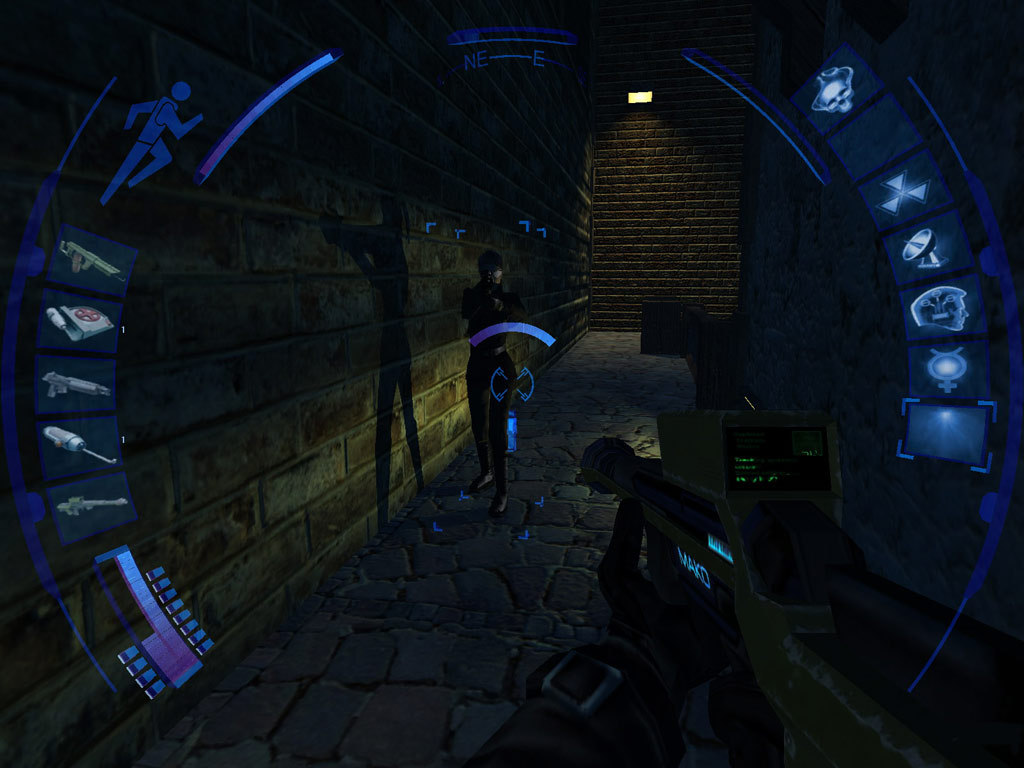
Hello! The Deus Ex community has been extremely active since the first game was announced and it's subsequent release in 2000. Because of Ion Storm's use of the Unreal engines the Deus Ex games have been extremely easy to modify. In this guide I'll link you through how to install the texture update and widescreen fix for DX:IW first but really before anything else you should try launching the game yourself to see what you might need to fix. Run the game without changes or mods at least once to see what problems we have. Running the game once without any modifications allows us to see what issues we are fighting before we complicate it further with patches and compatability settings. If you have an issue that you want help with in the comments, make sure you include whether you could get the game running unmodified at all first. If you are having trouble with mods, try applying only one modification at a time rather than several at once. Once you click Play we should have an Eidos and an Ion Storm logo and it take you to the main menu. From there either try and change the resolution in Options or go straight into New Game. Changing the resolution might reveal that bug if you have it, launching a new game takes us to the final level load check. If at any point you find youself at the desktop, don't panic. Look at the taskbar and see if DX:IW is still running, if it is just alt+tab back in. The effect isn't immediate, it takes no more than around 30 seconds for the game to load back up on a fast machine. It can take much, much, longer to tab back in on a slow machine. I've had 5 minutes before. Either way, click New Game and you should get another intro video for the story and then the character creation screen. Just click Accept for now as you'll create a new game after you have the texture pack and widescreen mode installed. If all goes well you should be in a small room with a swinging light. If you are, quit out and go to the Patches section, if you aren't then take the details of your crash and go to the Crash Fixes section. Recently a lot more games have been using overlays that DX:IW has trouble working with. In this section I'll go through a few things that might work to get the game running. If you are having crashes make sure you disable game overlays This includes Steam, nVidia, SignalRGB, whatever overlay you can imagine Looking at another person's Steam guide, it is worth investigating to see if dxvoodowrapper can uplift the game to a more recent API that maybe plays more nicely with overlays... 1. Logitech Setpoint As seen here It appears a macro recording software from Logitech called "Setpoint" interferes with the game. Killing setpoint.exe via Task Manager might do the job. If you can't do it via the main tab, switch to the detail tab and set it to alphabetical, scroll to setpoint.exe and end it. If that's too much of a nause, you can uninstall it to prevent it from starting every time. 2. Logitech Arx As seen here [https//steamhttps] Another overlay is that the Arx listener under Logitech Gaming Software for Discord may affect the game. Load up Logitech Gaming software, hit Settings (cog logo) and under the General tab under "Game integration" heading enable "Show game integration customisation". Click "OK" and use the left hand bar at the bottom to scroll to the keyboard-and-tablet logo. In there select "Discord" and tell it to "Never launch". 3. Overlay wrap up There are a few other overlays. From when I started this guide X-Fire is no longer with us sadly as is Raptr. That leaves Overwatch, Steam, Discord, nVidia, ATI overlays. Go through all your overlay programs and make sure they aren't running for DX:IW Interestingly, I noted that though I have enabled the Steam overlay for DX:IW it isn't accessible ingame. In order to support the content in Linux we will want to open the Wine prefix that Steam uses to run the game in. Installation of DX2 Visible Upgrade With Protontricks scroll down to "Deus Ex: Invisible War" Select "Select the default wineprefix" Installation method 1 - Uninstaller Use "Select uninstaller" When the uninstaller window pops up use the "Install" button in the top right Find the files to install, run Installation method 2 - Explorer Select "Run explorer" Navigate to your patch file location and point them in the right direction. ESRGAN v2 full texture upgrade Download ERSGAN v2 full texture upgrade from here [www.pcgamingwiki.com] or here . Open the downloaded .7z archive. Generally Linux GUI archive managers have no trouble with this. Copy the folder DX2 to the DX2 Steam install folder, it will have a folder called "content", open that and merge the archive "DX2" folder with the Steam ...\Deus Ex Invisible War\content\DX2\ folder, this will overwrite about 4000 files in the DX2 folder for the game. Now just run the game. For Proton I use whatever is going, they are all up to date enough. Even Proton 10.0.0-1 is working. More recently you might see that a few community patches have come out that wrap up a number of fixes, texture updates, FOV and setting controls into single beautiful packages. Make sure you followed the section above and ran the game once first to set the registry values that the patches will rely on. From the forum of Through The Looking Glass is their "Visible" patch; http://www.ttlg.com/forums/showthread.php?t=147423 ModDB mirror; https://www.moddb.com/mods/deus-ex-2-visible-upgrade Make sure you can run the game once into a a level (As opposed to just the main menu) before attempting to modify it! The community Visible patch includes the latest texture upgrades based on the texture packs linked below and here; DX:IW Visible upgrade . The unified HD texture pack: http://www.fileplanet.com/182707/180000/fileinfo/Deus-Ex:-Invisible-War---Deus-Ex-Unified-Texture-Pack A Nexus mod texture upgrade, separate from the rest; https://www.nexusmods.com/deusexinvisiblewar/mods/1?tab=description An old in depth guide to tweaking: http://forums.eidosgames.com/showthread.php?t=29653 Another old in depth guide: http://forums.eidosgames.com/showthread.php?t=29653 Multi core fix is included in the Visible community patch linked above and here; DX:IW Visible upgrade . Flicker to desktop when loading game This appears to be caused by Desktop Composition, a form of layering that uses alpha blending as seen extensively in Windows Vista and 7. It has now become the de facto standard desktop composition system as of Windows 10 which means you cannot turn it off. As seen here [linustechtips.com] . Multi core issues. If for some reason you have exessive stutter or crashing even after you've applied the community patch or maybe because you don't want to apply the community patch. Set processor affinity for the DXIW.exe and associated .exe-s in the following manner: Realtek audio causes problems. Either disable the device while you play, set another device as default, or uninstall the Realtek drivers and run with generic windows drivers. http://forums.steampowered.com/forums/showthread.php?t=2009940 As highlighted by apocox , various things can block your access to the save file directory so that old games like DX:IW are automatically blocked by malware protections. Copied from pcgamingwiki [www.pcgamingwiki.com] we have a table of the config file and save file locations for DX:IW; Item Operating system Location Thank you all to everyone that's contributed thus far in making this guide. Whilst the game isn't stand-out it is still an important game in what it represents as a technological step and what it tries to do otherwise. Thanks to: Mike Stoklasa stumbles Sullium apocox And everyone that's commented with either things to fix or fixes in this guide :) --- Источник: https://steamcommunity.com/sharedfiles/filedetails/?id=228155744
ИсточникGHub Platform · автор10.09.2026, 11:38:41
Hello! The Deus Ex community has been extremely active since the first game was announced and it's subsequent release in 2000. Because of Ion Storm's use of the Unreal engines the Deus Ex games have been extremely easy to modify. In this guide I'll link you through how to install…
Войдите, чтобы писать в группе