How to: Make Kohan 2 run well on Windows 10/11
GHub Platform · Гайд · 0 ответов · 5 просмотров
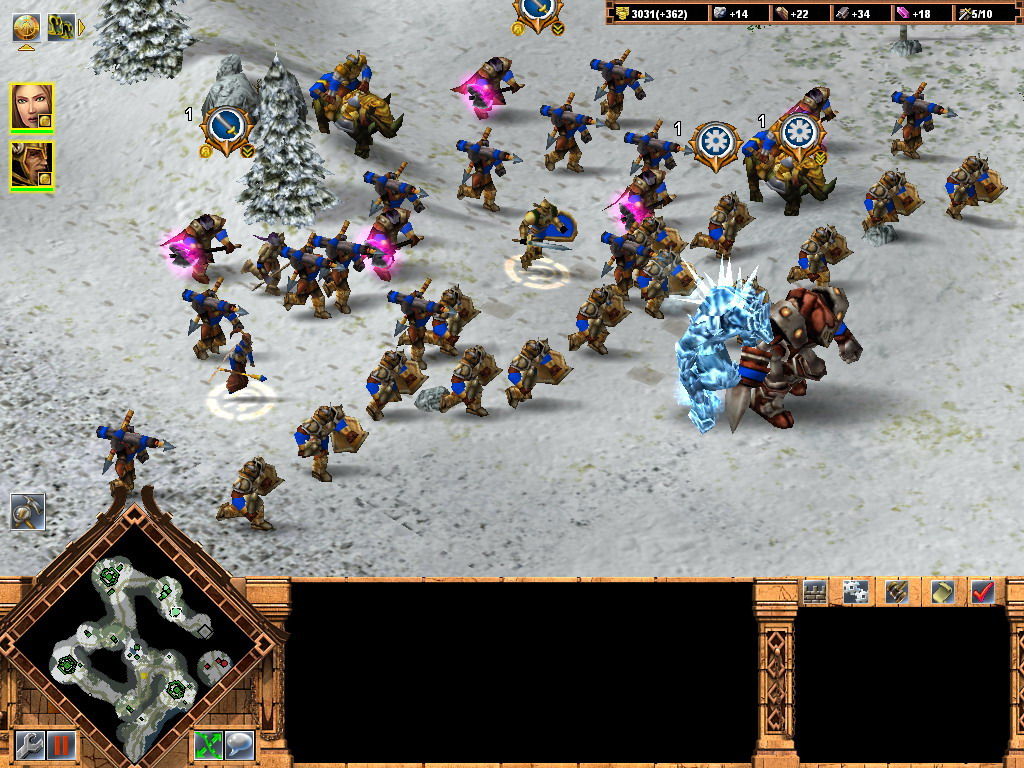
Let's start with compatibility settings. Find k2.exe in the install directory. Just right click the game from your steam library and click properties. Then under local files click browse. It should open the installation directory. In the Installation Directory Select k2.exe right click it and select Properties. Under Properties, select Compatibility Under "Compatibility Mode" check "Run this program in compatibility mode for:" and select Windows XP (Service Pack 2) Check Run this program as an administrator and hit apply. Access "Advanced System Settings" either by searching for it in your Start Menu, or by searching for it from your System Menu. Under System Properties, Select Advanced, and then under Performance select Settings Select "Data Execution Prevention" then select "Turn on DEP for all programs except those I select:" and click "Add" Add k2.exe from the install directory. Make sure k2.exe is selected and click apply then restart your computer. This process also works to solve problems with many other old 32bit era games. I hope this guide helped. Thanks to Helpful people on the forums --- Источник: https://steamcommunity.com/sharedfiles/filedetails/?id=2823214193
ИсточникGHub Platform · автор10.09.2026, 11:50:12
Let's start with compatibility settings. Find k2.exe in the install directory. Just right click the game from your steam library and click properties. Then under local files click browse. It should open the installation directory. In the Installation Directory Select k2.exe righ…
Войдите, чтобы писать в группе