Running Invisible War in 2025
GHub Platform · Гайд · 0 ответов · 5 просмотров
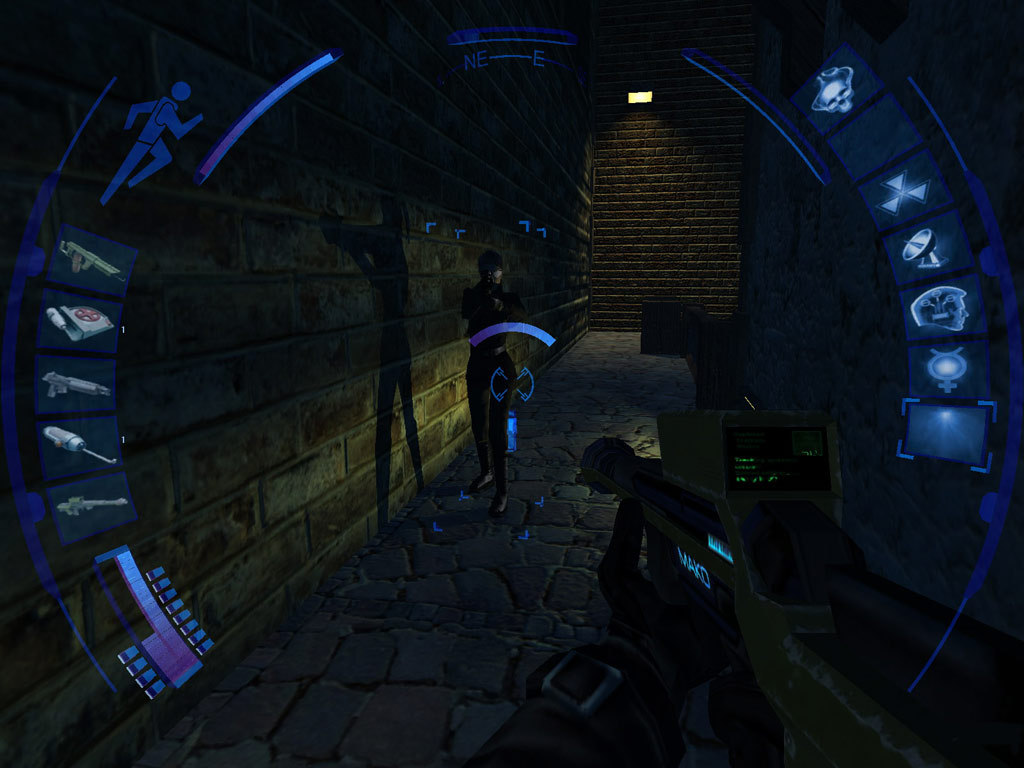
Step 1: Start the game. Go to the menu then back out. We need to start the game so it runs the necessary registries for Visible Upgrade. Step 2: Download and install Visible Upgrade (not my mod, all credits to snobel). This is a patch with an optional texture pack. Not only does it allow the game to run significantly better, but it allows HD resolutions such as 4K. Make sure the patch is directed to where you've installed the game. It should find it automatically. Download link: https://www.moddb.com/mods/deus-ex-2-visible-upgrade/downloads/visible-upgrade-full-edition Step 3: That's it. You're done! Feel free to tweak any settings you like such as multi-core stuff and higher field of views using the included tweaker (placed inside your game's folder or/and as a desktop shortcut). Thank you, snobel! If the game still crashes for you, then there are a few things that may help you. 1. Disable the Steam overlay. Do this by right clicking on the game in your library and selecting properties. 2. Disable NVIDIA Shadowplay. The Steam overlay works fine for me, but it's for this reason that I made this guide to help people as I haven't seen it mentioned anywhere else. If you use Shadowplay, then the overlay will crash your game. You can disable the Overlay by opening up GeForce Experience and going into settings. 3. Don't run the game over 4K. Games this old don't support over 4K, so don't try to play this at 8K. --- Источник: https://steamcommunity.com/sharedfiles/filedetails/?id=2482215439
ИсточникGHub Platform · автор10.09.2026, 12:00:01
Step 1: Start the game. Go to the menu then back out. We need to start the game so it runs the necessary registries for Visible Upgrade. Step 2: Download and install Visible Upgrade (not my mod, all credits to snobel). This is a patch with an optional texture pack. Not only does…
Войдите, чтобы писать в группе