A (not so) friendly Beginner`s Guide to PES & Scrippting
GHub Platform · Гайд · 0 ответов · 3 просмотра
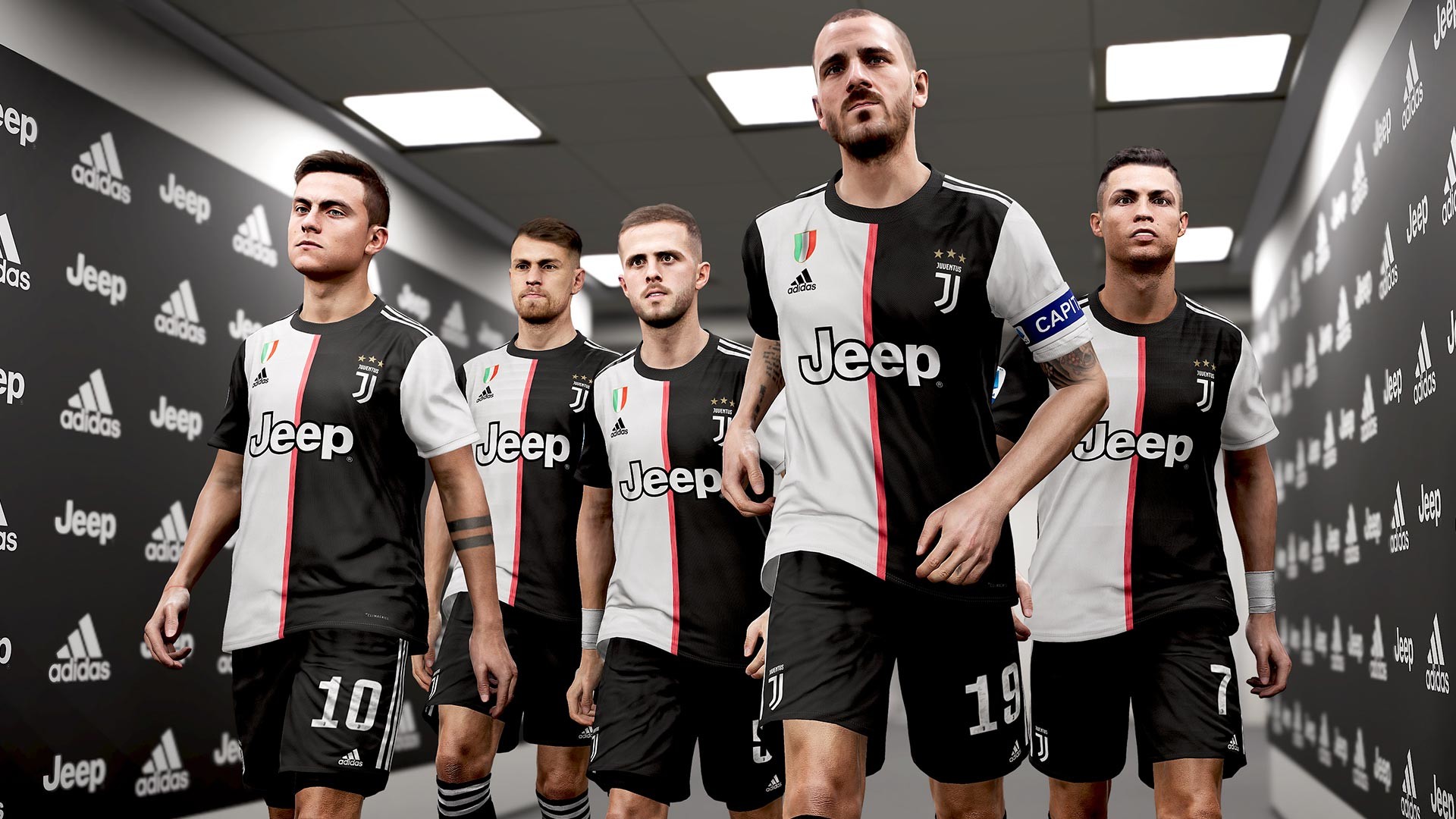
The (not so)Friendly Beginners Guide To PES 2020 - or scripting and other complaints, "BUT I DID PRESS THE BUTTON!" Ver. 0.1 Note: As you might notice English isn't my first language, so if someone wants to help in that department, that would be welcome. Hi, there are some complaints about PES that pop up every year, so I decided to collect them and to show what you can do about it. The goal of this guide to improve your game, get an understanding of why some things happen on the pitch, and finally to have more fun playing the game. And I will surely make some new "friends" along the way! Note: Most of these things aren't new and many can be even found in the game in the pause menu under help, and of course there are some very good YouTube videos by guys like Spoony Pizzas that show some game mechanics even better. There was never an easier time to get the information you are looking for or might need. There is also a short version of this guide. WATCH THE REALITY! and wonder why the player didn't hit the empty net there before you scream at this game when your player does the same. PES is a simulation which means it tries to do most things like in real life - but of course it isn't perfect, sometimes you might even see the same black cat twice. PS4 Players & DualShock Users A = X X = Square B = Circle Y = Triangle LB = L1 RB = R1 LT = L2 RT = R2 1. The "I did press the button, he didn`t shoot!" aka this garbage game is unresponsive! Yes you probably did, maybe not early enough. Do you expected the player to shoot as soon as you touch the button? What to do: First make sure that your set up is correct, if you play on a TV turn Game Mode on, or Picture improving settings off if there is no game mode, might look not as good in the beginning but you`ll get used to it. Then there are of course, input lag from the controller, maybe lag from playing online and of course you. But there isn`t much new I can tell you to do about this. On to the game, "You press button, you shoot or pass" right? Wrong! The first thing that happens is the power-bar will start to fill and only once the bar is full or you release the button the player will TRY to shoot/pass. This not only allows you to make dummy kicks (press X or B then cancel by pressing A or SUPER CANCLE which also works for passes) - but even more vital gives you control about the power of the shoot or to whom the pass should go and as long as no one comes up with a "better" control scheme or a mind reading controller this wont change much. "TRY to shoot/pass?" "Yes Timmy, try." - after all this there is more to take into account like player stats and skills (what did you think they are for?!), pressure from defenders or animations - you don`t want your player to shoot the ball by simply running into it, do you? Very important is the positioning of the player and the ball - imagine you are running down the line, with full speed, in the wrong direction, the ball 3 Meters away and now you try to shoot at the goal - what do you expect your player to do? So if you can - try to slow down a bit before you shoot, face where you want to pass or shoot and you will get better passes and goal shots. Timing is also importent - don`t press to earlier or to late. This is something that needs training and experience. The fill the power bar problem also highlights the signification of the X button to clear the ball, when in defense. When you use it in your own half, it is an instant full bar to punt the ball away. The "This player turns like my grandma!" alias this game is still unresponsive! Much like above, how do you want your player to turn? With no animation, a broken animation? Get up, try to turn, now try with a ball, now try with a defender putting pressure on you, now try while at full speed - you get the idea. "But Sir I`m not a professional football player" nor is every player a Messi on a good day. Don`t run all the time holding RB , taping it between the ball contacts is enough. Rule of thumb: The faster you are = the lower the control you have. The F* this, the player moves on its own or doesn`t react Yes, they do that from time to time. First make sure your Game Pads analoge sticks aren`t broken (Stick drifting) a good place to do this is training mode (hidden under Exhebition). All good, fine. There is a simple rule: The player follows the ball, not the ball the player. You probably noticed already when you let the left or right stick go the player will still walk a bit - that is simply because the player follows the ball, which makes sense since the ball is an important part of football. You can stop the ball by holding RB to stop and turn towards the opponents goal, double tab and hold to NOT turn towards the goal. This easy concept extends to basically everything. Getting a sloppy pass, a pass with to much power or receiving a good pass with a bad player (again there are stats in the game for a reason) - you player might make an unwanted move or take a second longer before he does what you want again. Getting tackled - don`t expect you player to act like it`s nothing. "WHAT!? I didn`t foul!" aka I always foul but the CPU never gets a card Fist yes there are some crazy things going on, it is often annoying and it`s far from perfect (it also isn`t in reality). But still I have less fouls than the CPU, much less yellow and red cards and even far less than the friends that complain about it. "But How?" First check the "Auto Sliding" setting in the Profile menu, it controls how often your CPU controlled teammates try slide tackles. I haven`t played around with this but always set it to Semi-Auto. I only use slide tackles as last resort, there are usually better options. Now watch some videos of good defending in real life, do they run directly into the ball leading player form behind or the side? No, not so often. Usually wat you want to do is to get between the player and your goal, after that is done hold RT to face towards the ball and better control your movement and block the way. Now you have some options, you can close in to try to steal the ball or , that´s what I use more often, hold X to send a teammate (the one that is marked with the half transparent triangle) while you still block the way towards your goal, double tap X and hold to send two players to pressure the opposition player, so keep in mind this of course will open up rooms. Do NOT hold it all the time or they will run in like headless chicken and foul or will be easily passed by, hold it to get close then tap it when you see a chance to steal the ball. The A button: Much like with the X button, I suggest not to simply hold it down all the time. RB+A makes your player closing the gap faster but at the cost of some control. Double tapping A: I rarely double tap A since it is simply often not needed, quickly holding A or even nothing (so holding RT is better) while getting in the way of the ball is often enough. Double tapping A often leads to a foul or your player being caught in a stun animation when it fails. New in PES 2020 is that double tapping A from behind lets you player try to push the opponent to the ground, which most times is a foul. Quick tip: holding A and or X can also be good when you lost track of the ball for some reason. If you don`t know where the ball is - the CPU does. How do you make the CPU foul more often? Many quick turns, if you do this the defenders will get more problems than when you run in a straight line and more often make a bad tackle. But also remember just because your player did fall, doesn`t mean it was a foul. Dive - yes you can dive in this game and what I can say that the CPU even trys to do this - what I can`t say if it does so successfully since I don`t know if you get an info from like the commenators that it wasn`t a foul but a dive. So maybe you really didn`t foul but
ИсточникGHub Platform · автор10.09.2026, 13:15:37
The (not so)Friendly Beginners Guide To PES 2020 - or scripting and other complaints, "BUT I DID PRESS THE BUTTON!" Ver. 0.1 Note: As you might notice English isn't my first language, so if someone wants to help in that department, that would be welcome. Hi, there are s…
Войдите, чтобы писать в группе